
13

Showing 1–24 of 57 results
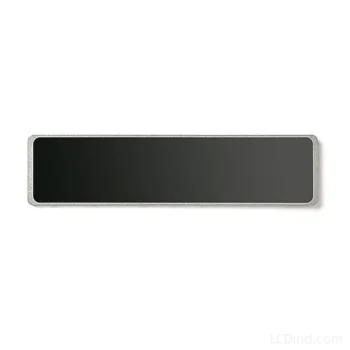
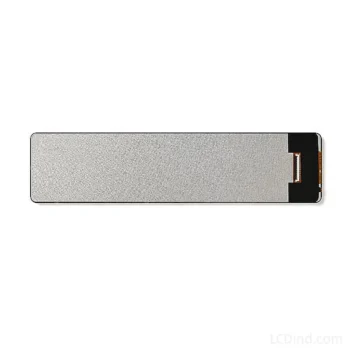
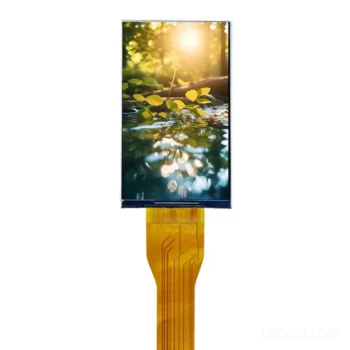
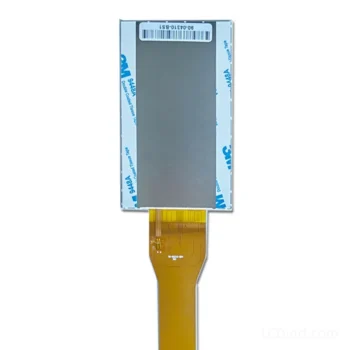

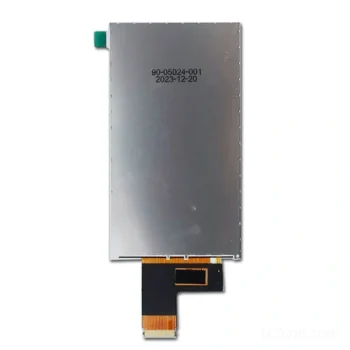
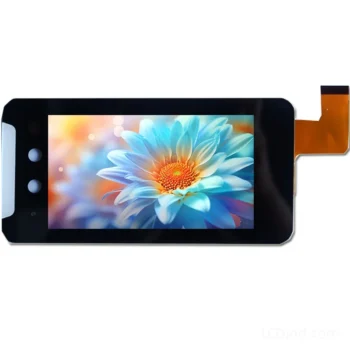
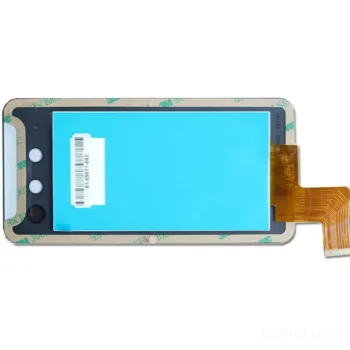
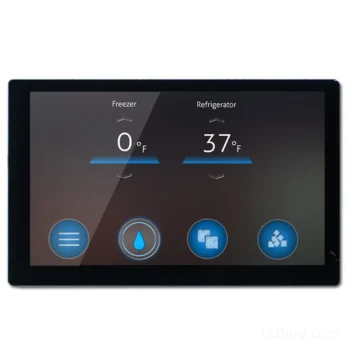
MIPI DSI LCD Integration Guide
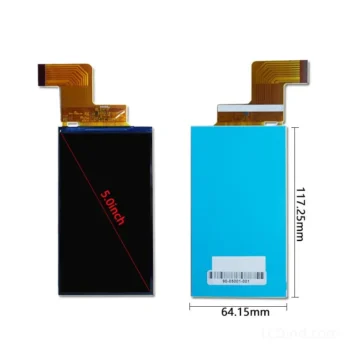
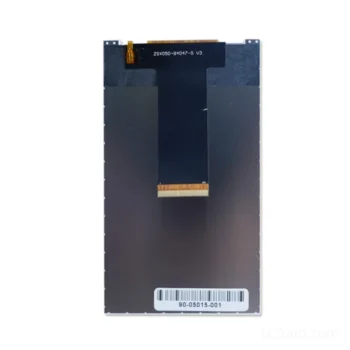
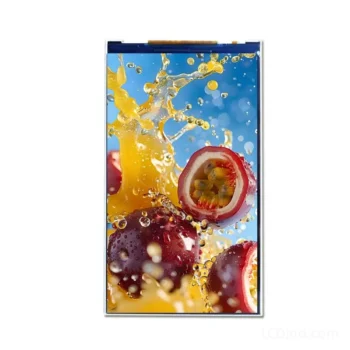
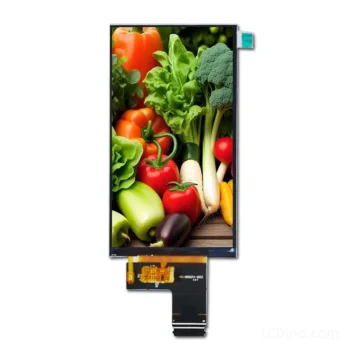
MIPI DSI modules are used where an embedded processor must drive a compact, high-resolution or portrait display through a low-pin-count serial link. Successful integration depends on the complete display link—not just the connector—including D-PHY lanes, lane rate, operating mode, display driver IC, initialization commands, power sequence and mechanical orientation.
First Identify the MIPI Product Path
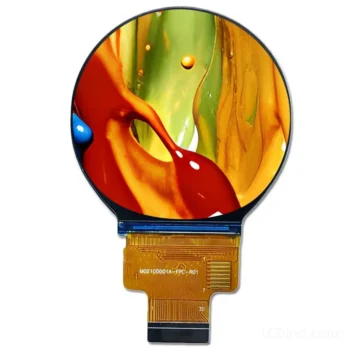
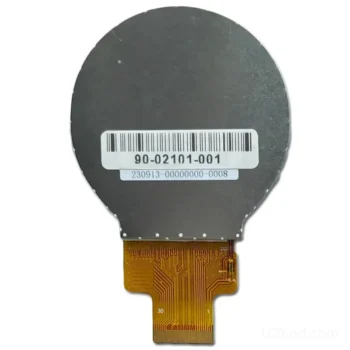
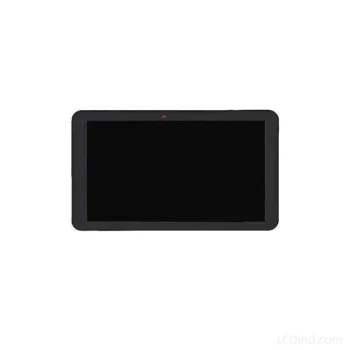
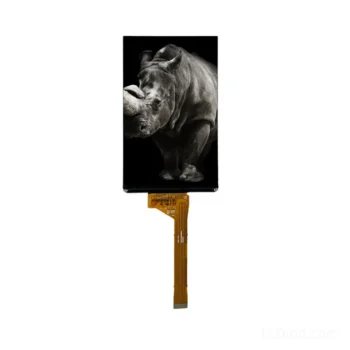
Industrial TFT Module
For embedded HMI, handheld equipment, portrait terminals and vehicle controls. Confirm pixel format, 1/2/4-lane DSI, command or video mode, brightness, touch and host BSP support.
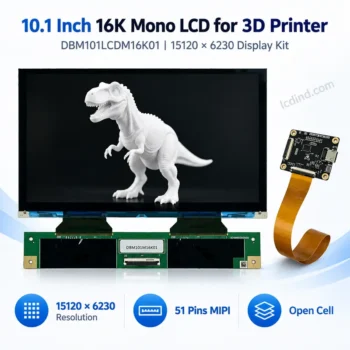
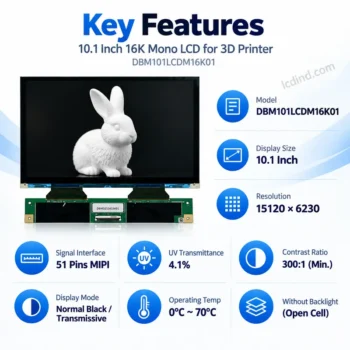
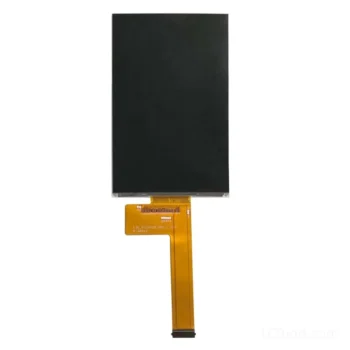
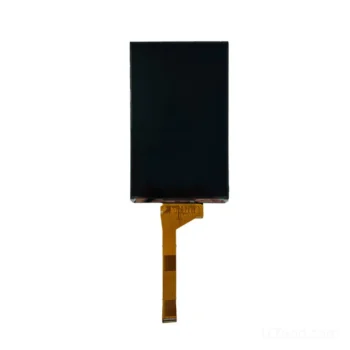
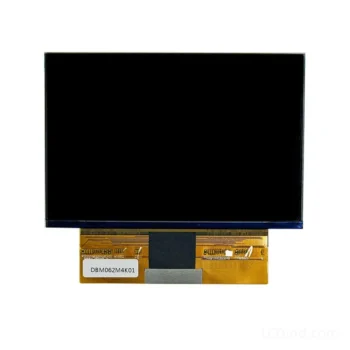
Mono Exposure LCD
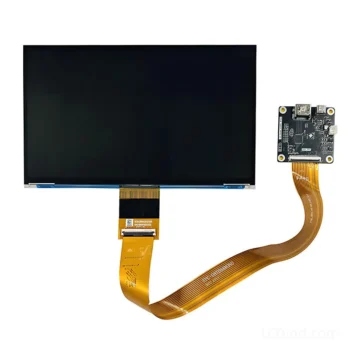
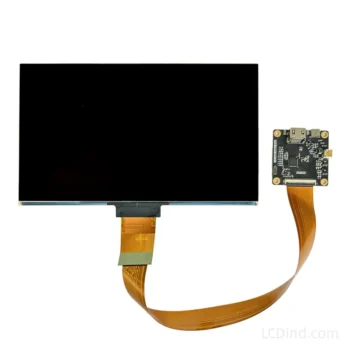
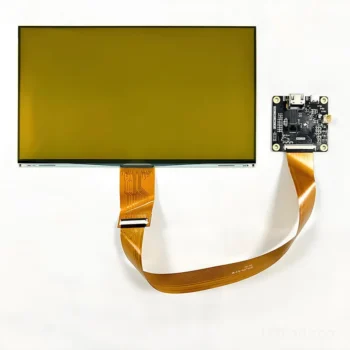
For MSLA 3D printers. Resolution alone is insufficient; controller compatibility, monochrome optical structure, UV transmission, polarizer and FPC definition must match the printer platform.
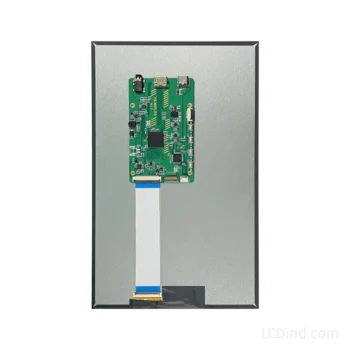
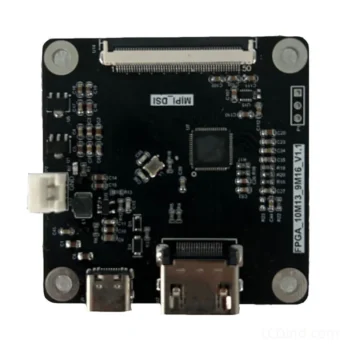
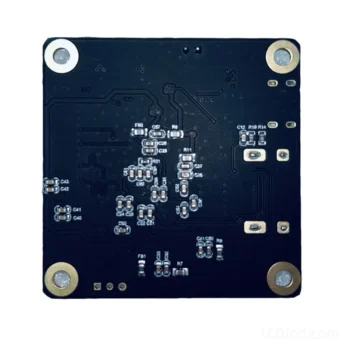
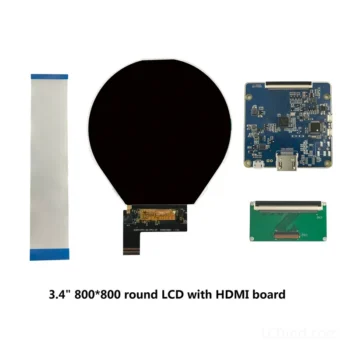
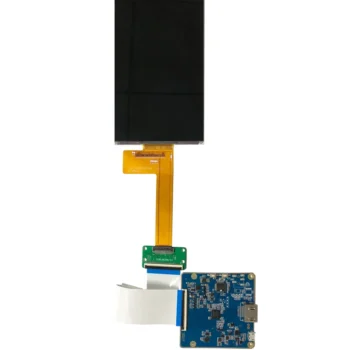
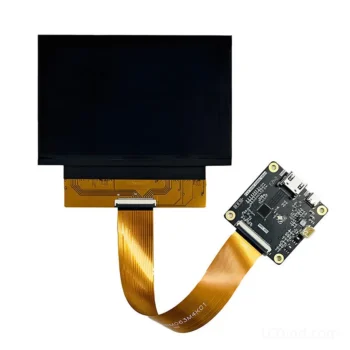
Bridge or Driver Board
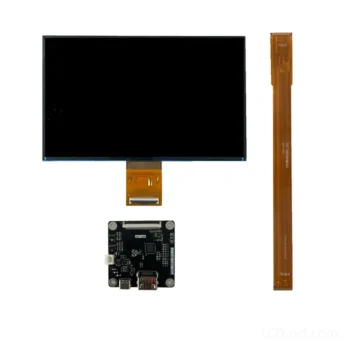
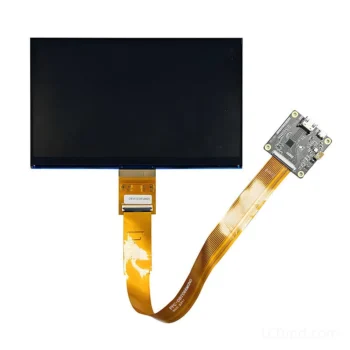
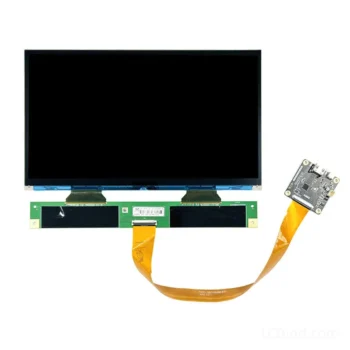
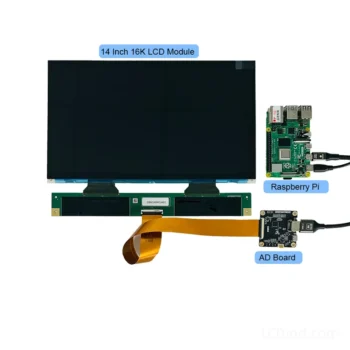
For hosts without native MIPI DSI output. HDMI-to-MIPI hardware and firmware must be configured for the exact panel timing, lane rate, initialization table, voltage rails and backlight.
Engineering boundary: Two panels labelled “4-lane MIPI” are not necessarily interchangeable. Driver IC, D-PHY timing, command set, power-on sequence, reset timing, FPC pinout and native orientation can all differ.
Data Required From the Host and Panel
- Host processor, SoC or bridge-controller model
- Supported DSI version and D-PHY lane count
- Maximum per-lane data rate
- Command mode, video mode or both
- Resolution, refresh rate and pixel format
- Driver IC and initialization command table
- FPC connector, pinout and cable direction
- IO, analog, logic and backlight power rails
- Reset, enable and power sequencing
- Native portrait/landscape orientation and scan direction
- PCAP controller and USB/I2C connection
- Brightness, temperature, optical and lifecycle requirements
MIPI LCD Bring-Up Sequence
Confirm the electrical interface. Match lane count, lane polarity, clock arrangement, IO level, connector and all panel power rails.
Load the exact initialization table. Driver-IC commands can set sleep exit, pixel format, gamma, power blocks, scan direction and display-on state.
Validate D-PHY and video timing. Configure lane rate, porch values, sync format, packet mode and continuous or non-continuous clock according to the panel specification.
Verify image, touch and power behavior. Test cold start, repeated reset, suspend/resume, backlight dimming, touch communication, EMI and the full operating-temperature range required by the equipment.
Related engineering paths: LVDS industrial LCD modules, MSLA mono LCD screens, and LCD controller board solutions.
Frequently Asked Questions
Can any MIPI DSI host drive a MIPI LCD with the same lane count?
No. The host must also support the panel resolution, pixel format, lane rate, command or video mode, D-PHY timing and panel-specific initialization sequence. Connector and lane count alone are insufficient.
What is the difference between MIPI DSI command mode and video mode?
Video mode streams image data continuously with defined blanking and timing. Command mode transfers display commands and pixel data under host control and may rely on panel memory. Support depends on both the host controller and display driver IC.
Is a panel initialization code required for a MIPI TFT LCD?
Usually yes. The sequence can configure power, gamma, pixel format, scan direction, lane operation and sleep or display states. It must match the exact driver IC and panel design.
Can HDMI connect directly to a MIPI DSI display?
No. A compatible HDMI-to-MIPI controller is required and must be configured for the panel resolution, lane rate, D-PHY timing, initialization commands, power rails and backlight.
What information is required for a MIPI LCD quotation?
Send the host processor or controller, target size and resolution, lane count, driver IC or initialization code, connector and pinout, brightness, touch, orientation, operating conditions, sample quantity and annual quantity.
Request a MIPI Display Compatibility Review
Provide the host processor, target panel or drawing, DSI lane capability, initialization code if available, touch requirements, operating environment and forecast quantity. We will check the module, firmware, bridge and customization gaps before quotation.


