13
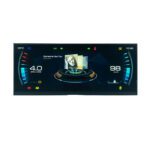
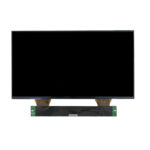
5 Inch TFT Screen Display 720×1280 MIPI
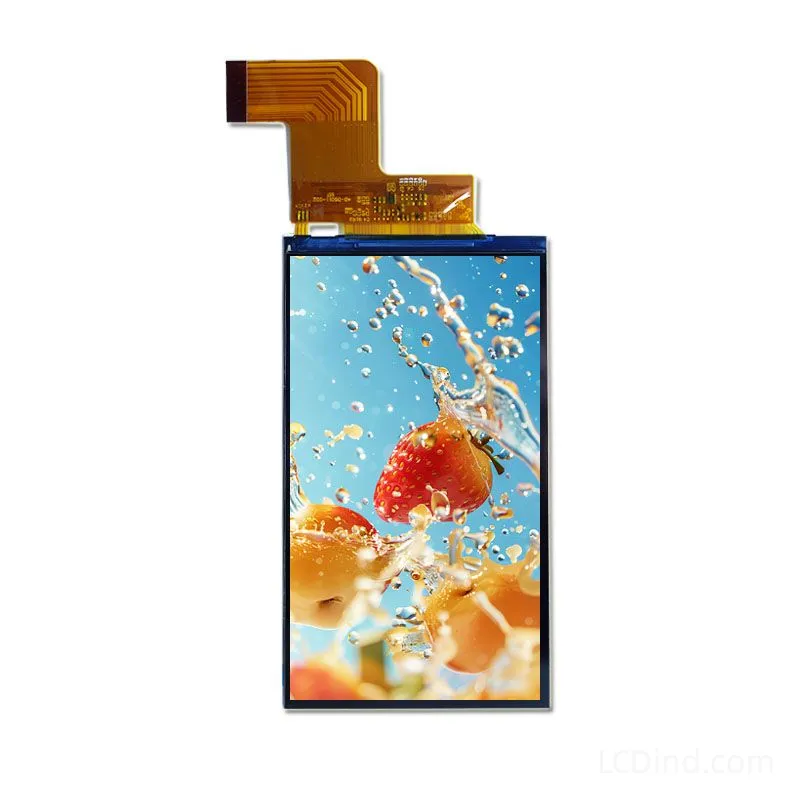
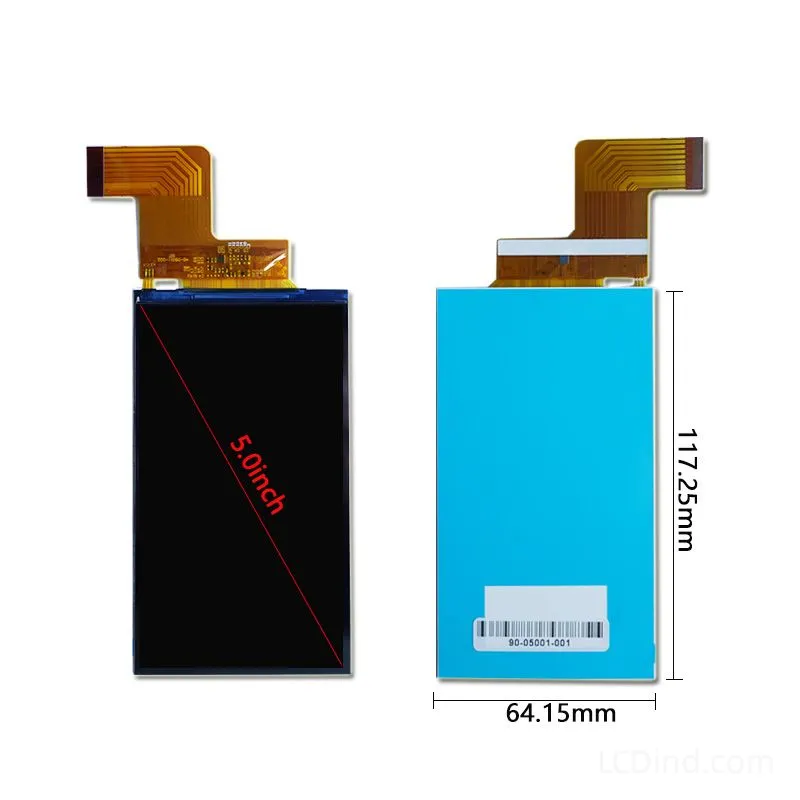
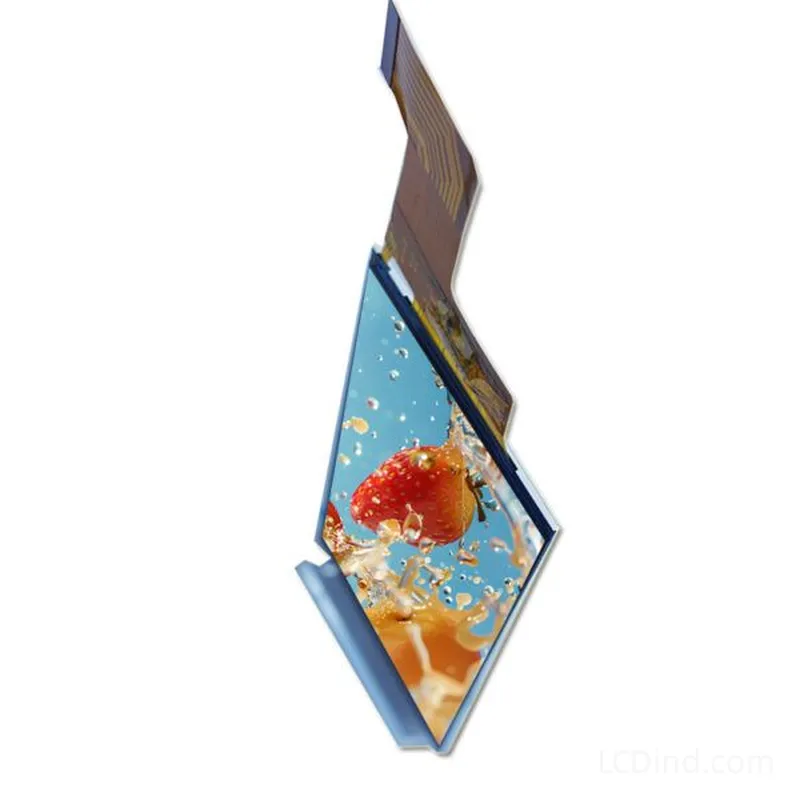
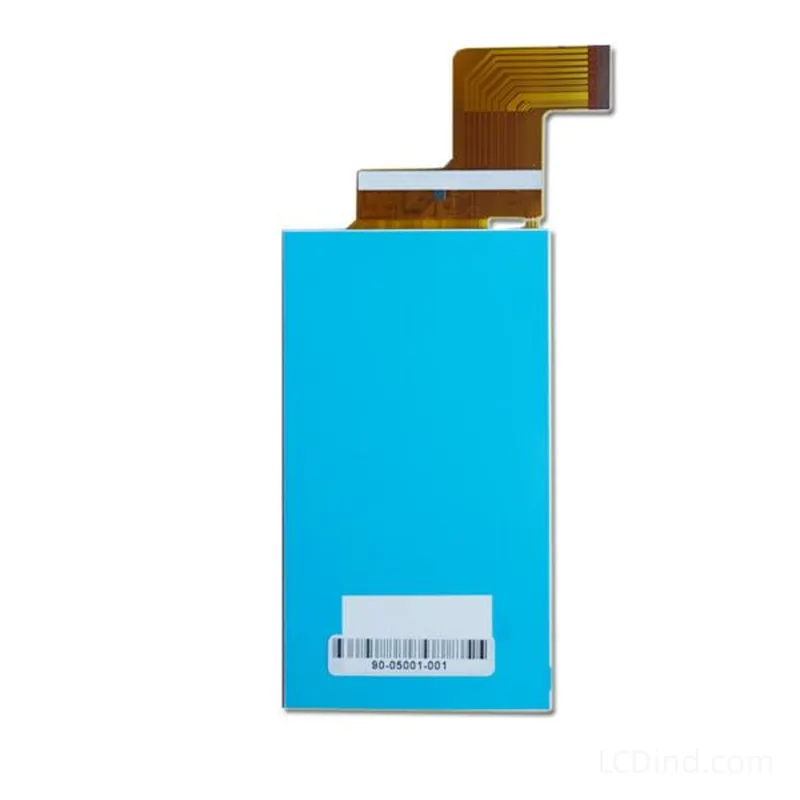
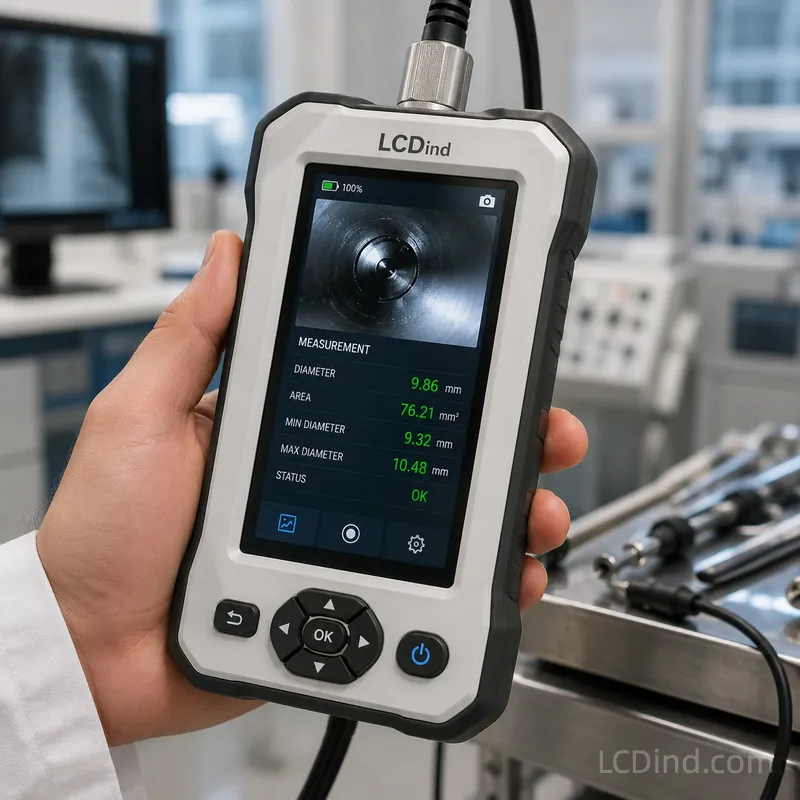
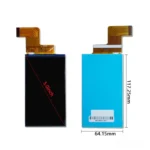
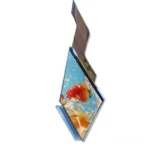
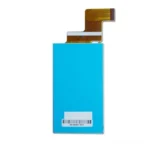
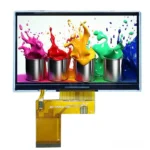
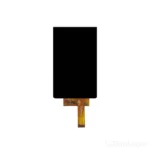
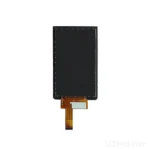
5 inch 720×1280 MIPI TFT screen display with 450 nits brightness, 3.3V supply, -20°C to +70°C operation, 61.78×109.82 mm active area and model 90-05001-001.
Product Attributes
| Brand | OEM / ODM |
|---|---|
| Size | 5.0 inch |
| Resolution | 720×1280 |
| Interface | MIPISpecify MIPI DSI displays by TFT or mono path, resolution, lane count, driver IC, command or video mode, initialization, pinout, touch and annual quantity. |
| Brightness | Standard (200-450 nits) |
| Operating Temp | Industrial (-20 ℃ to +70 ℃) |
| Touchscreen | No Touch |
| Viewing Direction |
Description
5 Inch 720×1280 MIPI TFT Screen Display for Portrait Smart Equipment
This 5 inch TFT screen display is a portrait-format MIPI module for smart equipment, compact Linux or Android terminals, medical accessories, handheld instruments, and embedded HMI products that need higher pixel density than 800×480 modules. The current public table confirms 5 inch size, 720×1280 resolution, MIPI interface, 450 nits brightness, all-viewing-direction behavior, no touch in the listed configuration, -20°C to +70°C operating temperature, -30°C to +80°C storage temperature, 64.15×117.25×1.49 mm outline, 61.78×109.82 mm active area, 1000:1 contrast ratio, 3.3V supply, 20000-hour LED lifetime, and panel model 90-05001-001.
Confirmed Product Specifications
| Size | 5 inch |
|---|---|
| Resolution | 720×1280 |
| Interface | MIPI |
| Brightness | 450 nits |
| Viewing Direction | All viewing directions |
| Touchscreen | Witout |
| Operating Temp | -20 to +70°C |
| Storage Temp | -30 to +80°C |
| Outline Dimension | 64.15*117.25*1.49 mm |
| Active Area | 61.78*109.82 mm |
| Contrast Ratio | 1000:1 |
| Power Supply | 3.3V |
| LED Lifetime | 20000 hours |
| Panel Model | 90-05001-001 |
Portrait Equipment Fit
The 720×1280 portrait format is useful for smart terminals, medical handhelds, access-control panels, scanner displays, industrial Android devices, and compact instruments where a vertical UI fits the enclosure better than landscape. It can show longer menus, forms, status cards, and high-density icons while keeping the physical module close to smartphone-style proportions.
MIPI DSI Integration
MIPI is efficient for high-resolution compact displays but requires careful host matching. Engineers should confirm lane count, command or video mode, initialization sequence, driver IC support, voltage rails, reset timing, FPC pinout, and boot behavior. A buyer should not assume that any 720×1280 MIPI panel will work on an existing board; the initialization and pin definition must match.
No-Touch Configuration
The detailed table lists touch as without/no touch. This is appropriate for products that use physical buttons, separate touch glass, or a custom PCAP stack. If the final product needs touch, define controller interface, cover lens, bonding method, glove or wet-touch requirement, and grounding. Touch addition can change thickness, optical performance, and assembly process.
Optical and Mechanical Review
The 450-nit brightness and 1000:1 contrast can support normal industrial indoor use and some bright protected environments. The active area of 61.78×109.82 mm and the slim 1.49 mm outline should be checked against lens printing, frame support, and FPC bending. Because portrait modules are narrow, small alignment errors are visible along the long edges.
Firmware and UI Validation
The host should be tested with the final orientation, color depth, refresh behavior, sleep wake-up, and rotation settings. If the product uses Android or Linux, confirm the display tree, driver, backlight control, and boot splash behavior. If it uses a custom embedded platform, confirm that the processor can drive 720×1280 smoothly without UI lag.
Production Control
Record panel model 90-05001-001, drawing revision, MIPI configuration, connector, power sequence, and backlight setting in the approval file. If LCDind proposes an equivalent panel later, compare active area, outline, FPC, driver IC, initialization, and optical values before approving substitution. This is especially important for high-density portrait displays where small differences affect the lens and firmware.
High-Density UI Benefit
The 720×1280 resolution gives this module a different role from 5 inch 480×272 or 800×480 displays. It can support detailed menus, QR codes, language-heavy interfaces, small status icons, and modern portrait layouts. The buyer should still design text sizes for industrial use, not mobile consumer styling, because operators may view the screen through gloves, lens reflections, or protective housings.
Driver Bring-Up Checklist
MIPI bring-up should include reset sequence, sleep-out command, display-on command, lane timing, backlight enable, ESD recovery, and behavior after repeated power cycling. If the product uses Linux, Android, or RTOS display drivers, capture the exact initialization package during sample approval. This reduces the risk of future panel substitutions breaking firmware compatibility.
Thin Module Handling
The 1.49 mm outline thickness can help slim terminals, but thin modules need careful handling, frame support, and FPC bend control. During assembly, avoid twisting the panel or forcing the cable under the battery or mainboard. Incoming inspection should check protective film condition, active-area alignment, and connector damage before the display reaches the production line.
Decision Boundary
Choose this 90-05001-001 option when the product needs the confirmed 450-nit brightness, thin outline, and no-touch MIPI configuration. If the buyer needs a different outline, lower brightness, integrated touch, or proven compatibility with an existing board, compare the neighboring 5 inch portrait MIPI models before approving a sample.
Sample Evidence to Keep
Keep photos of the sample label, FPC, connector, and powered UI with the approval record. These simple records make later reorder, substitution review, and troubleshooting much faster.
RFQ Checklist
- Host processor, MIPI lane count, command/video mode, initialization support, voltage rails, and connector definition.
- Portrait orientation, UI framework, backlight control, sleep/wake behavior, and driver environment.
- Touch or no-touch requirement, cover lens, active-area window, FPC direction, and mechanical drawing.
- Panel model 90-05001-001 matching need, sample quantity, annual forecast, and inspection standard.
Engineering Review Note
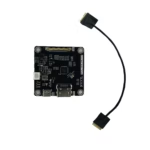
Use the public specifications above as the starting point for selection, not as final system approval. Before sample purchase or batch order, confirm the host interface, drawing, optical stack, touch or no-touch requirement, operating environment, controller board scope, and annual quantity with LCDind. This keeps the product URL unchanged while turning a thin catalog page into a useful engineering selection page for B2B buyers.
Engineering FAQ
Is this a touch display?
No. The detailed table lists the configuration as without/no touch.
What is the confirmed model?
The public table lists panel model 90-05001-001.
What is the key integration risk?
MIPI lane count, initialization, driver support, and pinout must match the host platform.
Additional information
| Brand | OEM / ODM |
|---|---|
| Size | 5.0 inch |
| Resolution | 720×1280 |
| Interface | MIPISpecify MIPI DSI displays by TFT or mono path, resolution, lane count, driver IC, command or video mode, initialization, pinout, touch and annual quantity. |
| Brightness | Standard (200-450 nits) |
| Operating Temp | Industrial (-20 ℃ to +70 ℃) |
| Touchscreen | No Touch |
| Viewing Direction |
About brand
Source OEM / ODM LCD panels for OEM, replacement and industrial integration projects. Submit size, resolution, interface, brightness, lifecycle and annual quantity for review.
Engineering FAQ
Q: What type of equipment project is this 5 inch TFT LCD Module 720x1280 MIPI suitable for?
A: This 5 inch TFT screen display is best considered for industrial HMI panels, medical devices, factory equipment, embedded controllers, smart terminals, and OEM display integrations. For enterprise procurement, LCDind recommends confirming annual quantity, enclosure design, host interface, brightness target, and operating environment before moving from samples to batch orders.
Q: What interface should the OEM mainboard support?
A: This model is configured around MIPI. Please confirm pin assignment, connector type, voltage, timing, cable direction, and controller-board requirements during engineering review.
Q: Is this display suitable for outdoor or high-ambient-light equipment?
A: The listed brightness is 450 nits. For outdoor or sunlight-readable equipment, LCDind can review target nits, AG/AR cover glass, optical bonding, thermal design, and backlight lifetime for the production environment.
Q: Can LCDind support touch, cover glass, or module customization for batch production?
A: Touch support is listed as Witout. For OEM/ODM programs, LCDind can evaluate capacitive touch, resistive touch, cover-glass thickness, bonding, coating, FPC changes, cable length, and production consistency requirements.
Q: What information should procurement provide for a factory quotation?
A: Please share target application, annual forecast, first order quantity, host interface, mechanical drawing, brightness requirement, operating temperature -20 to +70°C, certification needs, delivery schedule, and whether pre-production samples are required.
Shipping and Delivery
Q: What is the MOQ?
A: The MOQ for our products is 1 piece. We are able to provide support throughout the testing process.
Q: What about the delivery time?
A: We have products in stock and can ship them within 3 working days.
Q: Does your product have any warranty?
A: Yes, we offer a warranty that ensures the LCD will function properly upon receipt. However, please note that we do not provide guarantees for any damage caused during use.
Q: What’s your payment method?
A: We accept several payment methods, including T/T (bank transfer), and PayPal.
Q: What’s your shipping method?
A: Thank you for your inquiry. We offer various shipping methods to suit different needs.
For small quantity orders, we use UPS Air-Express, DHL, FedEx, TNT, or EMS Express service. These options are safe and fast.
For large quantity orders, we typically work with the buyer’s cargo agent in China. Alternatively, we can arrange for air or sea transportation.
Please let us know your preferred shipping method and we will do our best to accommodate your request.
Q: Do you offer custom solution?
A: Yes, we offer custom solutions if our standard products do not meet the buyer’s requirements. Please let us know your specific needs, and we will work with you to create a tailored solution that meets your business needs.
Q: How to Contact us?
A: Send your Inquiry Details in the Below, Click “Send” Now!