13
2.4 Inch TFT LCD Module for Compact Equipment HMI
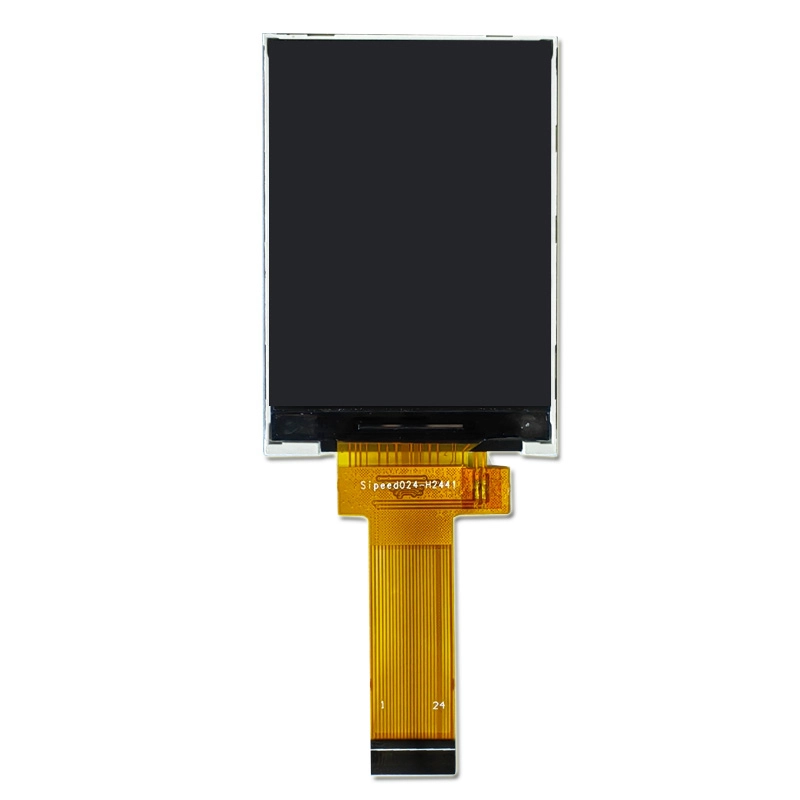
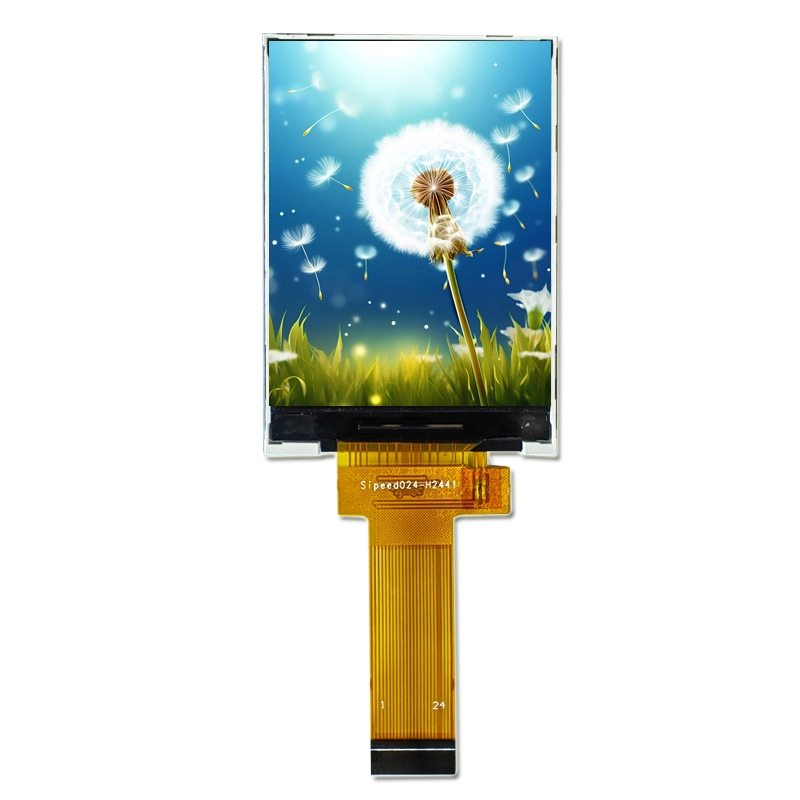
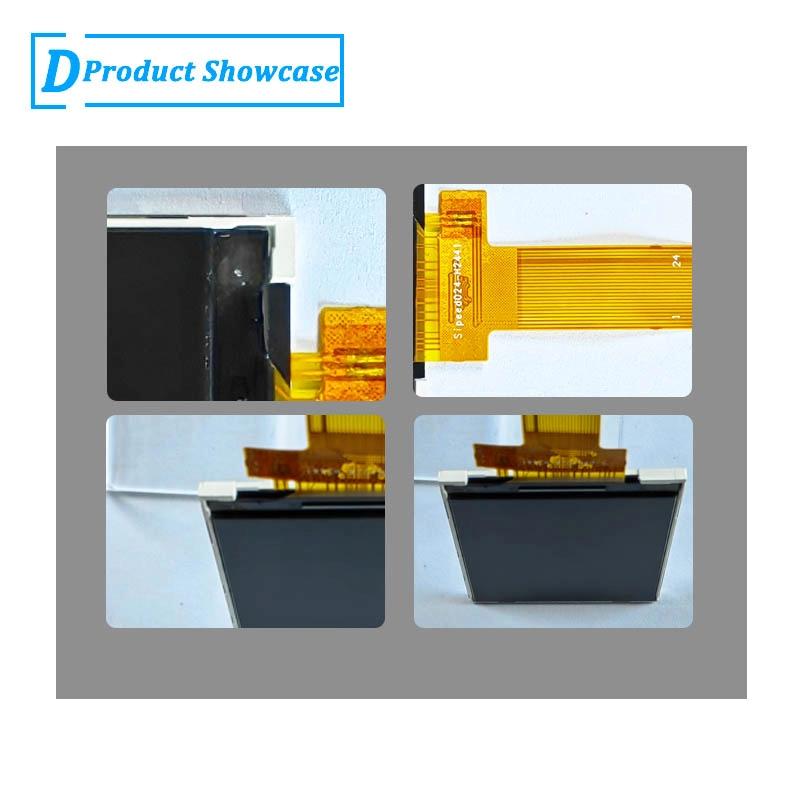
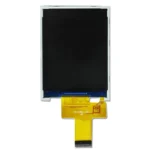
2.4 inch 240×320 MCU TFT LCD module with 350 nit brightness, 3.3V supply, -20 to 70C operation and 42.72 x 60.26 x 2.35 mm outline for compact HMI devices.
Product Attributes
| Brand | OEM / ODM |
|---|---|
| Size | 2.4 inch |
| Resolution | 240×320 |
| Interface | MCU |
| Brightness | Standard (200-450 nits) |
| Operating Temp | Industrial (-20 ℃ to +70 ℃) |
| Touchscreen | No Touch |
| Viewing Direction |
Description
2.4 Inch 240×320 MCU TFT LCD Module for Compact Equipment HMI
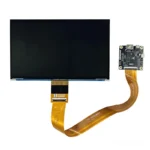
This 2.4 inch TFT LCD module is a compact HMI display option for equipment that needs a small local interface with controlled cost and familiar MCU integration. The confirmed specification lists 2.4 inch size, 240×320 resolution, MCU interface, 350 nits brightness, no touch panel in standard configuration, -20 to +70 C operating range, 42.72 x 60.26 x 2.35 mm outline dimension, 36.72 x 48.96 mm active area, 3.3V power supply, and 20000 LED lifetime. It should be considered where the HMI is mainly for settings, status, and service information rather than high-end visual presentation.
Confirmed Product Specifications
| Size | 2.4 inch |
|---|---|
| Resolution | 240×320 |
| Interface | MCU |
| Brightness | 350 nits |
| Touchscreen | No touch panel in standard configuration |
| Operating Temp | -20 to +70 C |
| Outline Dimension | 42.72 x 60.26 x 2.35 mm |
| Active Area | 36.72 x 48.96 mm |
| Power Supply | 3.3V |
| LED Lifetime | 20000 |
| Panel Model |
Compact HMI Use Case
This module fits small machine controllers, appliance control boards, access terminals, sensor hubs, power equipment, cabinet-mounted status screens, and compact instruments. The 240×320 resolution can support menus, alarm messages, operating modes, and service codes in a readable portrait layout. Because the standard configuration has no touch, it works well with a keypad, membrane buttons, encoder, or nearby mechanical controls.
Why the 350-Nit Version Matters
The 350-nit brightness is suitable for controlled indoor equipment where the display is not expected to fight direct sunlight. It can be the more practical choice when power consumption, thermal headroom, and cost matter more than maximum brightness. Buyers should not specify a brighter display automatically if the product only operates inside cabinets, appliances, or indoor control stations. The correct decision should come from actual lighting and cover-lens testing.
MCU Interface Review
MCU interface should be evaluated with the host controller, voltage, pin count, firmware support, and screen update requirements. For compact HMIs, predictable boot-up and stable menu rendering are usually more important than animation speed. Confirm initialization code, controller compatibility, FPC route, and connector orientation before pilot production. If the design may later need touch, leave mechanical and firmware margin early.
Mechanical Fit
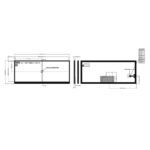
The 42.72 x 60.26 x 2.35 mm outline and 36.72 x 48.96 mm active area are close to other 2.4 inch modules, but small differences in thickness, connector direction, or FPC position can affect assembly. Use the exact drawing for the selected module rather than assuming interchangeability. Check bezel opening, adhesive zone, screw posts, gasket compression, and cable strain relief in the real product housing.
Production and Lifecycle
For repeat orders, procurement should define approved brightness, operating temperature, cosmetic criteria, packaging, and acceptable component revisions. If the HMI will be used across several product models, ask LCDind to review whether the same module can support multiple front panels. A stable small display platform can reduce firmware and supply complexity across a product family.
Product-Family Strategy
This 350-nit version may be a practical baseline display for a family of compact controllers. A manufacturer can use the same UI architecture, firmware driver, and mechanical window across several models, then select brighter variants only where the environment requires them. That approach can reduce engineering work and simplify purchasing. The important step is to confirm whether the 2.3 mm and 2.35 mm variants share enough mechanical and electrical behavior for controlled substitution.
Validation Before Tooling
Before the enclosure tool is released, install the sample in a prototype housing and check lens alignment, button spacing, cable stress, viewing angle, and readability under real lighting. If the device is mounted in a cabinet, test it from the standing operator position rather than from a bench. Small HMI screens often fail because of layout and mounting decisions, not because the LCD specification is wrong.
Selection Boundary
Use this compact HMI version when the equipment needs a stable small display for indoor menus, service codes, and operating status. If the user must read the display in strong light, compare the 500-nit or 600-nit alternatives. If the project needs touch input, select a touch-ready structure from the start. The 350-nit no-touch module is strongest where buttons or encoders already handle input and the display mainly communicates clear status information. For multi-model equipment families, ask LCDind to compare approved alternatives before locking the tooling.
RFQ Checklist
- Compact equipment drawing with bezel window, button layout, FPC direction, and internal clearance.
- Host MCU details, interface voltage, display initialization support, and expected UI update rate.
- Indoor lighting condition, cover-lens plan, dimming need, and confirmation that 350 nits is acceptable.
- Annual quantity, product-family usage plan, packaging needs, and any touch or lens customization.
Engineering Review Note
The specifications above are taken from the current public product page and should be used as selection inputs, not as a final integration approval. Before sample purchase or batch order, LCDind should review the drawing, host interface, optical stack, operating environment, quantity plan, and any customization request. This reduces the risk of selecting a display that matches the headline but fails the enclosure, firmware, brightness, or supply requirements of the finished equipment.
Engineering FAQ
Is this a touchscreen module?
No. The confirmed standard configuration is no touch panel.
When is 350 nits enough?
It is appropriate for many indoor compact HMIs, especially when the display is not behind dark glass or exposed to direct sunlight.
Can it share a platform with brighter 2.4 inch options?
Possibly, but the exact drawing, thickness, FPC, firmware, and optical target must be compared before substitution.
Additional information
| Brand | OEM / ODM |
|---|---|
| Size | 2.4 inch |
| Resolution | 240×320 |
| Interface | MCU |
| Brightness | Standard (200-450 nits) |
| Operating Temp | Industrial (-20 ℃ to +70 ℃) |
| Touchscreen | No Touch |
| Viewing Direction |
About brand
Source OEM / ODM LCD panels for OEM, replacement and industrial integration projects. Submit size, resolution, interface, brightness, lifecycle and annual quantity for review.
Engineering FAQ
Q: Can this 2.4 inch TFT LCD module be supplied with a touch screen?
A: The standard listing is No touch panel in standard configuration. LCDind can review resistive touch, capacitive touch, cover lens, bonding, and controller matching when the finished device needs operator input.
Q: What customization options are available for this display?
A: Common custom work includes brightness tuning, FPC length, connector direction, cover glass, logo placement, touch integration, bonding, packaging, and production inspection requirements.
Q: How should the MCU interface be confirmed?
A: Confirm timing, pinout, voltage, cable direction, firmware support, and EMC layout with the host board before sample approval. LCDind can review drawings and interface notes before production.
Q: Can the brightness be adjusted for a different environment?
A: The confirmed brightness is 350 nits. If the display is used behind cover glass or in stronger ambient light, share the target environment so LCDind can review backlight and thermal options.
Q: What information should buyers send for an RFQ?
A: Send quantity, forecast, interface, mechanical drawing, brightness target, touch requirement, operating temperature, logo needs, and any current panel model or datasheet.
Q: Is this display suitable for outdoor equipment?
A: This module is mainly for compact equipment and controlled-light use. For outdoor or direct-sunlight projects, LCDind should review brightness, cover glass, bonding, thermal design, and sealing requirements first.
Shipping and Delivery
Q: What is the MOQ?
A: The MOQ for our products is 1 piece. We are able to provide support throughout the testing process.
Q: What about the delivery time?
A: We have products in stock and can ship them within 3 working days.
Q: Does your product have any warranty?
A: Yes, we offer a warranty that ensures the LCD will function properly upon receipt. However, please note that we do not provide guarantees for any damage caused during use.
Q: What’s your payment method?
A: We accept several payment methods, including T/T (bank transfer), and PayPal.
Q: What’s your shipping method?
A: Thank you for your inquiry. We offer various shipping methods to suit different needs.
For small quantity orders, we use UPS Air-Express, DHL, FedEx, TNT, or EMS Express service. These options are safe and fast.
For large quantity orders, we typically work with the buyer’s cargo agent in China. Alternatively, we can arrange for air or sea transportation.
Please let us know your preferred shipping method and we will do our best to accommodate your request.
Q: Do you offer custom solution?
A: Yes, we offer custom solutions if our standard products do not meet the buyer’s requirements. Please let us know your specific needs, and we will work with you to create a tailored solution that meets your business needs.
Q: How to Contact us?
A: Send your Inquiry Details in the Below, Click “Send” Now!