13
AUO G156XTT01.1 15.6 Inch 1366×768 LVDS TFT LCD Panel
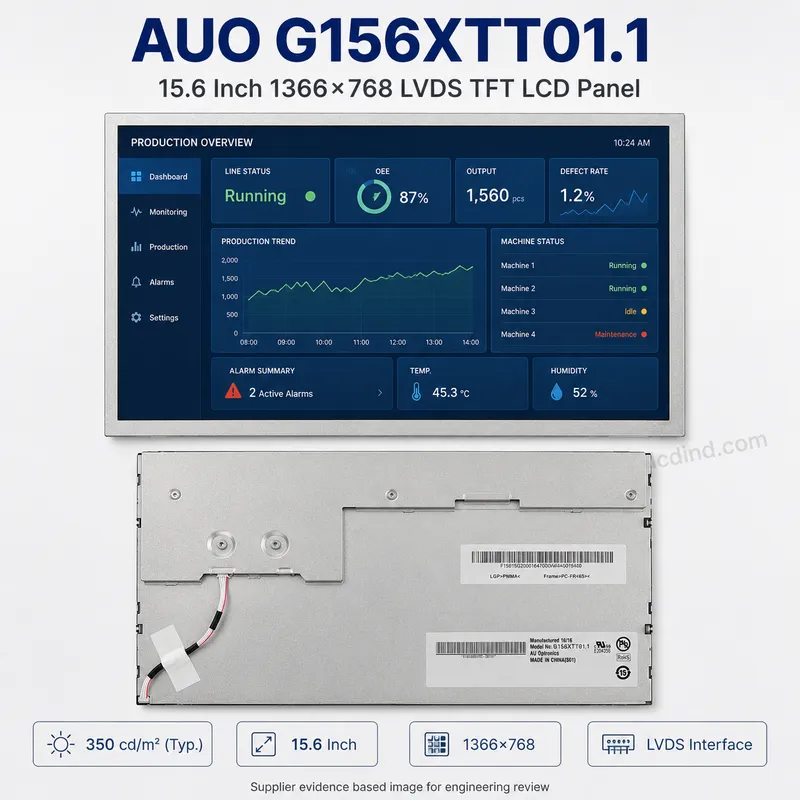
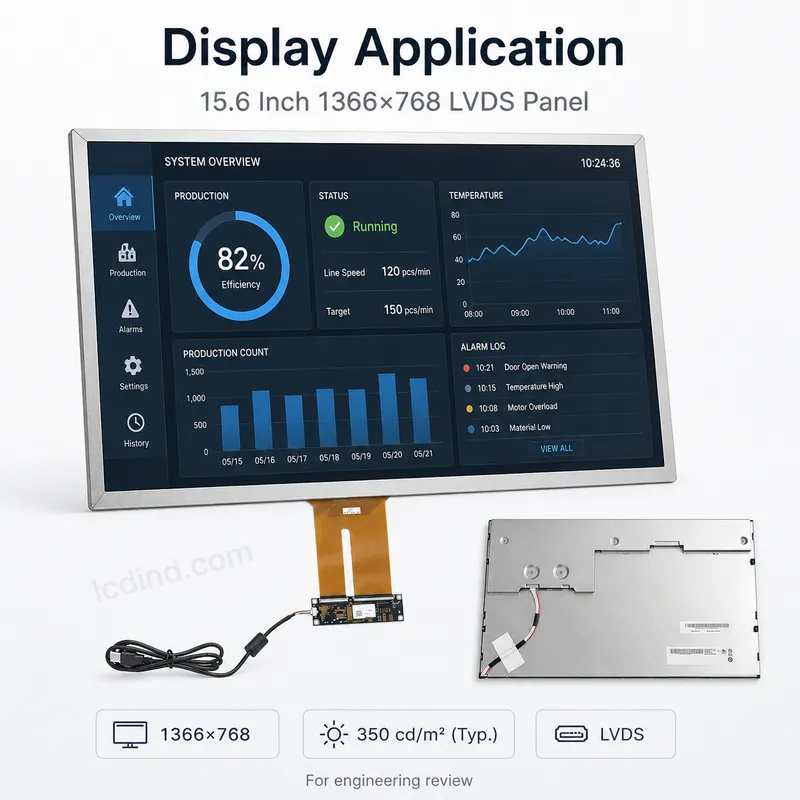
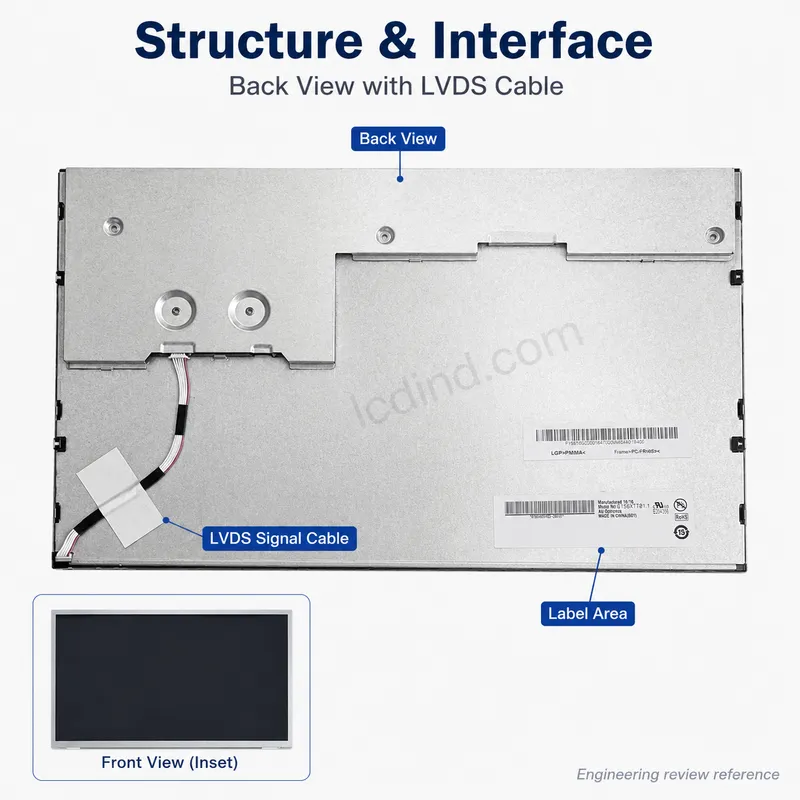
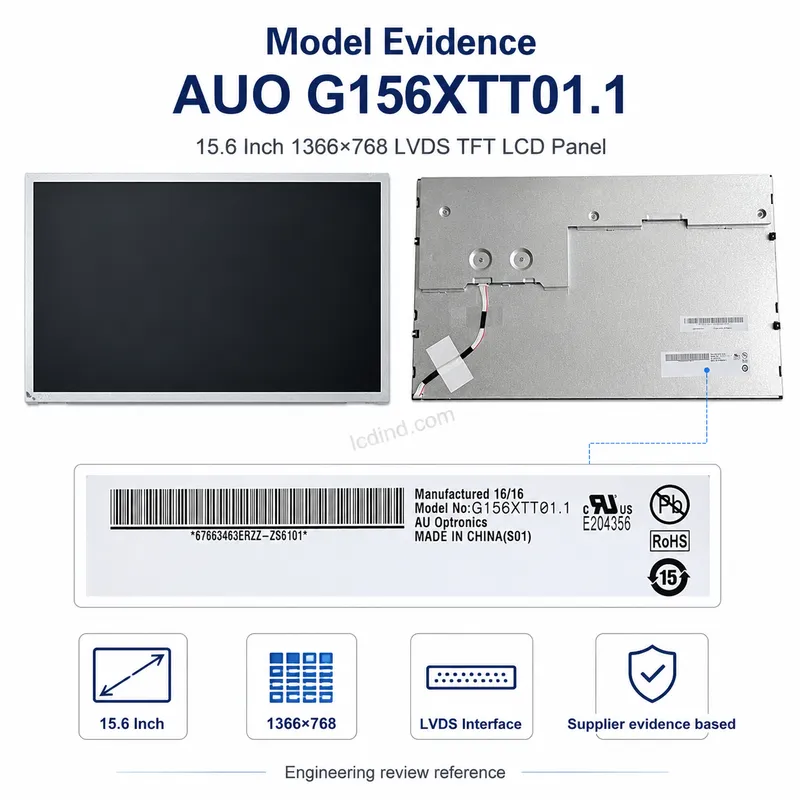
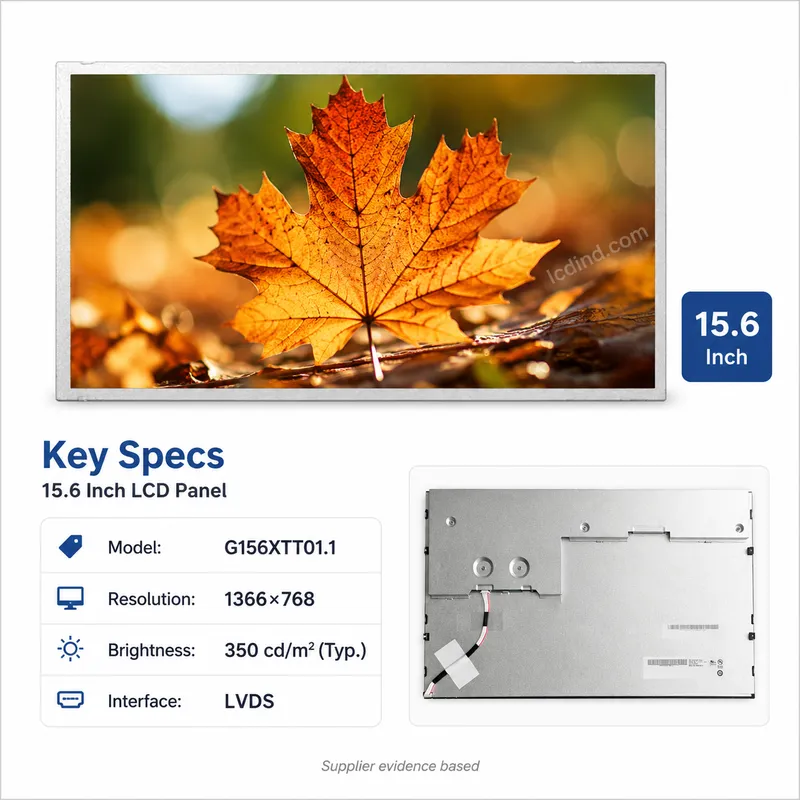
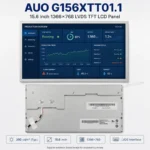
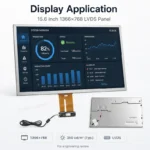
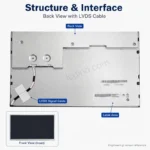
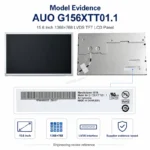
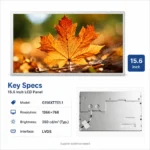
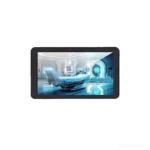
AUO G156XTT01.1 15.6 inch 1366×768 LVDS industrial display with 350 cd/m² brightness, 85/85/80/80 viewing, 0 to +60 °C operation and capacitive touch listed.
Product Attributes
| Brand | AUO LCD Panels |
|---|---|
| Size | 15.6 inch |
| Resolution | 1366×768 |
| Brightness | Standard (200-450 nits) |
| Interface | LVDSSpecify LVDS industrial TFT LCD modules by size, resolution, channel count, JEIDA/VESA mapping, pinout, brightness, touch, temperature and annual quantity. |
| Operating Temp | Standard (0 ℃ to +50/60 ℃) |
| Touchscreen | Capacitive Touch (PCAP) |
| Viewing Angle | Standard Viewing |
Description
AUO G156XTT01.1 15.6 Inch WXGA LVDS Panel with Capacitive Touch Scope
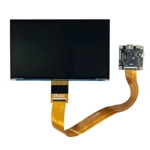
AUO G156XTT01.1 is a 15.6 inch WXGA display candidate for industrial equipment and replacement projects where 1366×768 resolution remains acceptable. The public data lists 1366(RGB)×768 WXGA resolution, 350 cd/m² brightness, 500:1 contrast ratio, LVDS 1-channel 8-bit 30-pin interface, WLED backlight with LED driver and 50k-hour life, 0 to +60 °C operating range, 85/85/80/80 viewing angle, 1.49 kg weight and capacitive touch panel with. The attribute table also lists capacitive touch and standard brightness class.
Confirmed Product Specifications
| Type | Capacitive |
|---|---|
| Application | Industrial |
| Interface | VGA |
| Display size | 15.6 inch |
| Resolution | 1366(RGB)x768 , WXGA |
| View angle | R/L/U/D 85/85/80/80(Deg) |
| Brightness | 350 cd/m² |
| Contrast Ratio | 500:1 |
| Interface | LVDS (1 ch, 8-bit) , 30 pins |
| Backlight | WLED , 50k hours , with LED driver |
| Operate temperature | 0 ~ +60 (°C) |
| Weight | 1.49kgs |
| capacitive touch panel | With |
| Selling Units | Single item |
| Single package size | 41X26X8 cm |
| Single gross weight | 1.8 kg |
Where WXGA Still Makes Sense
A 15.6 inch 1366×768 display can still be useful in legacy industrial equipment, service terminals, machine controllers and replacement programs where the host UI was designed for WXGA rather than FHD. It may reduce redesign cost when the existing controller cannot drive 1920×1080. For new products, engineers should compare whether FHD is required, but for maintenance and controlled replacement, matching the original resolution can be more important than upgrading the display.
LVDS and Touch Clarification
The public table includes LVDS 1-channel 8-bit 30-pin interface and also lists capacitive touch panel with. It also includes an interface row that says VGA, which should be treated as a public-page inconsistency requiring RFQ clarification. Before any quotation, LCDind should confirm whether the deliverable is the LVDS panel only, a touch assembly, a monitor kit with VGA input, or a custom set including controller board. This is a key distinction because it changes the electrical and mechanical scope.
Capacitive Touch Integration
If capacitive touch is part of the supply, the buyer should define touch controller interface, cover glass, bonding method, glove requirement, wet-touch behavior, ESD path, grounding and cable length. PCAP is sensitive to enclosure grounding and electrical noise, especially in industrial equipment with motors, relays or long cables. Touch performance should be tested in the final housing rather than only on an open bench.
Brightness and Viewing Boundary
The 350 cd/m² brightness and 85/85/80/80 viewing angle support standard indoor use. This is not a sunlight-readable choice. If the panel sits behind a thick cover lens or touch stack, brightness loss should be measured. If the device is used near windows, in vehicles or outdoors, the buyer should compare higher-brightness LVDS options before approving the mechanical design.
Replacement and Mechanical Checks
For repair sourcing, original label, connector photo, touch tail photo, rear structure and device model should be provided. For OEM projects, compare the display outline, active area, mounting points, glass size if touch is included and cable exit against the housing. The same 15.6 inch WXGA resolution can be supplied in panels with different touch stack thickness and mechanical support requirements.
Commercial Risk Control
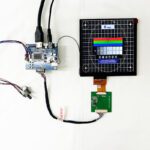
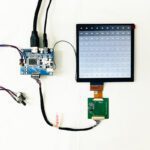
Because the page mixes panel and touch-related details, the quote should state the exact delivery scope line by line. This protects both engineering and purchasing: LCD panel only, LCD with PCAP, controller board, VGA/HDMI input board, cables and cover glass should not be assumed. Controlled scope reduces disputes after sample delivery and gives Google and users clearer B2B information on the page.
Sample Acceptance Method
Test the LVDS image, touch response, multi-touch behavior if required, ESD sensitivity, UI readability, brightness through the final cover, thermal behavior and cable retention. If the product is a replacement, compare the sample against the original equipment before stocking after-sales inventory.
Legacy System Decision Boundary
This panel is most useful when the customer needs to maintain a legacy 15.6 inch WXGA system and cannot redesign the software, controller or enclosure for FHD. For new product development, the buyer should ask whether 1366×768 still provides enough UI space. For repair or maintenance programs, matching the original electrical and touch configuration is usually more important than upgrading resolution.
Touch Scope Should Be Written Into the PO
Because touch is mentioned in the public data, the purchase order should clearly state whether the buyer expects LCD plus capacitive touch, LCD only, or a complete display kit. It should also define touch interface, glass thickness, bonding, cable direction and inspection method. Clear scope prevents disputes where one side quotes a panel and the other expects a ready-to-install touch display.
RFQ Checklist
- Confirm whether the scope is panel only, panel with capacitive touch, or a controller-board kit.
- Confirm LVDS pinout, 30-pin connector, voltage, timing and any VGA/controller requirement mentioned by the project.
- Provide original display/touch photos, enclosure drawing, cable route, grounding and operating environment.
- Define sample quantity, repair or OEM use, inspection criteria and substitute approval rules.
Engineering Review Note
The specifications above are taken from the current public product page and should be treated as selection inputs, not final system approval. Before sample purchase or production order, LCDind should review host interface, drawing, optical stack, touch requirement, controller-board scope, operating environment, supply quantity and inspection criteria. This update keeps the existing product URL unchanged while making the page more useful for B2B engineering and sourcing decisions.
Engineering FAQ
Is there a data inconsistency to clarify?
Yes. The page lists LVDS panel data and also shows a VGA row, so scope should be confirmed in RFQ.
Is touch listed?
Yes. The public attributes and table indicate capacitive touch.
Is this recommended for outdoor sunlight?
No. The listed brightness is 350 cd/m².
Additional information
| Brand | AUO LCD Panels |
|---|---|
| Size | 15.6 inch |
| Resolution | 1366×768 |
| Brightness | Standard (200-450 nits) |
| Interface | LVDSSpecify LVDS industrial TFT LCD modules by size, resolution, channel count, JEIDA/VESA mapping, pinout, brightness, touch, temperature and annual quantity. |
| Operating Temp | Standard (0 ℃ to +50/60 ℃) |
| Touchscreen | Capacitive Touch (PCAP) |
| Viewing Angle | Standard Viewing |
About brand
Browse AUO LCD panel listings as a starting point for model sourcing. Confirm the complete part number, suffix, datasheet, interface, brightness, temperature range, quantity and required delivery date before quotation.Need cross-brand comparison, EOL review or an alternative model assessment? Read our industrial LCD panel brand sourcing guide.AUO trademarks belong to their owner. Listings do not imply official authorization or guarantee stock, lifecycle, or replacement compatibility.
Engineering FAQ
What is the resolution of G156XTT01.1?
The captured supplier evidence states 1366x768. Confirm the exact model revision and current datasheet before design-in.
Which host interface does G156XTT01.1 use?
The captured supplier evidence indicates LVDS. Confirm channel count, bit depth, connector and pin assignment before board design.
Is a touchscreen or controller board included?
The draft treats the selected configuration as the LCD panel only unless the source explicitly states an integrated touch assembly.
What should engineers confirm before ordering G156XTT01.1?
Confirm the exact model and revision, outline drawing, active area, connector position, pin definition, voltage, timing, mounting points and operating environment against the current datasheet or an approved sample.
What information is needed for a quotation?
Send the exact model or datasheet, required quantity, host interface, mechanical drawing and target application. The captured supplier listing MOQ is 1 piece.
Shipping and Delivery
Q: What is the MOQ?
A: The MOQ for our products is 1 piece. We are able to provide support throughout the testing process.
Q: What about the delivery time?
A: We have products in stock and can ship them within 3 working days.
Q: Does your product have any warranty?
A: Yes, we offer a warranty that ensures the LCD will function properly upon receipt. However, please note that we do not provide guarantees for any damage caused during use.
Q: What’s your payment method?
A: We accept several payment methods, including T/T (bank transfer), and PayPal.
Q: What’s your shipping method?
A: Thank you for your inquiry. We offer various shipping methods to suit different needs.
For small quantity orders, we use UPS Air-Express, DHL, FedEx, TNT, or EMS Express service. These options are safe and fast.
For large quantity orders, we typically work with the buyer’s cargo agent in China. Alternatively, we can arrange for air or sea transportation.
Please let us know your preferred shipping method and we will do our best to accommodate your request.
Q: Do you offer custom solution?
A: Yes, we offer custom solutions if our standard products do not meet the buyer’s requirements. Please let us know your specific needs, and we will work with you to create a tailored solution that meets your business needs.
Q: How to Contact us?
A: Send your Inquiry Details in the Below, Click “Send” Now!