13
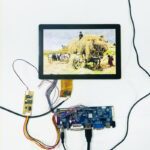
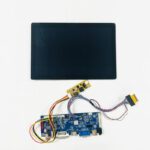
Universal LCD Controller Board solutions. Convert HDMI/VGA signals to LVDS, EDP, or MIPI. Custom firmware support for industrial display panels.
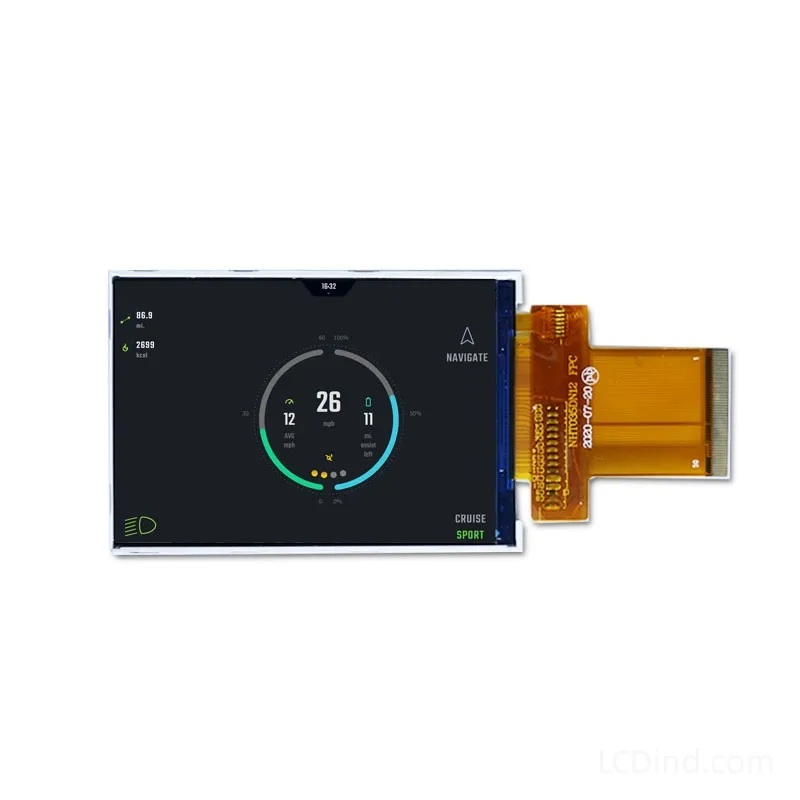
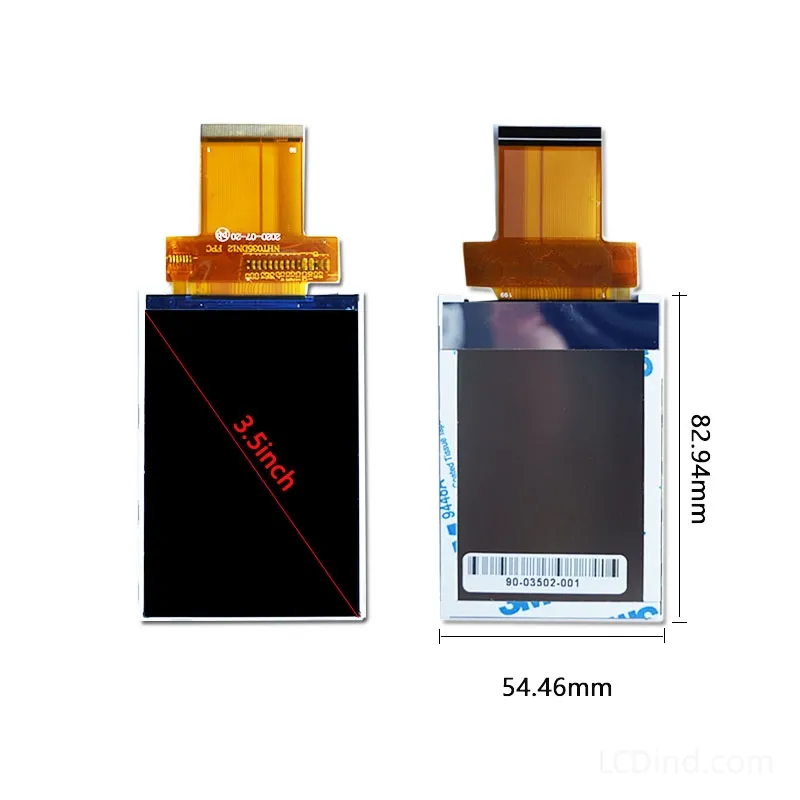
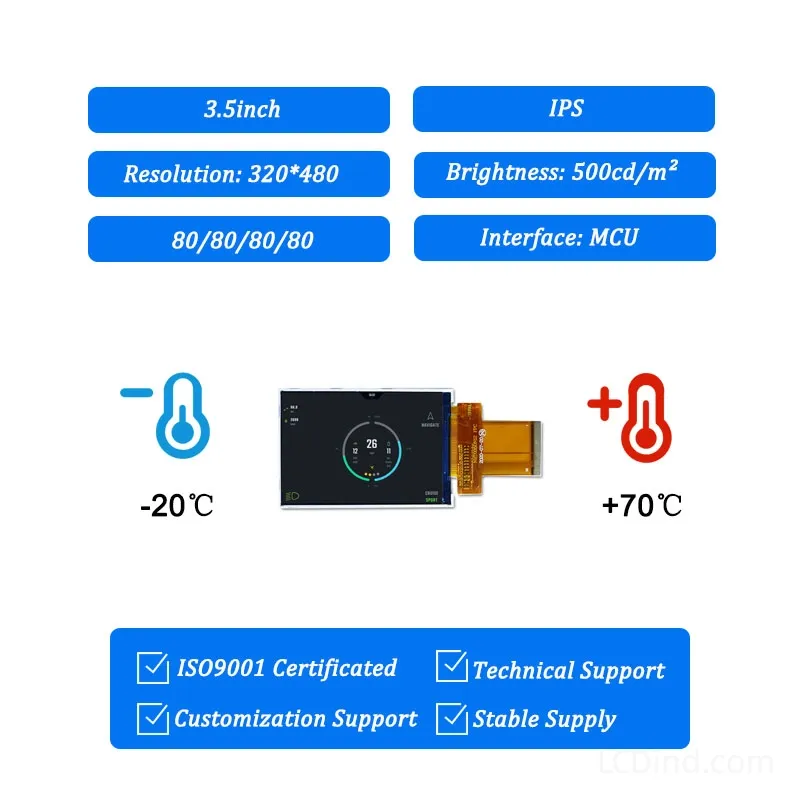
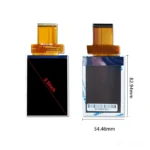
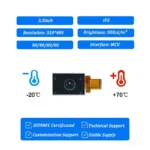
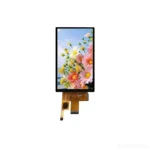
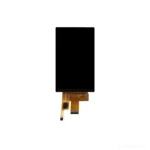
3.5 inch 320×480 TFT LCD module for industrial instruments, with MCU/RGB interface, 350 nits brightness, 54.46×82.94×2.25 mm outline and no touch baseline.
| Brand | OEM / ODM |
|---|---|
| Size | 3.5 inch |
| Resolution | 320×480 |
| Interface | MCU |
| Brightness | Standard (200-450 nits) |
| Operating Temp | Industrial (-20 ℃ to +70 ℃) |
| Touchscreen | No Touch |
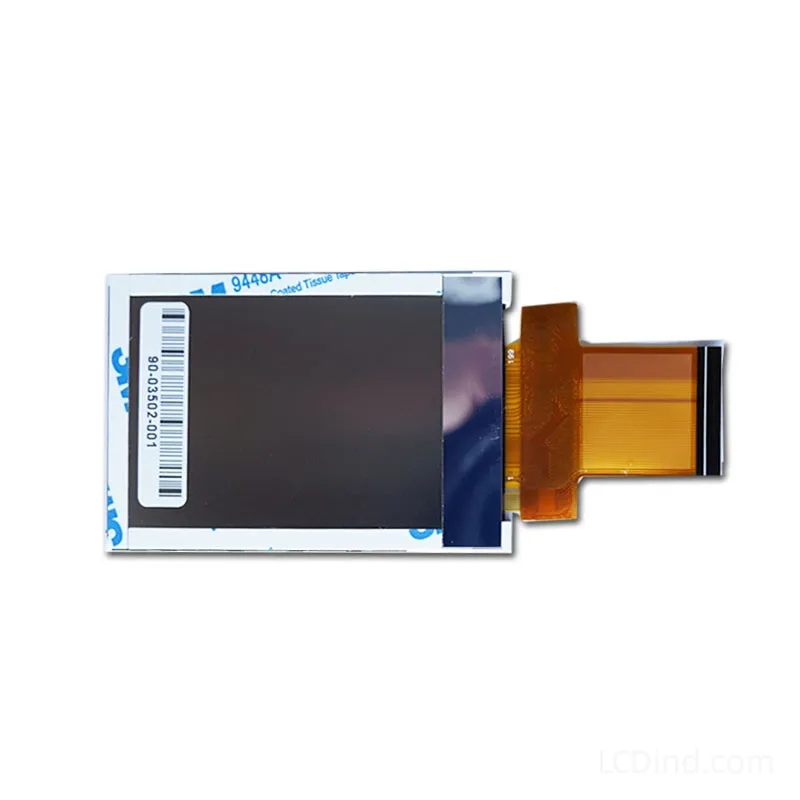
This 3.5 inch TFT LCD module is designed for industrial instruments that need a compact portrait screen for measurement values, operating states, warnings and setup parameters. The public facts list 320×480 resolution, MCU/RGB interface configuration, 350 nits brightness, 3.3V supply, -20°C to +70°C operation, 54.46×82.94×2.25 mm outline, 48.96×73.44 mm active area, 20000-hour LED lifetime and no touch panel in the standard configuration. It should be selected based on host-interface details and enclosure fit, not only the 3.5 inch size.
The MCU/RGB interface note means the buyer should clarify the exact intended electrical configuration. MCU and RGB integration have different firmware and hardware implications. MCU-style control can suit simpler value displays and menus, while RGB requires a display controller capable of continuous timing output. LCDind should receive the host processor, interface pins, voltage, refresh requirement and connector preference before recommending samples.
For industrial instruments, readability is more important than decorative graphics. The 320×480 format can show a large primary measurement, units, alarm banner, channel status and setup menu. The UI should be tested with worst-case values, decimal points, negative signs, translated labels and alarm combinations. If the product is used by technicians in a hurry, do not make the screen dependent on small text or low-contrast colors.
The no-touch configuration is practical where instruments use buttons, membrane keys, encoders or remote host control. It avoids optical loss and touch-controller integration. If a touch version is needed, specify touch technology, cover lens, bonding, ESD, glove behavior and controller interface. Treat touch as a separate assembly option because it changes the mechanical and optical stack.
Mechanically, the active area and outline should be reviewed before enclosure tooling. Confirm window size, printed mask, gasket, PCB standoffs, FPC bend radius and service access. For portable or panel-mounted instruments, test vibration, drop handling, connector retention and internal heat. For production, keep the approved drawing, host configuration, sample and inspection limits.
Is the interface MCU or RGB? The public facts mention MCU/RGB, so the RFQ must define the actual required interface.
Is touch included? No touch is listed for the standard configuration.
Is 350 nits enough? It can suit many indoor instruments, but test through the final front window.
Can this show complex graphs? It depends on host interface and firmware resources.
What controls production consistency? Approved drawing, interface configuration, sample, cable route and inspection standard.
Use this 3.5 inch module for industrial instruments after clarifying whether the host requires MCU, RGB or a specific dual-interface path. Send LCDind interface, UI and drawing details before quotation.
Because the public facts mention MCU/RGB, the first engineering task is to confirm the exact interface path. If the customer needs MCU mode, test command timing, memory use and partial updates. If the customer needs RGB mode, test continuous timing, sync signals and cable behavior. A module that is suitable for one path may require different firmware and board wiring for the other. The RFQ should state the intended interface explicitly.
For industrial instruments, validate the display with the real measurement workflow. Check startup screen, live value updates, alarms, menu navigation, long labels, negative values and decimal placement. If the device has no touch, verify that keys or encoder navigation remain practical. For production, freeze interface mode, drawing, cable, front window, firmware settings and inspection limits. This prevents a later team from reusing the page title while changing the electrical configuration.
The page should also guide buyers away from unclear requests such as “send a 3.5 inch TFT.” The useful RFQ states the target instrument, interface mode, display orientation, operating temperature, enclosure drawing and whether touch is excluded. If the buyer has an old panel, include photographs and measured dimensions. If this is a new design, include the host controller and firmware stage.
For production, test the complete instrument through a normal work cycle: startup, measurement display, alarm state, menu entry, sleep or standby, and recovery. This shows whether the selected interface and UI strategy work under real use. Keep the approved sample, drawing and firmware settings together so future purchasing does not accidentally change the display path.
If the instrument has regulatory, medical, laboratory or safety requirements, display changes should remain under engineering change control. A different interface mode, cable or front window can affect EMC, usability and service behavior. For sourcing, keep one approved sample and the complete integration notes so LCDind can compare future replacement options against a controlled baseline.
If annual volume is uncertain, state prototype and forecast quantities separately. That helps LCDind quote samples without assuming production stock.
If the display is part of a product family, build a small interface matrix covering MCU/RGB mode, connector, firmware and front window. This prevents later reuse of the same module name with different electronics.
Record approved alternates only after sample testing.
If this module is used in multiple instruments, approve each host configuration separately. A working sample on one controller does not prove the same result on another controller.
Keep UI screenshots with the approval record.
Do not approve substitutes without repeating interface testing.
Record final sample photos too.
Record approval scope.
| Brand | OEM / ODM |
|---|---|
| Size | 3.5 inch |
| Resolution | 320×480 |
| Interface | MCU |
| Brightness | Standard (200-450 nits) |
| Operating Temp | Industrial (-20 ℃ to +70 ℃) |
| Touchscreen | No Touch |
A: The standard listing is No touch panel in standard configuration. LCDind can review resistive touch, capacitive touch, cover lens, bonding, and controller matching when the finished device needs operator input.
A: Common custom work includes brightness tuning, FPC length, connector direction, cover glass, logo placement, touch integration, bonding, packaging, and production inspection requirements.
A: Confirm timing, pinout, voltage, cable direction, firmware support, and EMC layout with the host board before sample approval. LCDind can review drawings and interface notes before production.
A: The confirmed brightness is 350 nits. If the display is used behind cover glass or in stronger ambient light, share the target environment so LCDind can review backlight and thermal options.
A: Send quantity, forecast, interface, mechanical drawing, brightness target, touch requirement, operating temperature, logo needs, and any current panel model or datasheet.
A: This module is mainly for compact equipment and controlled-light use. For outdoor or direct-sunlight projects, LCDind should review brightness, cover glass, bonding, thermal design, and sealing requirements first.
Q: What is the MOQ?
A: The MOQ for our products is 1 piece. We are able to provide support throughout the testing process.
Q: What about the delivery time?
A: We have products in stock and can ship them within 3 working days.
Q: Does your product have any warranty?
A: Yes, we offer a warranty that ensures the LCD will function properly upon receipt. However, please note that we do not provide guarantees for any damage caused during use.
Q: What’s your payment method?
A: We accept several payment methods, including T/T (bank transfer), and PayPal.
Q: What’s your shipping method?
A: Thank you for your inquiry. We offer various shipping methods to suit different needs.
For small quantity orders, we use UPS Air-Express, DHL, FedEx, TNT, or EMS Express service. These options are safe and fast.
For large quantity orders, we typically work with the buyer’s cargo agent in China. Alternatively, we can arrange for air or sea transportation.
Please let us know your preferred shipping method and we will do our best to accommodate your request.
Q: Do you offer custom solution?
A: Yes, we offer custom solutions if our standard products do not meet the buyer’s requirements. Please let us know your specific needs, and we will work with you to create a tailored solution that meets your business needs.
Q: How to Contact us?
A: Send your Inquiry Details in the Below, Click “Send” Now!
🔒 Your data is secure. We usually reply within 24 hours.