13
3.5 Inch TFT LCD Module for Dual Interface Control Panels
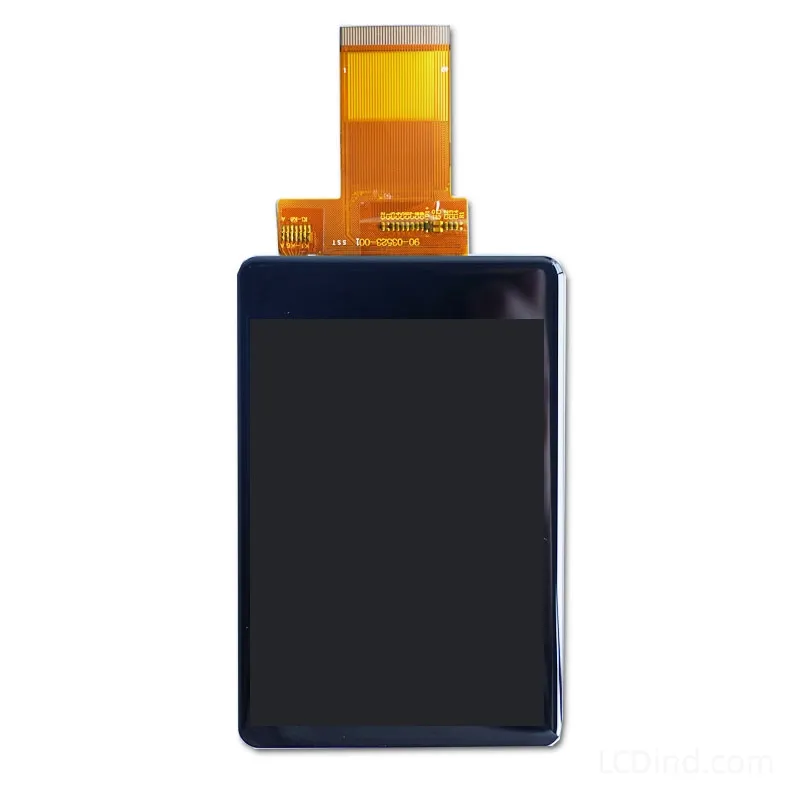
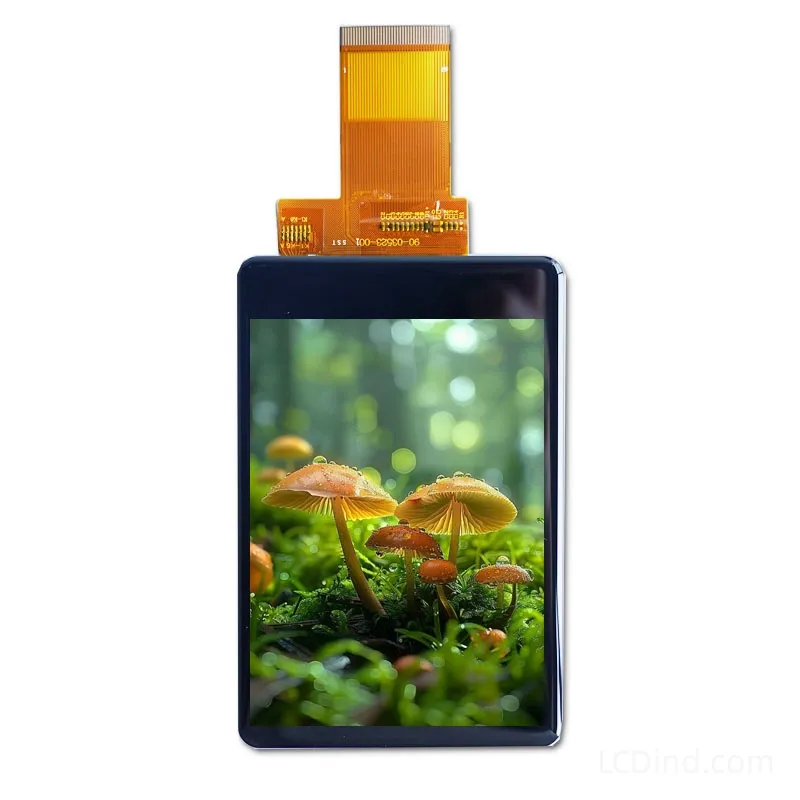
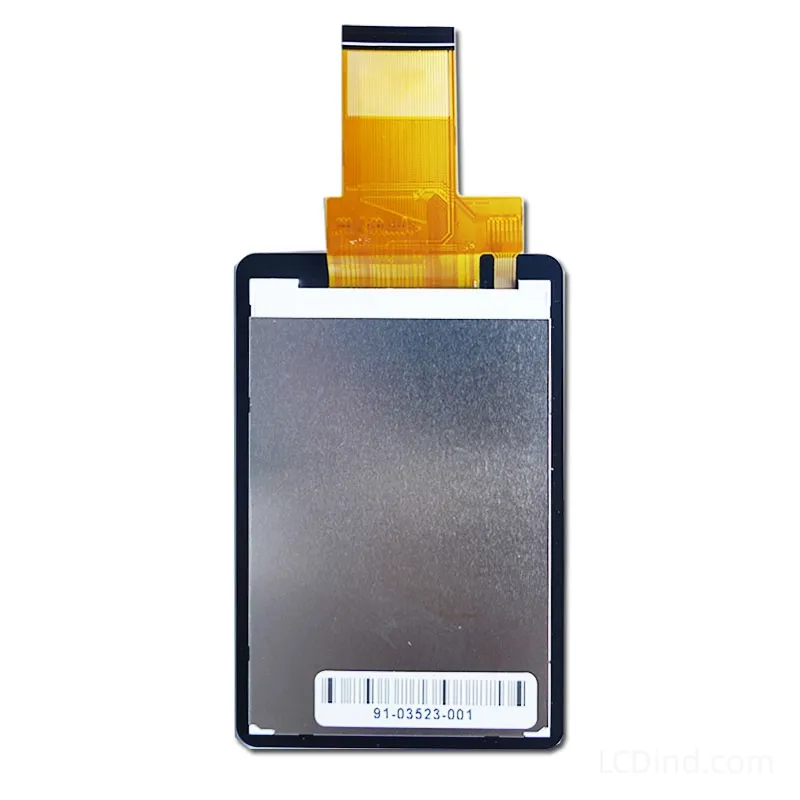
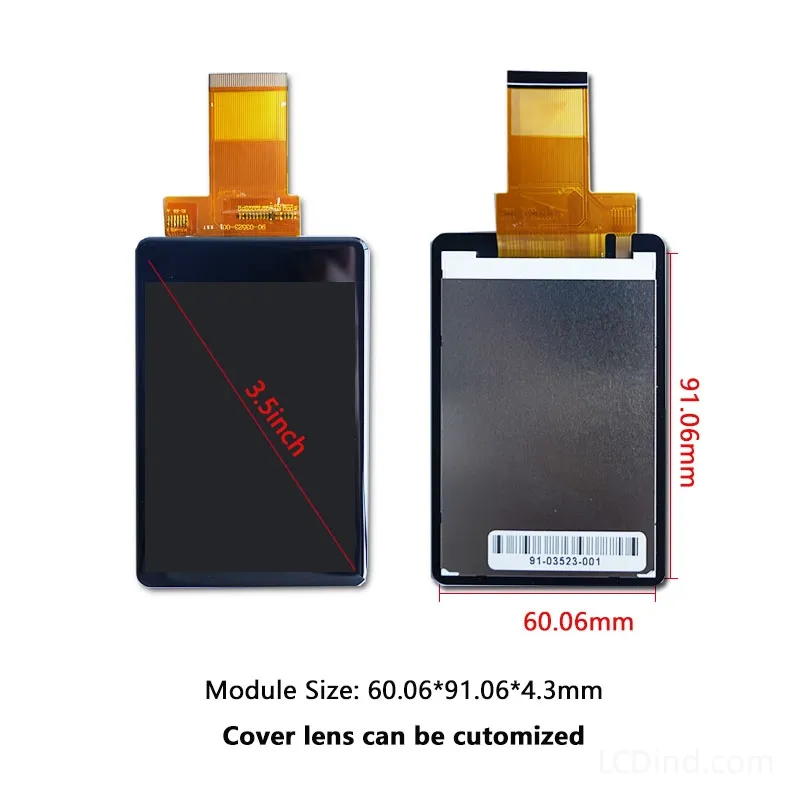
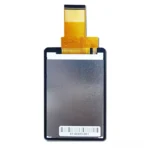
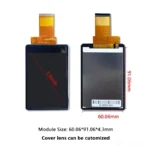
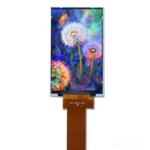
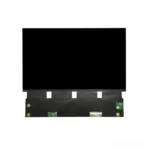
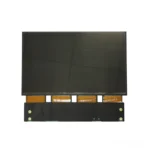
3.5 inch 320×480 TFT LCD module for dual-interface control panels, with MCU&RGB interface, 300 nits brightness, 60.06×91.06×4.3 mm outline and no touch baseline.
Product Attributes
| Brand | OEM / ODM |
|---|---|
| Size | 3.5 inch |
| Resolution | 320×480 |
| Interface | MCU&RGB |
| Brightness | Standard (200-450 nits) |
| Operating Temp | Industrial (-20 ℃ to +70 ℃) |
| Touchscreen | No Touch |
Description
3.5 Inch 320×480 MCU&RGB TFT Module for Dual-Interface Control Panels
This 3.5 inch TFT LCD module is intended for control panels where the engineering team may need MCU and RGB interface options in the same display family. The public facts list 320×480 resolution, MCU&RGB interface, 300 nits brightness, 3.3V supply, -20°C to +70°C operation, 60.06×91.06×4.3 mm outline, 48.96×73.44 mm active area, 20000-hour LED lifetime and no touch panel in the standard configuration. It should be reviewed as a controlled dual-interface module, not as a generic 3.5 inch portrait screen.
The dual-interface note is the main engineering decision point. MCU mode and RGB mode place different requirements on the host board, firmware, cable and refresh strategy. MCU control may suit parameter pages, menus, alarms and moderate update rates. RGB control may be preferred when the host has a display controller and needs more continuous screen updates. The RFQ should state the intended mode, voltage, connector, timing, initialization and expected UI behavior. If both modes are being evaluated, each mode should have its own test result.
The 300-nit brightness is suitable for indoor and controlled-light equipment panels. It should not be treated as a sunlight-readable specification. If the display sits behind a membrane overlay, lens or resistive touch option in a later build, readability must be checked again. The no-touch baseline can be useful for industrial controls with physical keys, rotary encoders or fixed operating procedures. If touch is required, quote it as a defined assembly change, including touch technology, controller, cover lens and bonding.
Mechanical approval should use both the full 60.06×91.06×4.3 mm outline and the 48.96×73.44 mm active area. The outline is larger than many slim 3.5 inch modules, so the enclosure pocket, bezel opening, FPC route, board clearance and gasket pressure must be checked before tooling. If this module is selected because it supports two interface paths, do not let the mechanical team design around a different 3.5 inch drawing.
Production approval should freeze the interface mode, drawing, host timing, cable route, front stack and inspection criteria. If the product family uses both MCU and RGB variants, keep separate approval records. This prevents a later production lot from using the right size module with the wrong electrical configuration.
RFQ Checklist
- Target interface mode: MCU, RGB or both for evaluation.
- Host processor, voltage, timing, command sequence and connector preference.
- Control-panel UI, update rate, alarm states and physical input method.
- Mechanical drawing, active-area window, FPC route and module pocket.
- No-touch baseline or defined touch/cover-lens assembly.
- Prototype quantity, forecast and production approval schedule.
Engineering FAQ
Does dual-interface mean automatic compatibility? No. MCU and RGB modes still require host timing, wiring and firmware confirmation.
Is touch included? No touch panel is listed for the standard configuration.
Is 300 nits suitable outdoors? No. It is mainly for indoor or controlled-light control panels.
Why is the outline important? The 60.06×91.06×4.3 mm outline affects enclosure pocket and FPC clearance.
What should be recorded for production? Record interface mode, drawing, cable, host settings, sample photos and inspection limits.
Engineering Review Note
Select this module when a 3.5 inch portrait control panel needs a defined MCU&RGB option. Send LCDind the intended interface mode, host details and enclosure drawing so the quote and samples match the real integration path.
Prototype Validation and Interface Records
Prototype validation should not stop after the first interface mode works. If the customer may use both MCU and RGB paths, test both paths with the same mechanical sample and keep separate firmware notes. For MCU mode, record command sequence, update strategy and reset behavior. For RGB mode, record timing, sync polarity, color order and cable behavior. If only one mode is approved, mark that clearly in the purchasing record so production does not assume the other mode is qualified.
For a control panel, test the screen through the full operating workflow: boot page, normal state, parameter editing, alarm state, service menu and recovery after power cycling. If the UI depends on physical buttons, confirm that navigation remains simple without touch. If the product may later add a touch panel, reserve mechanical space and document the brightness loss that may occur after adding the front stack.
Incoming inspection should include drawing, active-area alignment, FPC condition, display orientation, backlight appearance and the approved interface mode. If LCDind quotes alternates, compare them against both electrical and mechanical requirements, not only 3.5 inch size and 320×480 resolution.
For purchasing, the key risk is vague naming. “3.5 inch dual interface” is not enough for repeat orders. The approved record should specify the exact module drawing, interface used in production, cable direction, front window, brightness target and any optional touch exclusion. If the first prototype only uses MCU mode, do not let production switch to RGB mode without a second approval. If both are approved, store both test reports.
If the product is used in a family of control panels, maintain a configuration table showing which host board uses which display mode. This makes future maintenance, firmware updates and second-source reviews more controlled. LCDind can review alternates only when the mandatory interface mode and mechanical constraints are clear.
If this module is used as a platform display across several control panels, create separate approval rows for each host, cable and front-window design. The same LCD can behave differently when cable length, grounding or lens stack changes. Record which interface mode was tested in each product version before allowing purchasing to reuse the same part number.
When the same display is considered for more than one control-panel family, keep one approval sheet per product platform. The dual-interface feature may reduce part-number count, but it does not remove the need to confirm firmware mode, cable drawing, connector orientation, grounding path and front-window clearance for each host design. This is especially important when one product uses MCU drive and another uses RGB timing, because the electrical review, boot sequence and validation screenshots are not interchangeable.
Additional information
| Brand | OEM / ODM |
|---|---|
| Size | 3.5 inch |
| Resolution | 320×480 |
| Interface | MCU&RGB |
| Brightness | Standard (200-450 nits) |
| Operating Temp | Industrial (-20 ℃ to +70 ℃) |
| Touchscreen | No Touch |
About brand
Source OEM / ODM LCD panels for OEM, replacement and industrial integration projects. Submit size, resolution, interface, brightness, lifecycle and annual quantity for review.
Engineering FAQ
Q: Can this 3.5 inch TFT LCD module be supplied with a touch screen?
A: The standard listing is No touch panel in standard configuration. LCDind can review resistive touch, capacitive touch, cover lens, bonding, and controller matching when the finished device needs operator input.
Q: What customization options are available for this display?
A: Common custom work includes brightness tuning, FPC length, connector direction, cover glass, logo placement, touch integration, bonding, packaging, and production inspection requirements.
Q: How should the MCU&RGB interface be confirmed?
A: Confirm timing, pinout, voltage, cable direction, firmware support, and EMC layout with the host board before sample approval. LCDind can review drawings and interface notes before production.
Q: Can the brightness be adjusted for a different environment?
A: The confirmed brightness is 300 nits. If the display is used behind cover glass or in stronger ambient light, share the target environment so LCDind can review backlight and thermal options.
Q: What information should buyers send for an RFQ?
A: Send quantity, forecast, interface, mechanical drawing, brightness target, touch requirement, operating temperature, logo needs, and any current panel model or datasheet.
Q: Is this display suitable for outdoor equipment?
A: This module is mainly for compact equipment and controlled-light use. For outdoor or direct-sunlight projects, LCDind should review brightness, cover glass, bonding, thermal design, and sealing requirements first.
Shipping and Delivery
Q: What is the MOQ?
A: The MOQ for our products is 1 piece. We are able to provide support throughout the testing process.
Q: What about the delivery time?
A: We have products in stock and can ship them within 3 working days.
Q: Does your product have any warranty?
A: Yes, we offer a warranty that ensures the LCD will function properly upon receipt. However, please note that we do not provide guarantees for any damage caused during use.
Q: What’s your payment method?
A: We accept several payment methods, including T/T (bank transfer), and PayPal.
Q: What’s your shipping method?
A: Thank you for your inquiry. We offer various shipping methods to suit different needs.
For small quantity orders, we use UPS Air-Express, DHL, FedEx, TNT, or EMS Express service. These options are safe and fast.
For large quantity orders, we typically work with the buyer’s cargo agent in China. Alternatively, we can arrange for air or sea transportation.
Please let us know your preferred shipping method and we will do our best to accommodate your request.
Q: Do you offer custom solution?
A: Yes, we offer custom solutions if our standard products do not meet the buyer’s requirements. Please let us know your specific needs, and we will work with you to create a tailored solution that meets your business needs.
Q: How to Contact us?
A: Send your Inquiry Details in the Below, Click “Send” Now!