13
Industrial LCD Panel 10.1 Inch for Industrial Operator Panels LVDS
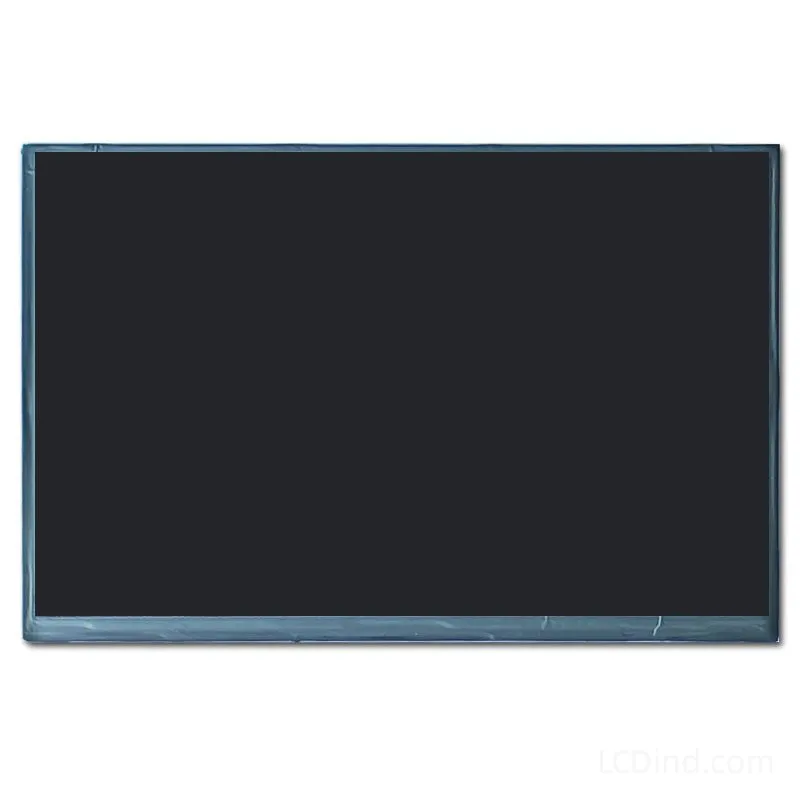
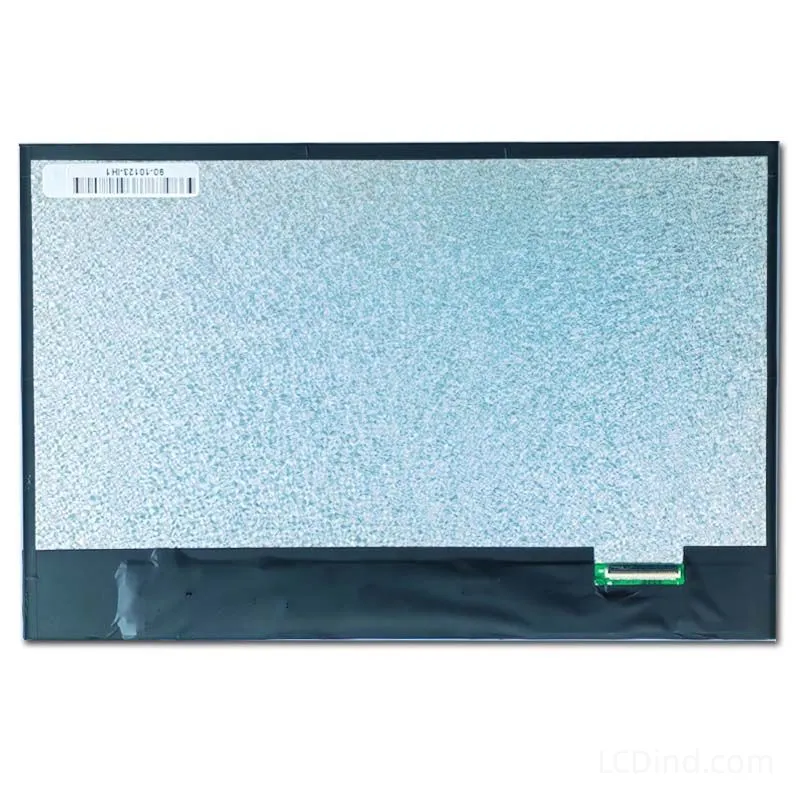
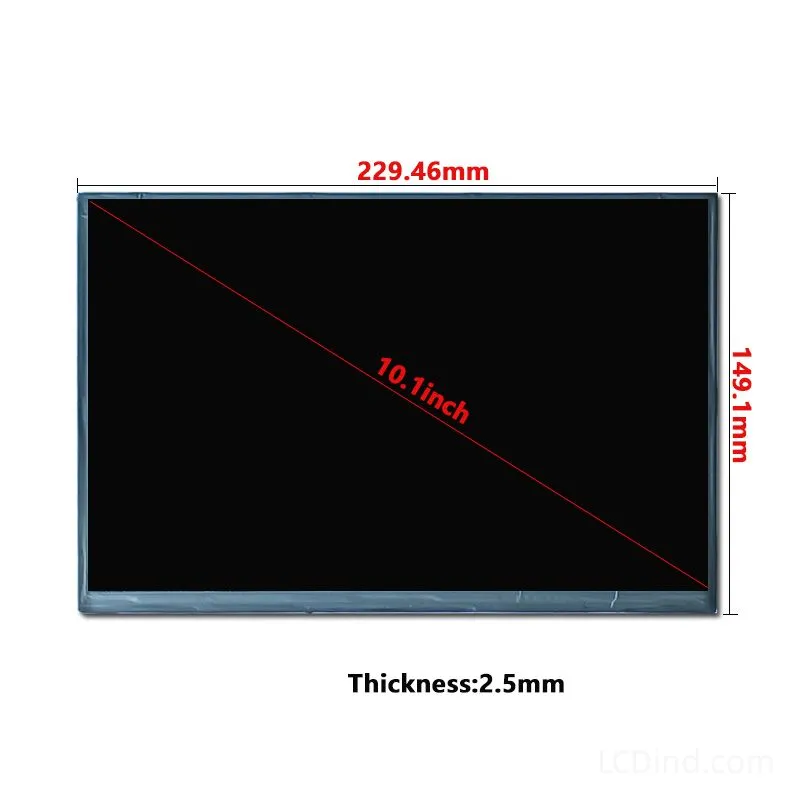
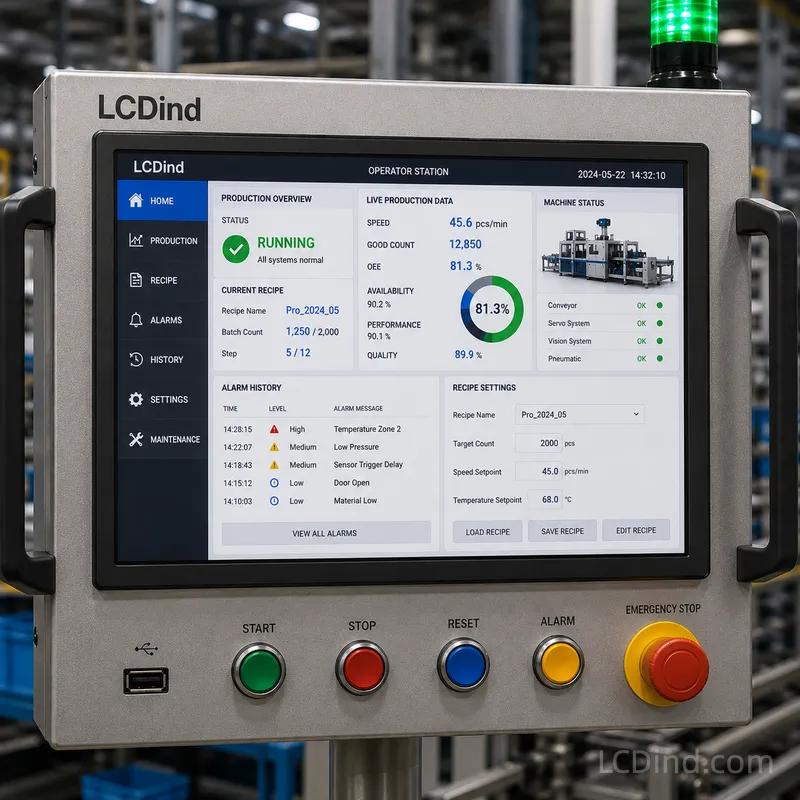
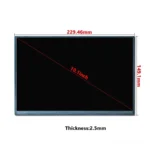

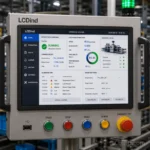
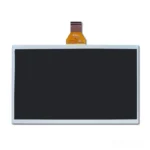
Model 90-10123-IH1 is a 10.1-inch 1280×800 LVDS LCD with 350-nit brightness, 3.3V supply, all-direction viewing, and -20 to +70°C operation. Supply the current model, drawing, connector, pinout, and timing when evaluating it for a new design or replacement.
Product Attributes
| Brand | OEM / ODM |
|---|---|
| Size | 10.1 inchSpecify 10.1 inch industrial LCD modules by resolution, brightness, interface, touch, operating environment and annual quantity. 600-1200 nit options require application review. |
| Resolution | 1280×800 |
| Interface | LVDSSpecify LVDS industrial TFT LCD modules by size, resolution, channel count, JEIDA/VESA mapping, pinout, brightness, touch, temperature and annual quantity. |
| Brightness | Standard (200-450 nits) |
| Operating Temp | Industrial (-20 ℃ to +70 ℃) |
| Touchscreen | No Touch |
Description
10.1-Inch 1280×800 LVDS Display Model 90-10123-IH1
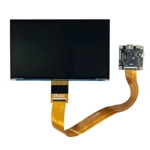
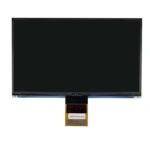
Model 90-10123-IH1 is a 10.1-inch TFT LCD module for embedded equipment that uses a 1280×800 image format and an LVDS host connection. The 16:10 screen ratio gives equipment designers space for operating data, instructions, alarms, and navigation without moving to a larger diagonal panel. Its confirmed standard configuration includes 350-nit brightness, all-direction viewing, a 3.3V supply, and no touch panel.
This model should be sourced and approved by its complete identifier, not only by “10.1 inch LVDS.” Another LCDind listing, model 90-10116-IH1, carries the same published size, resolution, brightness, mechanical outline, active area, contrast ratio, voltage, temperature, and lifetime values. The similarity makes document-level comparison more important, not less. A buyer should confirm the applicable drawing, connector, pin definition, timing, cable orientation, and backlight requirements before treating the two models as alternatives.
Confirmed Product Record
| Panel Model | 90-10123-IH1 |
|---|---|
| Size | 10.1 inch |
| Resolution | 1280×800 |
| Interface | LVDS |
| Brightness | 350 nits |
| Viewing Direction | All viewing directions |
| Touchscreen | No touch panel in standard configuration |
| Operating Temp | -20 to +70°C |
| Storage Temp | -30 to +80°C |
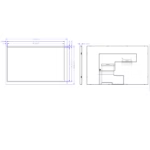
| Outline Dimension | 229.46*149.1*2.5 mm |
| Active Area | 216.96*135.6 mm |
| Contrast Ratio | 800:1 |
| Power Supply | 3.3V |
| LED Lifetime | 20000 hours |
Use Case: Existing Equipment Replacement
A replacement project usually has tighter constraints than a new design. The enclosure opening, mounting structure, controller, cable, connector, firmware, and front window may already be fixed. In that situation, model 90-10123-IH1 should be compared with the original LCD at drawing level. Diagonal size and resolution are only the first filters. The outline, active area, thickness, connector position, FPC direction, pin numbering, signal mapping, LVDS timing, backlight voltage, backlight control, and power-up sequence all affect whether the replacement can be installed without redesign.
For replacement evaluation, provide the original panel model, datasheet, front and rear photographs, label photograph, connector close-up, cable information, and the equipment’s visible-window dimensions. If the original display is unavailable, provide the controller-board model and enclosure drawing. State which parts cannot change. This helps distinguish a genuine drop-in requirement from a project that can accept a revised cable, bracket, controller setting, or mechanical adapter.
Use Case: New Embedded Equipment
In a new design, the 1280×800 format can support denser interface layouts than 800×480 or 1280×600 panels. Designers can reserve persistent areas for machine state, user role, alarm status, or navigation while maintaining a useful central workspace. The 216.96*135.6 mm active area should determine the graphical viewport and visible opening. The 229.46*149.1*2.5 mm outline should determine internal clearance, mounting support, and service access.
New projects should freeze the display interface and mechanical drawing before PCB and enclosure tooling. Provide the processor or scaler model, LVDS output description, cable-length target, installation orientation, input method, ambient-light condition, and expected operating hours. If the program needs a touch interface, the standard no-touch module cannot be treated as a finished touch display; the touch sensor, cover lens, controller, bonding method, and stack dimensions require separate confirmation.
LVDS Is Not a Universal Pinout
LVDS panels can differ in channel count, bit mapping, timing, connector series, pin assignment, and backlight implementation. A cable that physically fits can still be electrically incorrect. Before sample power-on, engineering should compare the panel definition with the host output and verify supply pins, grounds, data pairs, clock pairs, enable signals, backlight control, and any reserved pins. The screen orientation and firmware timing must also match the 1280×800 configuration.
If an adapter or controller board is used, identify its exact model and output connector. Screens described as LVDS may still require a different firmware profile or cable. For long cable routes or electrically noisy equipment, check signal integrity, grounding, shielding, cable retention, and EMC performance in the complete assembly.
Mechanical Integration and Service Access
The active image does not occupy the complete module outline. The front bezel must expose the 216.96*135.6 mm active area without revealing unwanted borders or pressing on the glass. Internal supports should restrain the module without twisting it. Allow clearance for the cable bend radius, connector insertion, adjacent components, protective-window adhesive, gasket, and disassembly tools.
For equipment expected to remain in service for years, plan how the display will be removed and replaced. A design that traps the cable or bonds the LCD directly into an inaccessible structure can turn a screen replacement into a complete front-panel replacement. Document the approved display, cable, controller, firmware, bracket, and window stack together so production and service teams use the same configuration.
Brightness and Optical Stack
The confirmed brightness is 350 nits, which is positioned for indoor or controlled-light equipment. It is not a sunlight-readable specification. Visibility in the finished device depends on the user’s viewing angle, ambient light, graphical contrast, cover-window transmission, air gap, printed mask, and surface reflections. A clear protective window can still reduce perceived contrast if it introduces strong reflections.
All-direction viewing supports installations where the operator may stand to the side or where the panel is mounted above or below normal eye level. The complete assembly should still be evaluated at the intended mounting angle. Any cover lens, adhesive, or additional optical layer can change the final result.
Temperature and System-Level Limits
The panel’s confirmed operating temperature is -20 to +70°C, and its storage range is -30 to +80°C. These values apply to the listed display record. The equipment operating limit must also consider the controller, cables, connectors, backlight circuit, adhesives, touch components, enclosure temperature rise, condensation, startup behavior, and cooling design. A system should not claim the LCD’s full range unless the production-intent assembly has been evaluated for that environment.
Application Scenario: Diagnostic and Measurement Equipment
The 16:10 layout can be evaluated for diagnostic tools and measurement systems that show live results, instrument status, test steps, configuration values, and historical context. The equipment manufacturer should define how often graphics update, whether the screen is read at an angle, which cleaning or protective-window requirements apply, and whether physical controls or a separate touch system will be used.
Application Scenario: Access and Service Terminals
Access terminals, service stations, and smart-storage equipment can use the screen for instructions, authentication status, compartment information, error recovery, and maintenance menus. The standard module does not include touch, so barcode readers, keypads, buttons, or a separately engineered touch assembly may provide input. For unattended equipment, the enclosure and front window must address the actual environment; the LCD specification alone does not establish sealing, impact resistance, or outdoor suitability.
Application Scenario: Compact Automation Consoles
Automation consoles can use the 1280×800 workspace for process values, machine diagrams, alarms, recipe settings, and service pages. Confirm the display refresh requirement, host graphics capability, cable route, EMC environment, mounting position, and access for replacement. If the console uses an existing 10.1-inch panel, compare model numbers and drawings before assuming that the same bezel and cable can be retained.
Production Approval Checklist
- Verify the label and purchase record identify model 90-10123-IH1.
- Compare the approved drawing with the enclosure, bezel, bracket, and visible window.
- Confirm the LVDS connector, pinout, mapping, timing, cable, and 3.3V supply.
- Test startup, image orientation, uniformity, viewing result, and backlight control.
- Evaluate 350-nit visibility behind the production-intent front window.
- Confirm the no-touch configuration or approve the separate input assembly.
- Record controller, firmware, cable, mechanical, and optical-stack revisions.
- Retain the approved sample and inspection criteria for repeat orders.
What to Send for Quotation
Provide model 90-10123-IH1 as the requested reference together with the host-board model, LVDS definition, cable requirement, mechanical drawing, front-window design, operating environment, input method, prototype quantity, annual usage, schedule, and expected supply period. For a replacement inquiry, include the existing panel documentation and state whether the enclosure, controller, cable, and firmware must remain unchanged.
Engineering FAQ
Can 90-10123-IH1 replace any 10.1-inch 1280×800 LVDS panel?
No. Size, resolution, and interface name do not confirm the connector, pinout, timing, cable direction, backlight, thickness, or mounting details.
How does this model differ from 90-10116-IH1?
The public records share the same headline and listed table values. The models must therefore be compared using their applicable drawings and interface documents; differences should not be invented or assumed from the model numbers.
Is touch included?
No. The standard configuration has no touch panel. Define any touch sensor, controller, cover lens, bonding method, and mechanical stack separately.
Can the 350-nit version be used outdoors?
It is positioned for indoor or controlled-light use. Outdoor and direct-sunlight suitability require a different optical, thermal, sealing, and environmental assessment.
Which dimensions should the enclosure designer use?
Use 229.46*149.1*2.5 mm for the module outline and 216.96*135.6 mm for the active image area, then apply the complete drawing for borders, connector position, and tolerances.
RFQ Checklist
- Confirm whether the project requires exact model 90-10123-IH1 supply or whether LCDind may review approved LVDS alternates.
- Provide the current LCD label, datasheet, front and rear photographs, FPC close-up, controller-board model, cable drawing, and enclosure opening size.
- Confirm LVDS mapping, timing, supply voltage, backlight drive requirements, dimming method, connector orientation, and power-up sequence before sample testing.
- State whether the standard no-touch panel is required, or whether a cover lens, resistive touch, PCAP touch, optical bonding, or complete front assembly should be quoted.
- Share target application, annual demand, first-order quantity, service-spare requirement, packaging preference, and lifecycle or change-notification expectations.
Engineering Review Note
This 10.1 inch LVDS panel is best handled as a controlled engineering item. Because similar 1280×800 LCDs can share the same size and brightness while differing in connector definition, cable route, timing, or approval history, the RFQ should identify which parameters are fixed and which items can be reviewed during replacement or new-equipment design.
Additional information
| Brand | OEM / ODM |
|---|---|
| Size | 10.1 inchSpecify 10.1 inch industrial LCD modules by resolution, brightness, interface, touch, operating environment and annual quantity. 600-1200 nit options require application review. |
| Resolution | 1280×800 |
| Interface | LVDSSpecify LVDS industrial TFT LCD modules by size, resolution, channel count, JEIDA/VESA mapping, pinout, brightness, touch, temperature and annual quantity. |
| Brightness | Standard (200-450 nits) |
| Operating Temp | Industrial (-20 ℃ to +70 ℃) |
| Touchscreen | No Touch |
About brand
Source OEM / ODM LCD panels for OEM, replacement and industrial integration projects. Submit size, resolution, interface, brightness, lifecycle and annual quantity for review.
Engineering FAQ
Q: What type of equipment project is this 10.1 inch TFT LCD Module 1280x800 LVDS suitable for?
A: This industrial LCD panel is best considered for industrial touch terminals, automation HMIs, medical carts, smart lockers, and equipment operator panels. LCDind recommends confirming annual quantity, enclosure design, host interface, brightness target, and operating environment before moving from samples to batch orders.
Q: What interface should the OEM mainboard support?
A: The LVDS interface is suited to industrial mainboards and controller boards where cable length, pin assignment, voltage, and timing need to be locked before pilot production. Please confirm pin assignment, connector type, voltage, timing, cable direction, and controller-board requirements during engineering review.
Q: Is this display suitable for outdoor or high-ambient-light equipment?
A: The 350 nits brightness level is best positioned for indoor equipment, control panels, and embedded terminals used in controlled lighting. For demanding outdoor or sunlight-readable equipment, LCDind can review target nits, AG/AR cover glass, optical bonding, thermal design, and backlight lifetime for the production environment.
Q: Can LCDind support touch, cover glass, or module customization for batch production?
A: The standard configuration is supplied without a touch panel, which is useful for display-only devices or projects that plan a separate keypad, cover lens, or custom touch stack. LCDind can evaluate capacitive touch, resistive touch, cover-glass thickness, bonding, coating, FPC changes, cable length, and production consistency requirements.
Q: What information should procurement provide for a factory quotation?
A: Please share target application, annual forecast, first order quantity, host interface, mechanical drawing, brightness requirement, operating temperature -20 to +70°C, certification needs, delivery schedule, and whether pre-production samples are required.
Shipping and Delivery
Q: What is the MOQ?
A: The MOQ for our products is 1 piece. We are able to provide support throughout the testing process.
Q: What about the delivery time?
A: We have products in stock and can ship them within 3 working days.
Q: Does your product have any warranty?
A: Yes, we offer a warranty that ensures the LCD will function properly upon receipt. However, please note that we do not provide guarantees for any damage caused during use.
Q: What’s your payment method?
A: We accept several payment methods, including T/T (bank transfer), and PayPal.
Q: What’s your shipping method?
A: Thank you for your inquiry. We offer various shipping methods to suit different needs.
For small quantity orders, we use UPS Air-Express, DHL, FedEx, TNT, or EMS Express service. These options are safe and fast.
For large quantity orders, we typically work with the buyer’s cargo agent in China. Alternatively, we can arrange for air or sea transportation.
Please let us know your preferred shipping method and we will do our best to accommodate your request.
Q: Do you offer custom solution?
A: Yes, we offer custom solutions if our standard products do not meet the buyer’s requirements. Please let us know your specific needs, and we will work with you to create a tailored solution that meets your business needs.
Q: How to Contact us?
A: Send your Inquiry Details in the Below, Click “Send” Now!