13
1.3 Inch TFT LCD Module for Compact Square Displays
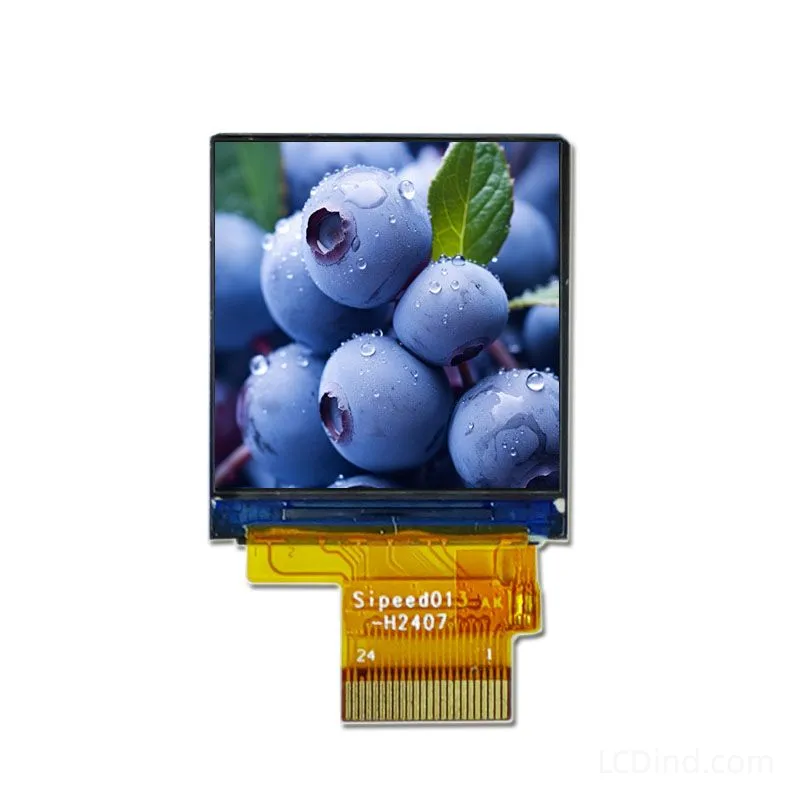
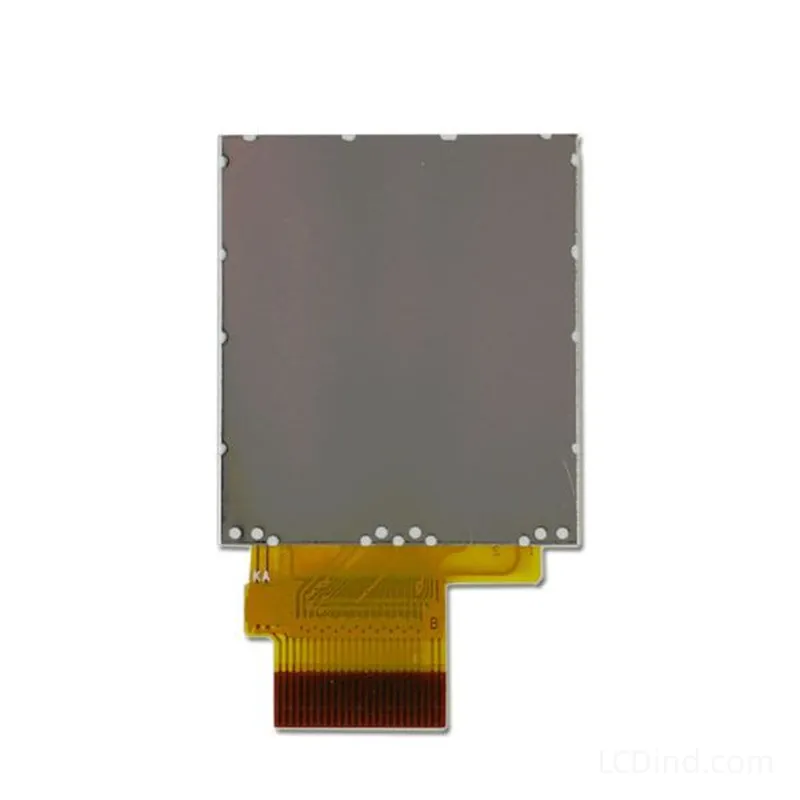
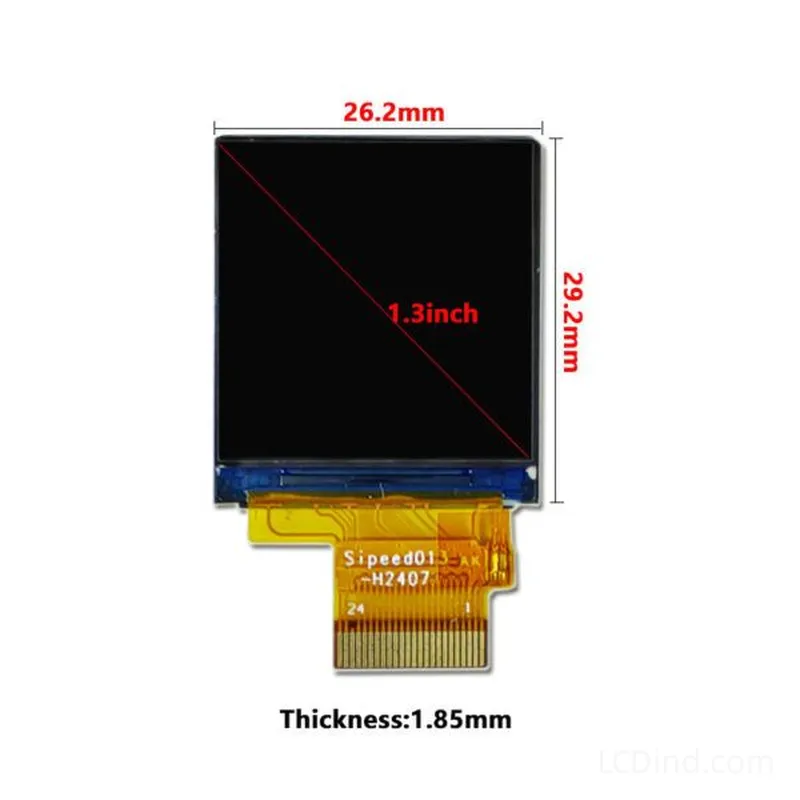
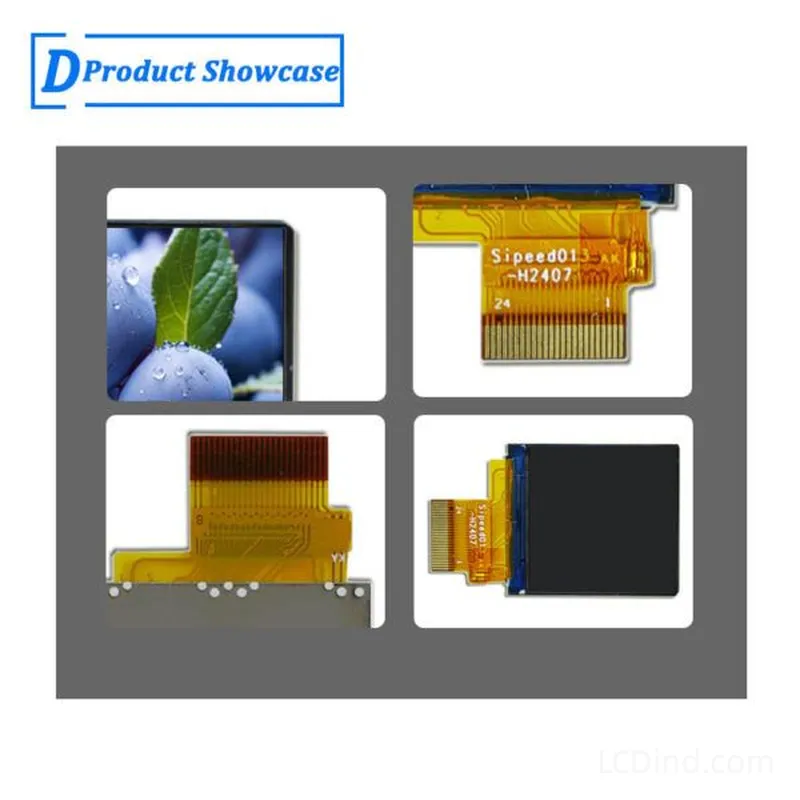
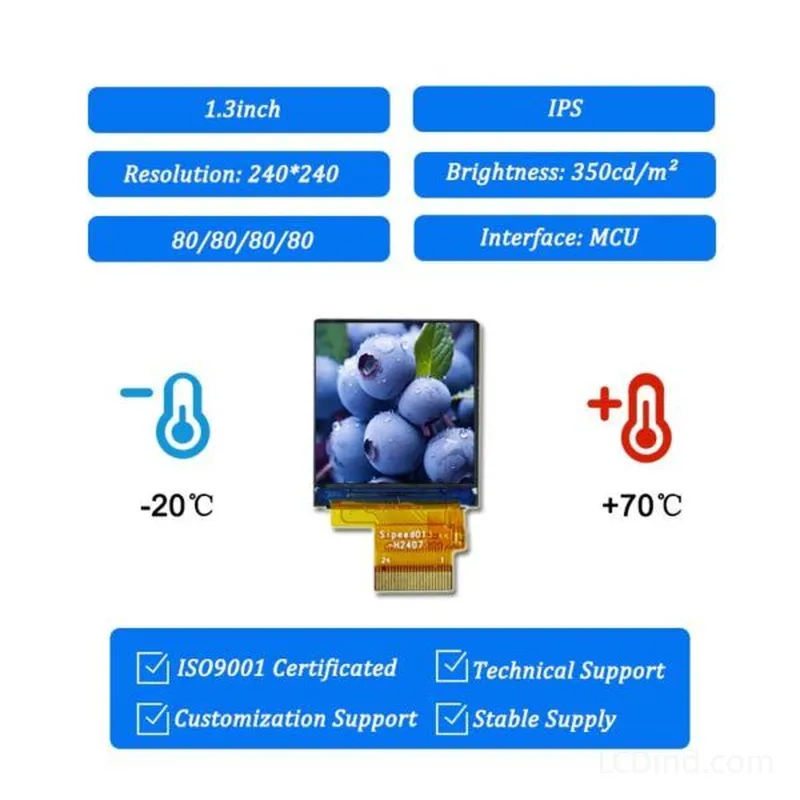
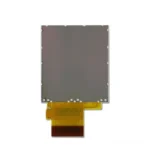
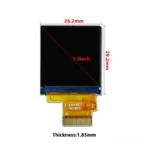
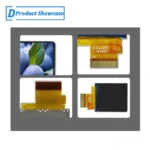
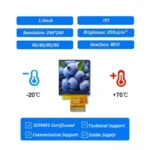
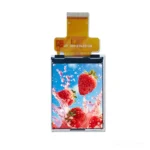
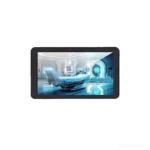
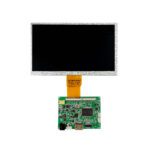
1.3-inch square TFT LCD with 240×240 resolution, MCU interface, 300-nit brightness, 3.3V supply, -20 to +70 C operation, 26.2 x 29.2 x 1.85 mm outline, and no touch panel in the standard configuration.
Product Attributes
| Brand | OEM / ODM |
|---|---|
| Size | 1.3 inch |
| Resolution | 240×240 |
| Interface | MCU |
| Brightness | Standard (200-450 nits) |
| Operating Temp | Industrial (-20 ℃ to +70 ℃) |
| Touchscreen | No Touch |
Description
1.3-Inch 240×240 MCU TFT for Square Instrument Interfaces
This 1.3-inch TFT LCD provides a 240×240 square image area for compact instruments and controls that need a balanced user interface in a small front-panel opening. The 23.4 x 23.4 mm active area can display a central value, ring indicator, icon grid, directional status, or symmetrical menu without forcing the design into a narrow portrait or landscape format.
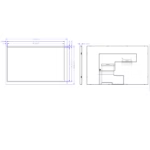
The confirmed module uses an MCU interface, 300-nit brightness, a 3.3V supply, and an operating range of -20 to +70 C. Its standard configuration has no touch panel. The complete outline is 26.2 x 29.2 x 1.85 mm. The current record does not provide a panel model number, so production control should use the approved drawing, connector and pin definition, reference sample, and purchasing specification.
Verified Technical Specifications
| Size | 1.3 inch |
|---|---|
| Resolution | 240×240 |
| Interface | MCU |
| Brightness | 300 nits |
| Touchscreen | No touch panel in standard configuration |
| Operating Temp | -20 to +70 C |
| Outline Dimension | 26.2 x 29.2 x 1.85 mm |
| Active Area | 23.4 x 23.4 mm |
| Power Supply | 3.3V |
| LED Lifetime | 20000 |
Designing for a 240×240 Square Canvas
A square display changes how information can be arranged. A central measurement can be surrounded by a ring, limit marks, or status segments. Four directions can carry related icons without giving one side more visual weight. A menu can use a two-by-two grid, while a status page can divide into equal zones. These layouts are useful when the finished product may be installed in different orientations or when the screen sits within a symmetrical control area.
The user interface should still prioritize readability. A 23.4 mm square active area is small, so long text and dense tables are unsuitable. Use short labels, clear icons, large values, and obvious selected states. If physical buttons or a rotary input surround the display, align on-screen feedback with the real control positions so the operator does not have to translate between unrelated layouts.
MCU Interface and Memory Planning
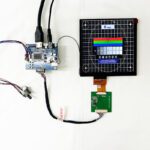
The host MCU must support the required bus timing, data width, voltage, pin assignment, connector, initialization, and display-update method. The interface name does not define a universal connection. Compare the applicable engineering documentation with the host schematic before PCB release and sample power-on.
A 240×240 screen may look small, but graphics memory and transfer time still depend on color depth and refresh behavior. A static gauge that updates one value can use a different strategy from an animated ring or rapidly changing icon set. Define boot graphics, sleep, wake, error recovery, and how the display responds when communication is interrupted.
Mechanical Fit and Symmetrical Openings
The 26.2 x 29.2 x 1.85 mm outline defines the module envelope, while the 23.4 x 23.4 mm active area defines the visible image. Because the active area is square but the full module outline is not perfectly square, the enclosure drawing must account for inactive borders, FPC direction, connector position, and alignment. Centering the physical module does not automatically center the visible image in the product.
Check bezel overlap, printed mask, FPC bend, connector clearance, nearby buttons, PCB components, lens adhesive, and service access. Supports should hold the module without twisting or pressing on the active glass. If the display sits behind a circular or shaped window, verify exactly which pixels remain visible and design the UI safe area around that mask.
300-Nit Brightness and Optical Conditions
The confirmed brightness is 300 nits, intended for indoor or controlled-light equipment. It is not a sunlight-readable specification. The perceived result depends on the graphical contrast, front-window transmission, surface reflections, mounting angle, user distance, and any shaped mask.
A dark background with bright indicators may work well in a dim control environment, while a light high-contrast layout may be better under task lighting. Evaluate representative screens behind the final lens. If the product uses a tinted or smoked window, measure its transmission and check whether the 300-nit panel remains readable.
Application Scenario: Compact Instrument Faces
The square format can be evaluated for instruments that show one primary value with range, units, limit, battery, and connection state around it. A ring-style indicator can communicate progress or position while the center holds the exact number. Physical buttons can change mode, range, or units without adding touch.
The UI should distinguish normal, warning, and fault states without relying only on color. Icons, border changes, labels, or blinking behavior may help, but any flashing or animation must be tested for the actual update speed and user environment.
Application Scenario: Rotary and Directional Controls
A square display can sit near a rotary encoder or directional buttons in an equipment control. The interface may use the center for the current setting and the outer area for available directions or adjacent functions. When the knob changes a value, the display should provide immediate and unambiguous feedback.
This product is a square TFT module, not a complete knob or touch control. The mechanical designer must define how the LCD, encoder, buttons, lens, and PCB fit together. Do not assume that a generic cover lens or circular mask will match the active area without checking the complete drawing.
Application Scenario: Embedded Status Nodes
Compact controllers and sensor nodes can use the display for device state, network condition, channel selection, maintenance codes, and local setup. The screen can remain simple during normal operation and reveal additional pages only during commissioning. If the device normally operates unattended, define backlight timeout and wake behavior to manage power and lifetime.
No-Touch Input Strategy
The confirmed standard configuration has no touch panel. At this size, physical keys, a rotary encoder, or external controls may offer better tactile feedback and more usable target sizes. The UI should show focus, adjustment direction, confirmation, and cancel behavior clearly.
If touch is required, the project must separately define sensor technology, controller, cover lens, bonding method, cable route, and added thickness. A touch overlay may also reduce visible brightness and alter the front-panel dimensions.
Temperature and Complete-System Limits
The confirmed operating range is -20 to +70 C, and the LED lifetime value is 20000. These values apply to the panel record. The final product range must also consider the MCU, connector, cable, backlight circuit, adhesives, controls, lens, battery or power supply, and enclosure temperature. Test startup, display stability, and mechanical stress in the production-intent assembly.
Prototype Approval Checklist
- Confirm the sample matches the approved drawing and connector definition.
- Verify MCU timing, voltage, pinout, initialization, and image orientation.
- Check the physical outline and active area against the bezel and UI safe area.
- Confirm that any shaped window does not hide required pixels.
- Evaluate 300-nit readability behind the actual lens and printed mask.
- Test physical controls, focus behavior, and error recovery.
- Measure backlight and total system power for intended duty.
- Record approved hardware, firmware, drawing, and inspection revisions.
Information Needed for Quotation
Send the instrument or control function, MCU model, interface timing and pin definition, UI orientation, PCB and enclosure drawings, front-window shape, physical-input method, ambient-light condition, operating environment, trial quantity, annual forecast, schedule, and expected production life. For replacement work, provide the original LCD documentation and identify the dimensions, cable, connector, and host electronics that cannot change.
Engineering FAQ
Is the physical module perfectly square?
The active area is 23.4 x 23.4 mm, but the confirmed module outline is 26.2 x 29.2 x 1.85 mm. Use the complete drawing for centering and enclosure design.
Can the display be installed in any orientation?
The square pixel canvas supports flexible UI layouts, but the FPC, connector, mechanical outline, graphics orientation, and viewing result must still be checked for the chosen installation.
Does it include touch?
No. The standard configuration has no touch panel. Physical controls can be designed around the square screen, or a separate touch stack can be reviewed.
Is 300 nits appropriate for outdoor use?
It is intended for indoor or controlled-light equipment. Outdoor and direct-sunlight use require separate optical, thermal, sealing, and UV evaluation.
How should repeat orders be identified without a listed model number?
Control the product through the approved drawing, connector and pin definition, reference sample, host configuration, purchasing specification, and inspection criteria.
Additional information
| Brand | OEM / ODM |
|---|---|
| Size | 1.3 inch |
| Resolution | 240×240 |
| Interface | MCU |
| Brightness | Standard (200-450 nits) |
| Operating Temp | Industrial (-20 ℃ to +70 ℃) |
| Touchscreen | No Touch |
About brand
Source OEM / ODM LCD panels for OEM, replacement and industrial integration projects. Submit size, resolution, interface, brightness, lifecycle and annual quantity for review.
Engineering FAQ
Q: Can this 1.3 inch TFT LCD module be supplied with a touch screen?
A: The standard listing is No touch panel in standard configuration. LCDind can review resistive touch, capacitive touch, cover lens, bonding, and controller matching when the finished device needs operator input.
Q: What customization options are available for this display?
A: Common custom work includes brightness tuning, FPC length, connector direction, cover glass, logo placement, touch integration, bonding, packaging, and production inspection requirements.
Q: How should the MCU interface be confirmed?
A: Confirm timing, pinout, voltage, cable direction, firmware support, and EMC layout with the host board before sample approval. LCDind can review drawings and interface notes before production.
Q: Can the brightness be adjusted for a different environment?
A: The confirmed brightness is 300 nits. If the display is used behind cover glass or in stronger ambient light, share the target environment so LCDind can review backlight and thermal options.
Q: What information should buyers send for an RFQ?
A: Send quantity, forecast, interface, mechanical drawing, brightness target, touch requirement, operating temperature, logo needs, and any current panel model or datasheet.
Q: Is this display suitable for outdoor equipment?
A: This module is mainly for compact equipment and controlled-light use. For outdoor or direct-sunlight projects, LCDind should review brightness, cover glass, bonding, thermal design, and sealing requirements first.
Shipping and Delivery
Q: What is the MOQ?
A: The MOQ for our products is 1 piece. We are able to provide support throughout the testing process.
Q: What about the delivery time?
A: We have products in stock and can ship them within 3 working days.
Q: Does your product have any warranty?
A: Yes, we offer a warranty that ensures the LCD will function properly upon receipt. However, please note that we do not provide guarantees for any damage caused during use.
Q: What’s your payment method?
A: We accept several payment methods, including T/T (bank transfer), and PayPal.
Q: What’s your shipping method?
A: Thank you for your inquiry. We offer various shipping methods to suit different needs.
For small quantity orders, we use UPS Air-Express, DHL, FedEx, TNT, or EMS Express service. These options are safe and fast.
For large quantity orders, we typically work with the buyer’s cargo agent in China. Alternatively, we can arrange for air or sea transportation.
Please let us know your preferred shipping method and we will do our best to accommodate your request.
Q: Do you offer custom solution?
A: Yes, we offer custom solutions if our standard products do not meet the buyer’s requirements. Please let us know your specific needs, and we will work with you to create a tailored solution that meets your business needs.
Q: How to Contact us?
A: Send your Inquiry Details in the Below, Click “Send” Now!