13
3.5 Inch Resistive Touch LCD Display for Embedded Linux HMI Panels
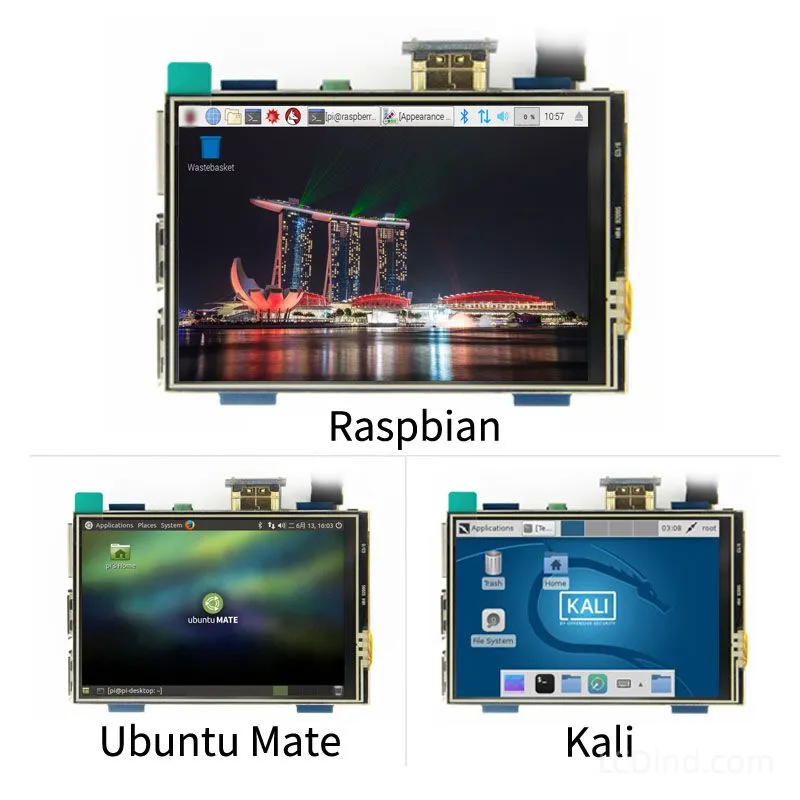
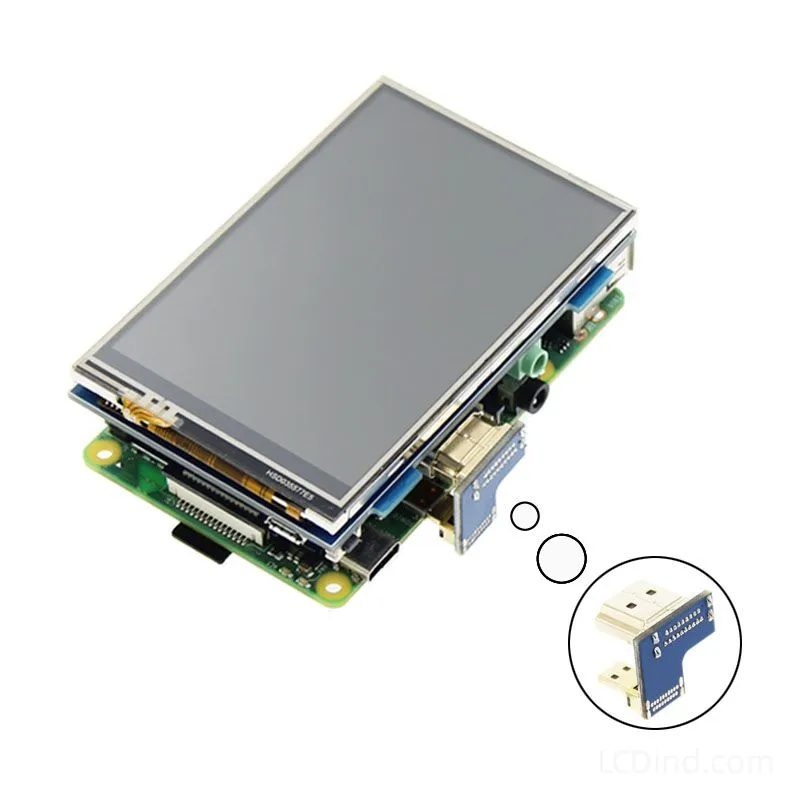
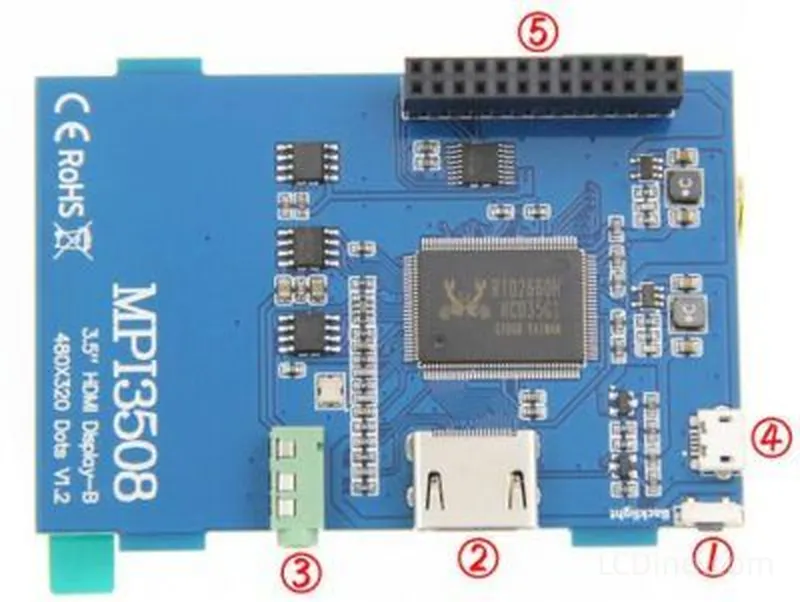
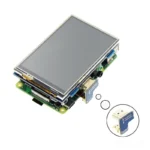
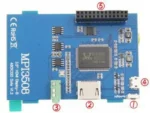
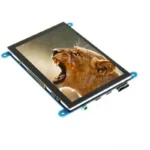
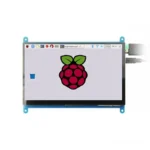
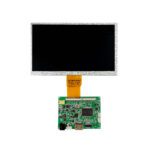
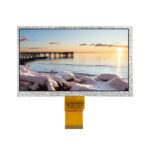
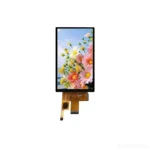
3.5 inch 480×320 resistive touch LCD display for embedded Linux HMI panels, with 85.5×60.6 mm outline, 5V 1A power input and LCDind model LCDind-DS20194.
Description
3.5 Inch Resistive Touch LCD for Embedded Linux HMI Panels
This 3.5 inch resistive touch LCD display is intended for embedded Linux HMI panels that need a compact 480×320 display with touch input and a defined 5V power requirement. The public facts list resistive touch panel, 85.5×60.6 mm outline, 5V 1A power input and LCDind model LCDind-DS20194. It is positioned differently from bare TFT panels because the touch interface and system connection must be reviewed together with the display image.
Resistive touch is useful for equipment where operators may wear gloves, use a stylus or require pressure-based input. It can be a practical choice for industrial controllers, service terminals, access devices, compact Linux panels and machine interfaces where capacitive touch behavior under moisture or gloves may be less predictable. The trade-off is that a resistive layer can reduce optical clarity and may require calibration. The customer should define expected touch force, stylus use, glove use, UI target size and cleaning method.
Embedded Linux integration should include display driver, touch driver, coordinate mapping, rotation, calibration storage, boot behavior and power sequencing. A 480×320 panel can support clear controls, setup pages, status screens and service menus, but Linux UI frameworks often default to layouts that are too dense for small screens. Test real labels, button size, alarm states and language variants on the actual device before production approval.
The 5V 1A power input must be considered in the system power budget. Confirm connector, cable length, voltage tolerance, startup current, backlight behavior and touch-controller noise. If the HMI is installed in equipment with motors, relays or long wires, verify grounding and EMI behavior. Touch drift or false input can be caused by system noise, not only by the touch panel itself.
Mechanical review should use the 85.5×60.6 mm outline, front opening, gasket, mounting screws, cable route and service access. If the finished product needs sealing, specify gasket pressure and whether the resistive layer can tolerate the chosen front structure. For production, freeze model LCDind-DS20194, driver setup, calibration method, enclosure drawing and inspection criteria.
RFQ Checklist
- Linux board, display driver, touch driver, OS version and rotation requirement.
- Touch use case: finger, glove, stylus, wet condition or service operation.
- 5V power source, cable length, connector and grounding method.
- UI layout, button size, calibration method and language needs.
- Mechanical drawing, gasket, mounting and enclosure sealing.
- Sample quantity, annual forecast and qualification tests.
Engineering FAQ
Why use resistive touch? It can support pressure input, gloves and stylus use, but needs calibration and optical review.
Is it only a bare LCD? No. The resistive touch and Linux integration must be reviewed together.
What should be tested on Linux? Test driver, rotation, calibration, coordinate mapping, boot and touch stability.
Does 5V 1A matter? Yes. Power quality and grounding can affect display and touch behavior.
What should be frozen for production? Freeze model, driver version, calibration process, cable, drawing and inspection criteria.
Engineering Review Note
Use LCDind-DS20194 when the project needs a compact embedded Linux HMI with resistive touch. Send LCDind board details, UI requirements, power plan and enclosure drawing before quotation.
Prototype Validation and Touch Calibration Control
For this resistive-touch Linux HMI, sample approval should include display and touch tests together. Confirm the image orientation, touch coordinate mapping, calibration persistence, boot sequence, UI scaling, pressure response and operation after reboot. A small Linux HMI can appear functional on the bench but fail usability if button targets are too small or calibration drifts after power cycling. Keep the approved calibration method and software version with the product record.
For industrial equipment, resistive touch should be checked under the real front-panel condition. If the unit uses a gasket, enclosure lip or protective sheet, verify that it does not create constant pressure on the touch layer. If the product is cleaned with solvents or used with gloves, define those conditions before qualification. Procurement should record LCDind model LCDind-DS20194, power input, touch type, driver version and enclosure drawing.
For Linux HMI projects, software ownership must be clear. The customer should know whether LCDind is providing only hardware, a tested image, driver guidance or a complete integration kit. If the application software is developed by the customer, LCDind still needs the expected rotation, touch calibration and screen layout to judge whether the display module is suitable. If the customer needs a ready-to-run HMI, that is a different quotation scope.
Production acceptance should include touch response at the screen corners, calibration after reboot, display brightness, front-panel pressure, cable retention and power stability. Resistive touch can be robust, but it is mechanical; gasket pressure, dirt, stylus wear and repeated operation can affect behavior. Define inspection and maintenance expectations before volume production.
If the HMI is used for machine settings or service menus, test all critical actions: parameter entry, confirmation, cancel, alarm reset and maintenance access. Resistive touch can support precise input, but small targets on a 3.5 inch panel can still cause operator errors. Use the sample stage to adjust UI spacing before the software is frozen.
For production, define whether calibration is performed at the factory, during installation or in service mode. That decision affects documentation and support.
If the HMI will be mounted in a cabinet door, test touch operation with the door open, closed and vibrating. Cable movement and grounding can affect touch stability, so the production harness should match the approved sample.
For quotation, include whether LCDind should provide only the display hardware or also cable, driver guidance and integration support. The scope affects price, timing and responsibility.
About brand
Source OEM / ODM LCD panels for OEM, replacement and industrial integration projects. Submit size, resolution, interface, brightness, lifecycle and annual quantity for review.
Engineering FAQ
Q: What is this 3.5 inch resistive touch LCD display best used for?
A: This resistive touch LCD display is intended for embedded Linux HMI panels, embedded controllers, instrument panels, compact terminals, and OEM equipment programs that need stable display sourcing with 480x320 resolution.
Q: Which interface details should engineers confirm before sampling?
A: Use the the host interface specified by the project as the starting point. Before sample approval, confirm pinout, signal timing, voltage, cable length, connector direction, firmware support, and EMC layout with the host board.
Q: Can LCDind customize touch, cover glass, or bonding for this display?
A: Yes. LCDind can review resistive touch, capacitive touch, cover lens thickness, logo printing, AG/AR/AF coating, optical bonding, and controller matching. Current touch note: Resistive touch panel.
Q: How should brightness be selected for the final device?
A: The current brightness guidance is brightness should be confirmed against the lighting environment. Share indoor, vehicle, kiosk, outdoor shade, or sunlight-readable requirements so LCDind can review backlight, heat, bonding, and cover-glass options.
Q: What mechanical details matter before enclosure tooling?
A: Check outline 85.5 x 60.6 mm, power input 5V 1A before releasing tooling. Buyers should confirm bezel opening, mounting stack, FPC bend radius, connector clearance, gasket pressure, and viewing area tolerance.
Q: What should be included in an RFQ for this resistive touch LCD display?
A: Send annual forecast, trial quantity, target schedule, host platform, interface requirement, mechanical drawing, brightness target, touch plan, operating environment, and any replacement display dimensions.
Q: Can this display be used for outdoor or high-ambient-light equipment?
A: It can be reviewed for outdoor equipment, but final approval depends on brightness, thermal design, sealing, UV exposure, cover glass, and viewing angle. For direct sunlight, request high-brightness or optical-bonding review.
Q: How does LCDind identify this product during engineering review?
A: Use LCDind internal model LCDind-DS20194 together with size, resolution, interface, and mechanical drawing. Supplier-only panel codes are not needed for public sourcing discussions.
Shipping and Delivery
Q: What is the MOQ?
A: The MOQ for our products is 1 piece. We are able to provide support throughout the testing process.
Q: What about the delivery time?
A: We have products in stock and can ship them within 3 working days.
Q: Does your product have any warranty?
A: Yes, we offer a warranty that ensures the LCD will function properly upon receipt. However, please note that we do not provide guarantees for any damage caused during use.
Q: What’s your payment method?
A: We accept several payment methods, including T/T (bank transfer), and PayPal.
Q: What’s your shipping method?
A: Thank you for your inquiry. We offer various shipping methods to suit different needs.
For small quantity orders, we use UPS Air-Express, DHL, FedEx, TNT, or EMS Express service. These options are safe and fast.
For large quantity orders, we typically work with the buyer’s cargo agent in China. Alternatively, we can arrange for air or sea transportation.
Please let us know your preferred shipping method and we will do our best to accommodate your request.
Q: Do you offer custom solution?
A: Yes, we offer custom solutions if our standard products do not meet the buyer’s requirements. Please let us know your specific needs, and we will work with you to create a tailored solution that meets your business needs.
Q: How to Contact us?
A: Send your Inquiry Details in the Below, Click “Send” Now!