13

Description
 15.6 Inch eDP LCD Module: The Standard for Portable HD
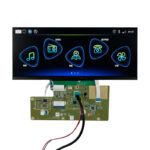
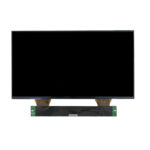
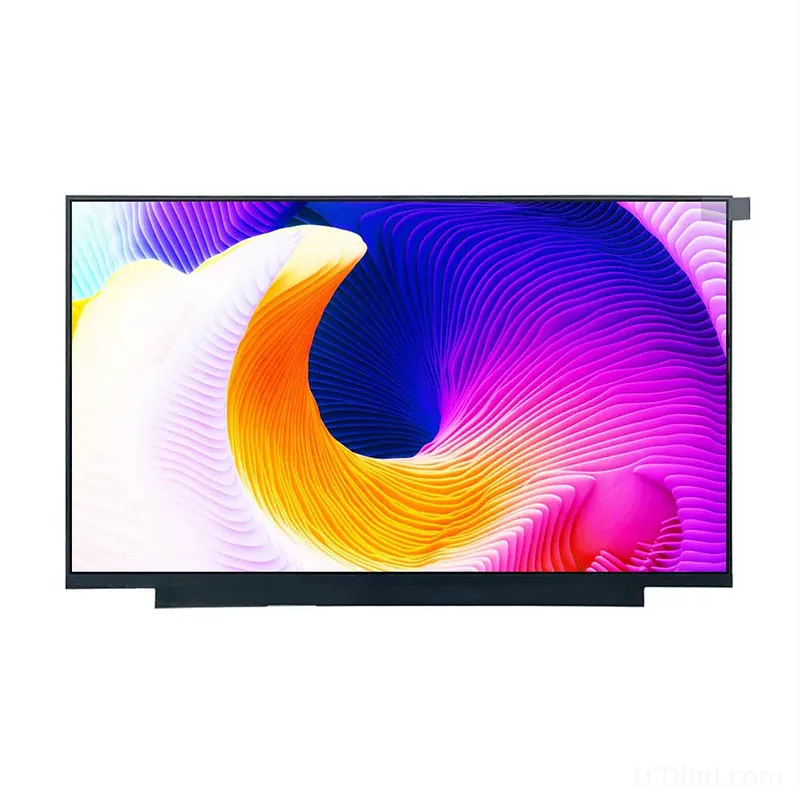
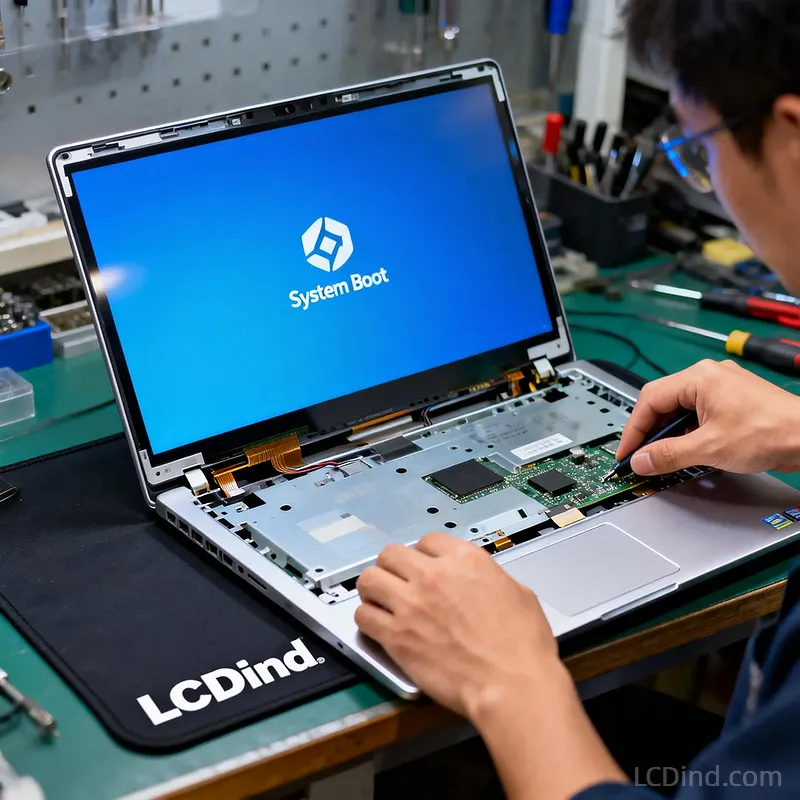
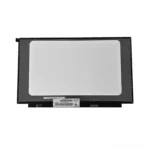
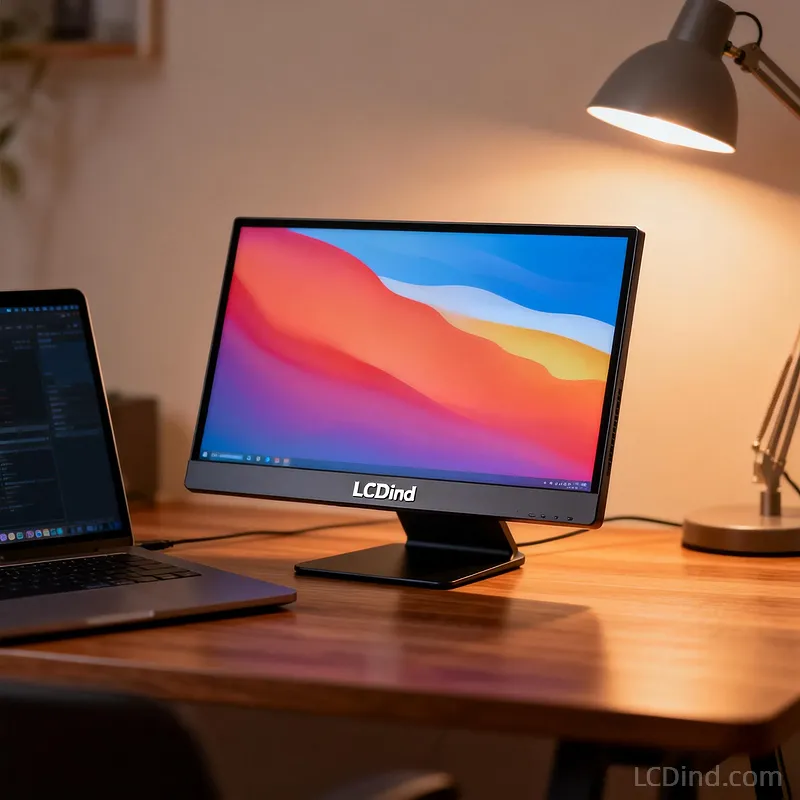
The 15.6 Inch eDP LCD Module is the industry standard for high-definition portable visualization. Featuring a crisp 1920×1080 FHD resolution and the high-speed 30-Pin eDP (Embedded DisplayPort) interface, this IPS panel delivers vibrant colors and sharp details, making it the perfect replacement part for laptops or the core component for portable monitors and commercial signage.
Why Choose This 15.6 Inch eDP LCD Module?
1. Universal 30-Pin eDP Interface
Move beyond legacy LVDS. This module uses the modern 30-Pin eDP interface, which supports higher bandwidth with fewer cables.
-
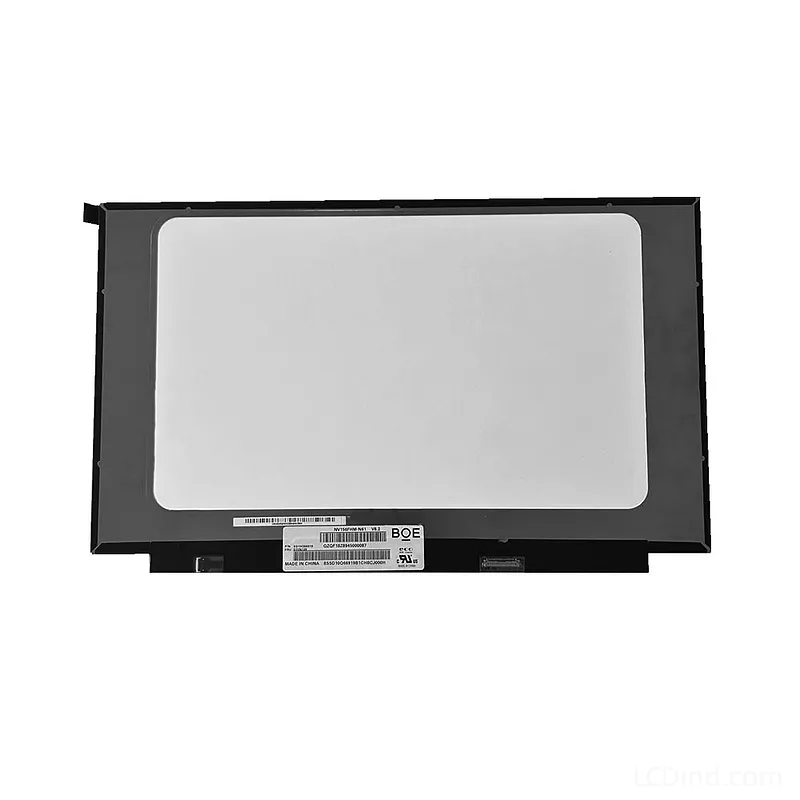
Compatibility: It is pin-compatible with widely used laptop panels like the BOE NV156FHM-N61, making it an effortless drop-in replacement for maintenance or new designs.
2. Stunning FHD IPS Visuals
Upgrade your viewing experience with 1920×1080 resolution. The IPS (In-Plane Switching) technology ensures consistent color accuracy and contrast from virtually any angle, unlike older TN screens that wash out when tilted. The Anti-Glare surface minimizes reflections in office lighting.
3. Ultra-Slim Profile (2.6mm)
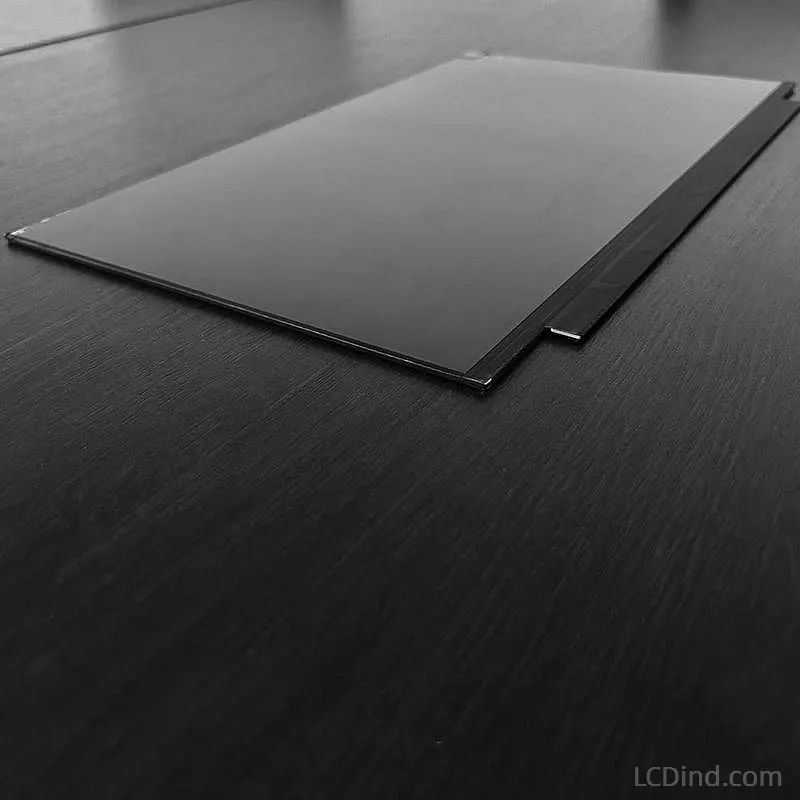
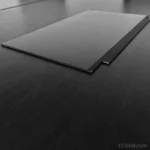
Designed for sleek devices, this module has a thickness of only 2.6mm to 3.2mm. This ultra-thin form factor is ideal for:
-
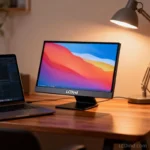
Portable Monitors: Build your own USB-C travel monitor.
-
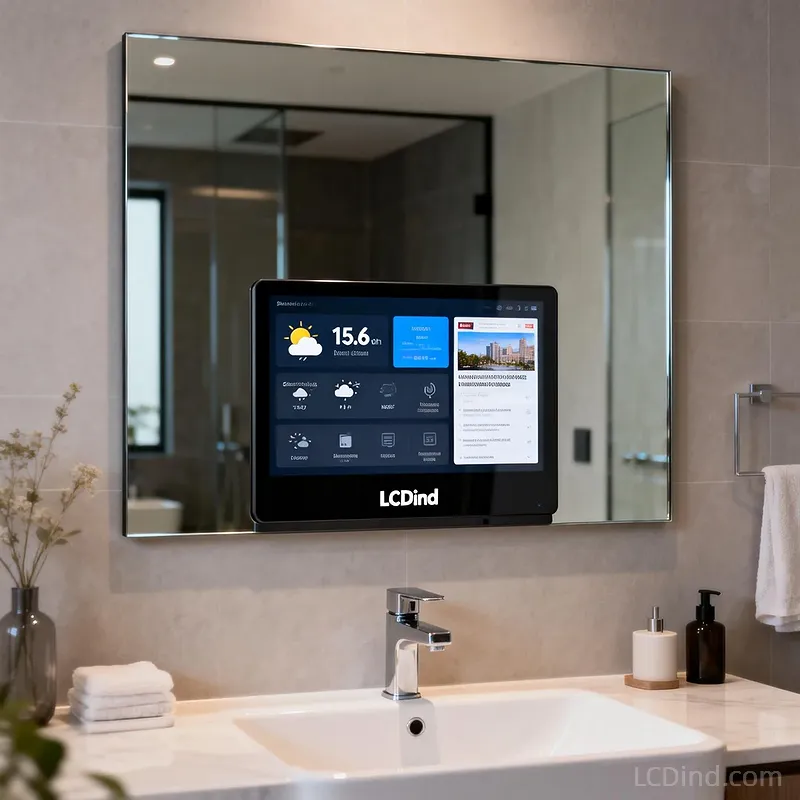
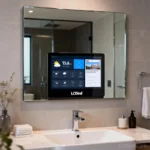
Smart Mirrors: Fits easily behind glass for magic mirror projects.
-
Digital Signage: Create slim, wall-mounted advertising displays.
Detailed Specifications
| Feature | Specification |
| Model Name | 15.6 Inch FHD eDP Display |
| Resolution | 1920 (RGB) x 1080 |
| Interface | eDP (30-Pin, 2 Lanes) |
| Panel Type | IPS / ADS Normally Black |
| Brightness | 250 cd/m² (Typ.) |
| Active Area | 344.16 x 193.59 mm |
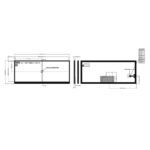
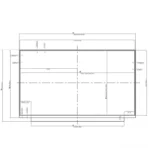
| Outline Dimension | 350.66 x 216.25 x 3.2 mm |
| Operating Temp | 0°C ~ +50°C |
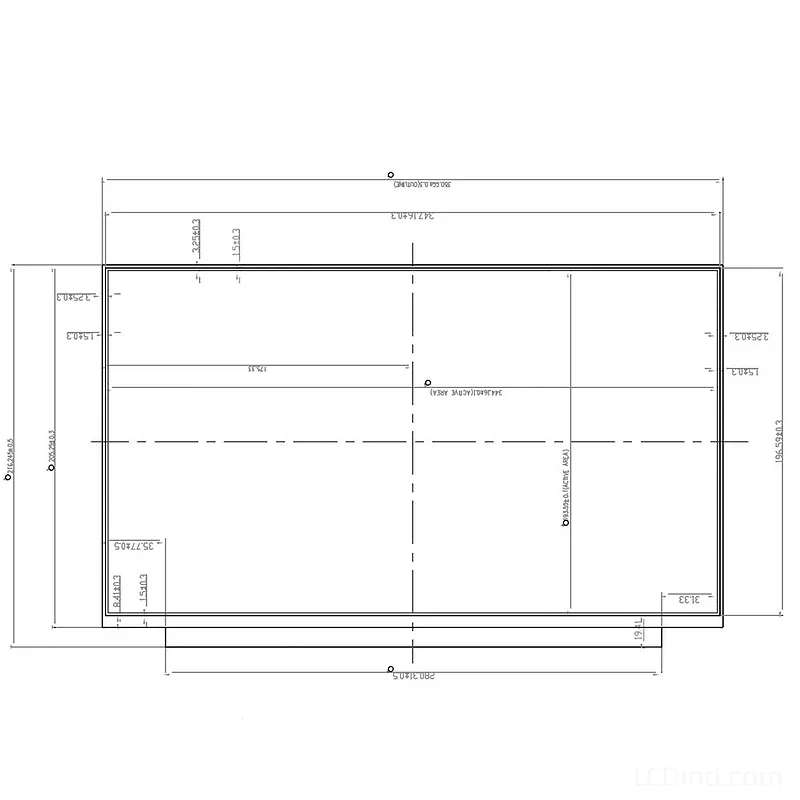
Engineering FAQ
Q: Is this compatible with my laptop?
A: This module uses a standard 30-Pin eDP connector (usually bottom right location looking from the back). It is a direct replacement for the NV156FHM-N61 and many compatible models from LG, AUO, and Innolux. Please check your original screen’s part number and connector width (20mm for 30-pin) to be sure.
Q: Can I use this with a Raspberry Pi?
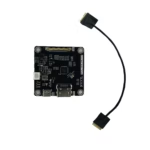
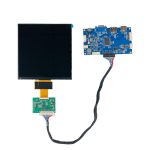
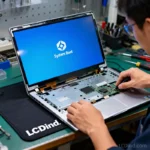
A: Yes, but you need a driver board. Since Raspberry Pi outputs HDMI, you will need an HDMI to eDP driver board. We can supply these controller boards, allowing you to turn this laptop screen into a standalone HDMI monitor.
Q: What is the difference between eDP and LVDS?
A: eDP (Embedded DisplayPort) is a digital interface based on DisplayPort architecture, offering higher speeds and simpler cabling than LVDS. They are not compatible. You cannot plug an eDP screen into an LVDS port without an active signal converter.
Restore Visual Brilliance
High-quality replacement screens for laptops and portable displays.
Additional information
| Brand | LCDind |
|---|---|
| Size | 15.6 inch |
| Resolution | 1920×1080 |
| Interface | eDP |
| Panel Model | Compatible with NV156FHM-N61 |
| Panel Type | IPS |
| Brightness | Standard (200-450 nits) |
| Surface | Anti-Glare |
| Outline Dimension | 350.66 × 216.245 × 3.2 mm (Max) |
| Operating Temp | Standard (0 ℃ to +50/60 ℃) |
About brand
Specify LCDind LCD options for industrial equipment and resin 3D printer systems. Submit size, resolution, interface, optical stack, FPC, operating conditions and quantity for review.
Engineering FAQ
Q: Is this compatible with my laptop?
A: This module uses a standard 30-Pin eDP connector (usually bottom right location looking from the back). It is a direct replacement for the NV156FHM-N61 and many compatible models from LG, AUO, and Innolux. Please check your original screen's part number and connector width (20mm for 30-pin) to be sure.
Q: Can I use this with a Raspberry Pi?
A: Yes, but you need a driver board. Since Raspberry Pi outputs HDMI, you will need an HDMI to eDP driver board. We can supply these controller boards, allowing you to turn this laptop screen into a standalone HDMI monitor.
Q: What is the difference between eDP and LVDS?
A: eDP (Embedded DisplayPort) is a digital interface based on DisplayPort architecture, offering higher speeds and simpler cabling than LVDS. They are not compatible. You cannot plug an eDP screen into an LVDS port without an active signal converter.
Shipping and Delivery