13
3.5 Inch TFT LCD Module for Portable Equipment HMI
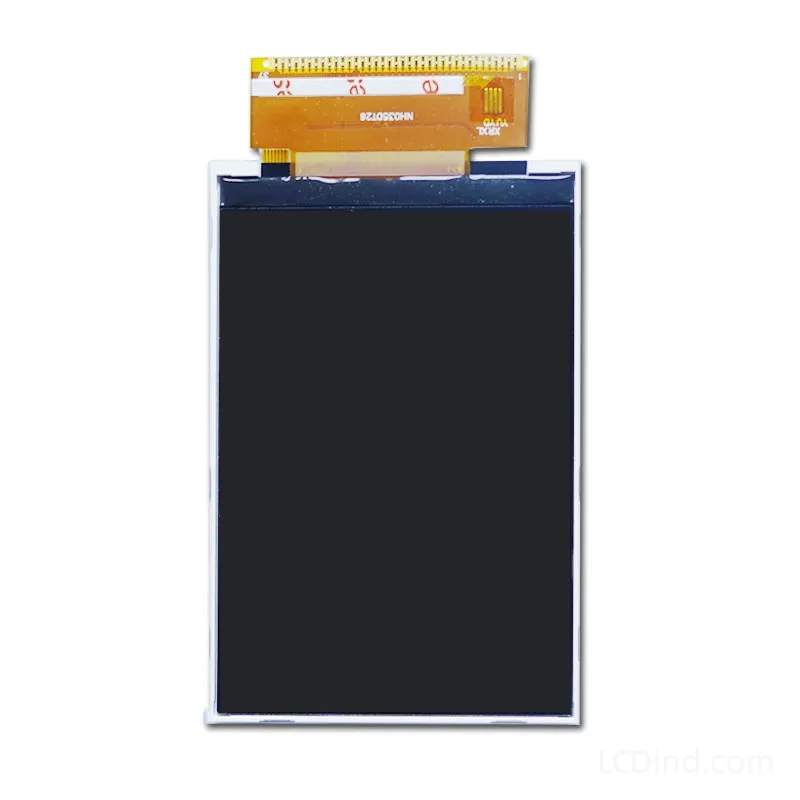
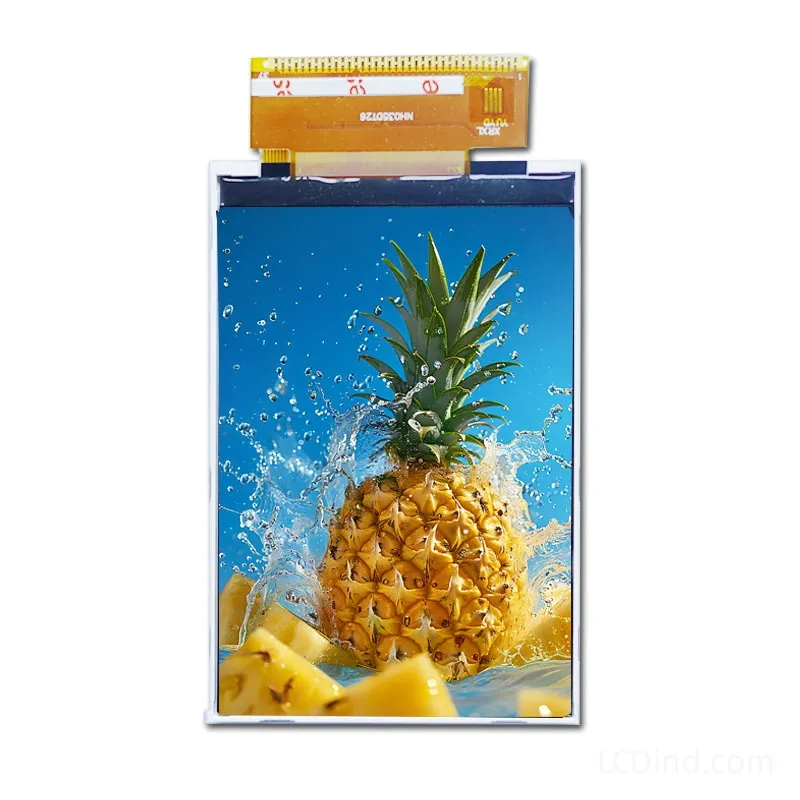
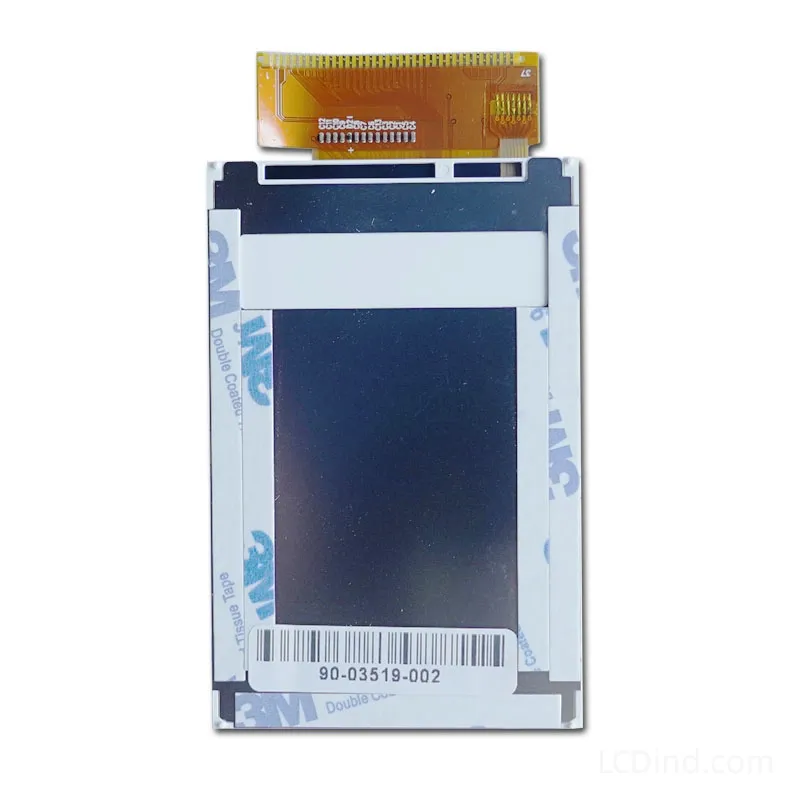
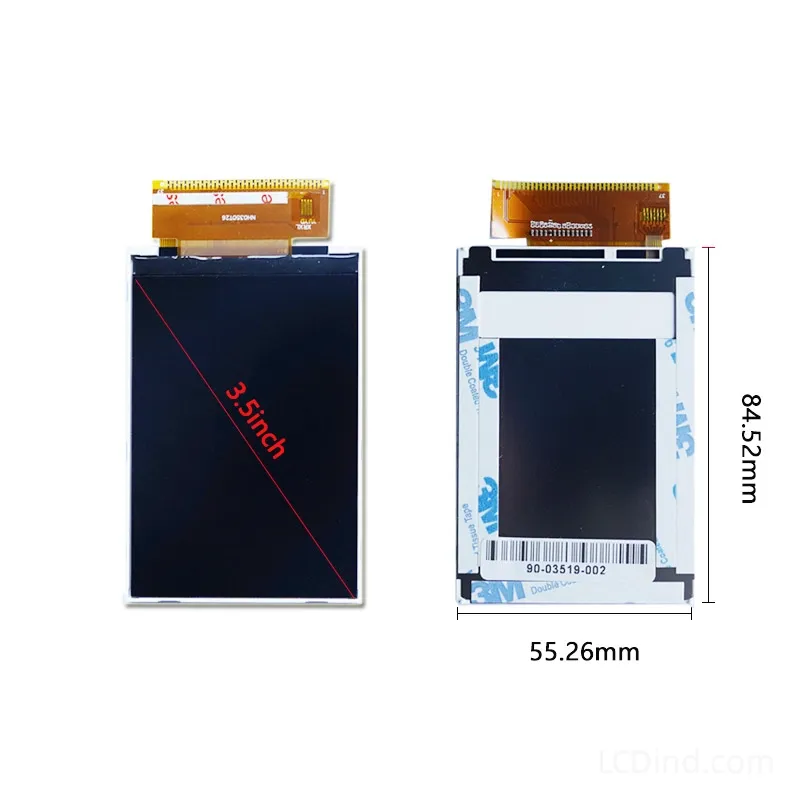
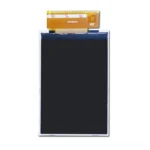
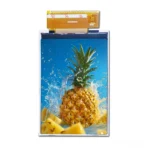
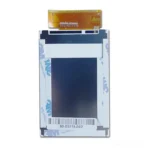
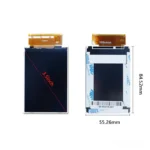
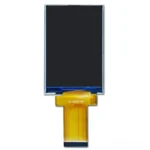
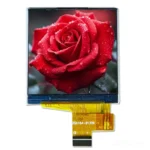
3.5 inch 320×480 MCU TFT LCD for portable equipment HMI, with 350 nits brightness, 55.26×84.52×2.7 mm outline and no touch baseline.
Product Attributes
| Brand | OEM / ODM |
|---|---|
| Size | 3.5 inch |
| Resolution | 320×480 |
| Interface | MCU |
| Brightness | Standard (200-450 nits) |
| Operating Temp | Industrial (-20 ℃ to +70 ℃) |
| Touchscreen | No Touch |
Description
3.5 Inch MCU TFT Module for Portable Equipment HMI
This 3.5 inch TFT LCD module is aimed at portable equipment HMI where the display must balance compact mechanics, MCU control and field readability. The public facts list 320×480 resolution, MCU interface, 350 nits brightness, 3.3V supply, -20°C to +70°C operation, 55.26×84.52×2.7 mm outline, 48.96×73.44 mm active area, 20000-hour LED lifetime and no touch panel in the standard configuration. It can fit portable test equipment, service instruments, battery-powered controllers and handheld panels that rely on buttons or encoder input.
Portable equipment requires validation beyond a bench display test. Confirm the MCU timing, initialization, reset recovery, power behavior, backlight dimming and UI refresh with the actual battery, charger and controller board. A display may work from a stable lab supply but behave differently under low battery, charging current or temperature changes. If the equipment is carried or transported, test cable strain, enclosure pressure and shock exposure.
The 350-nit brightness gives useful indoor and field-service margin, but the final readability depends on cover lens, operating angle, UI contrast and ambient light. If the device may be used outdoors occasionally, define whether shade-readable performance is enough or whether a higher-brightness option is required. A smoked window or protective overlay can reduce brightness; test the complete front assembly before approval.
The no-touch baseline may be preferred for portable equipment used with gloves, dust or wet conditions. Physical keys can also reduce accidental input. If touch is requested, specify touch type, cover lens, bonding, controller interface and mechanical stack early. Adding touch later may require housing redesign and new optical validation.
Mechanical review should use the 55.26×84.52×2.7 mm outline and active-area data. Confirm the front-window opening, gasket, PCB position, FPC bend radius and service access. For production, keep sample photos, firmware settings, cable route and inspection criteria. If multiple portable models share a similar display, approve each host and enclosure combination separately.
RFQ Checklist
- Portable equipment type, battery system, charger and operating duty cycle.
- Host MCU, timing, voltage, reset and initialization sequence.
- UI behavior, alarm states, physical keys and expected refresh rate.
- Enclosure drawing, front window, FPC route and drop/shock requirement.
- Brightness target, cover lens and outdoor-adjacent use.
- Prototype quantity, forecast and qualification schedule.
Engineering FAQ
Is this module for battery-powered products? It can be reviewed for battery-powered equipment, but brightness and power behavior must be tested.
Is touch included? No touch panel is listed for the standard configuration.
Can it be used outdoors? Occasional shaded use may be reviewed, but direct sunlight needs another optical review.
What is the main portable-equipment risk? Battery behavior, cable strain, drop shock and front-window readability.
What should be sent to LCDind? Send host details, enclosure drawing, power conditions, UI needs and quantity forecast.
Engineering Review Note
Use this 3.5 inch MCU module for portable HMI projects where no-touch operation and 350-nit indoor/field readability are acceptable. Validate with the real battery and enclosure before production.
Prototype Validation and Portable-Use Boundary
Portable equipment should be tested in the way it will actually be handled. Check the display while the device is held in one hand, tilted, operated from battery, charged, restarted and carried. The FPC route, connector, front window and battery position should be evaluated together. If the display is close to a battery pack or charger board, test temperature and brightness stability during charging and low-battery conditions.
For UI approval, use real field tasks: reading a measurement, confirming an alarm, changing a setting and returning to the main page. Operators should not need to navigate long menus on a small screen. If the equipment is used with gloves or in dusty environments, no-touch operation with physical controls may be preferable. If touch becomes mandatory, re-evaluate the housing and optical stack rather than adding it late.
For production, define the sample approval photos, drop-test condition, cable strain requirement, battery condition and incoming inspection checks. If the buyer needs a brighter portable display, compare against the 500-nit handheld-terminal option instead of forcing this 350-nit module into a higher-light environment.
For field equipment, the approved display should be tested with the expected operator behavior. If the user holds the device while standing, walking or working near machinery, check whether the screen remains readable and whether the cable route survives repeated handling. If the device has a case, holster or charging cradle, test the display after normal insertion and removal cycles.
Procurement should state whether this is a bare display, display with cable, display with lens or full front assembly. Portable equipment often has tight assembly tolerances; quoting only a loose LCD when the customer expects a mounted module creates avoidable delays.
If the equipment is used in regulated industrial, laboratory or medical-adjacent workflows, record UI screenshots and test conditions with the sample approval. A display change can affect legibility, alarm recognition and user procedure. Keeping screenshots with the approval file makes future substitutions easier to judge.
For low-volume projects, specify prototype and production quantities separately.
For portable equipment, sample evaluation should include handling and assembly checks, not only electrical power-on. Review how the module sits behind the front housing, whether the FPC bend radius is acceptable, whether the display remains readable at normal hand-held angles, and whether the backlight level is sufficient for the intended indoor or sheltered use. These checks are practical, but they often decide whether a compact HMI display can move from sample stage into repeat production.
Also include annual demand and preferred packing method so sample approval can be connected to stable production supply.
Additional information
| Brand | OEM / ODM |
|---|---|
| Size | 3.5 inch |
| Resolution | 320×480 |
| Interface | MCU |
| Brightness | Standard (200-450 nits) |
| Operating Temp | Industrial (-20 ℃ to +70 ℃) |
| Touchscreen | No Touch |
About brand
Source OEM / ODM LCD panels for OEM, replacement and industrial integration projects. Submit size, resolution, interface, brightness, lifecycle and annual quantity for review.
Engineering FAQ
Q: Can this 3.5 inch TFT LCD module be supplied with a touch screen?
A: The standard listing is No touch panel in standard configuration. LCDind can review resistive touch, capacitive touch, cover lens, bonding, and controller matching when the finished device needs operator input.
Q: What customization options are available for this display?
A: Common custom work includes brightness tuning, FPC length, connector direction, cover glass, logo placement, touch integration, bonding, packaging, and production inspection requirements.
Q: How should the MCU interface be confirmed?
A: Confirm timing, pinout, voltage, cable direction, firmware support, and EMC layout with the host board before sample approval. LCDind can review drawings and interface notes before production.
Q: Can the brightness be adjusted for a different environment?
A: The confirmed brightness is 350 nits. If the display is used behind cover glass or in stronger ambient light, share the target environment so LCDind can review backlight and thermal options.
Q: What information should buyers send for an RFQ?
A: Send quantity, forecast, interface, mechanical drawing, brightness target, touch requirement, operating temperature, logo needs, and any current panel model or datasheet.
Q: Is this display suitable for outdoor equipment?
A: This module is mainly for compact equipment and controlled-light use. For outdoor or direct-sunlight projects, LCDind should review brightness, cover glass, bonding, thermal design, and sealing requirements first.
Shipping and Delivery
Q: What is the MOQ?
A: The MOQ for our products is 1 piece. We are able to provide support throughout the testing process.
Q: What about the delivery time?
A: We have products in stock and can ship them within 3 working days.
Q: Does your product have any warranty?
A: Yes, we offer a warranty that ensures the LCD will function properly upon receipt. However, please note that we do not provide guarantees for any damage caused during use.
Q: What’s your payment method?
A: We accept several payment methods, including T/T (bank transfer), and PayPal.
Q: What’s your shipping method?
A: Thank you for your inquiry. We offer various shipping methods to suit different needs.
For small quantity orders, we use UPS Air-Express, DHL, FedEx, TNT, or EMS Express service. These options are safe and fast.
For large quantity orders, we typically work with the buyer’s cargo agent in China. Alternatively, we can arrange for air or sea transportation.
Please let us know your preferred shipping method and we will do our best to accommodate your request.
Q: Do you offer custom solution?
A: Yes, we offer custom solutions if our standard products do not meet the buyer’s requirements. Please let us know your specific needs, and we will work with you to create a tailored solution that meets your business needs.
Q: How to Contact us?
A: Send your Inquiry Details in the Below, Click “Send” Now!