13
5 Inch HDMI Touch Display for GPIO Touch Control Panels
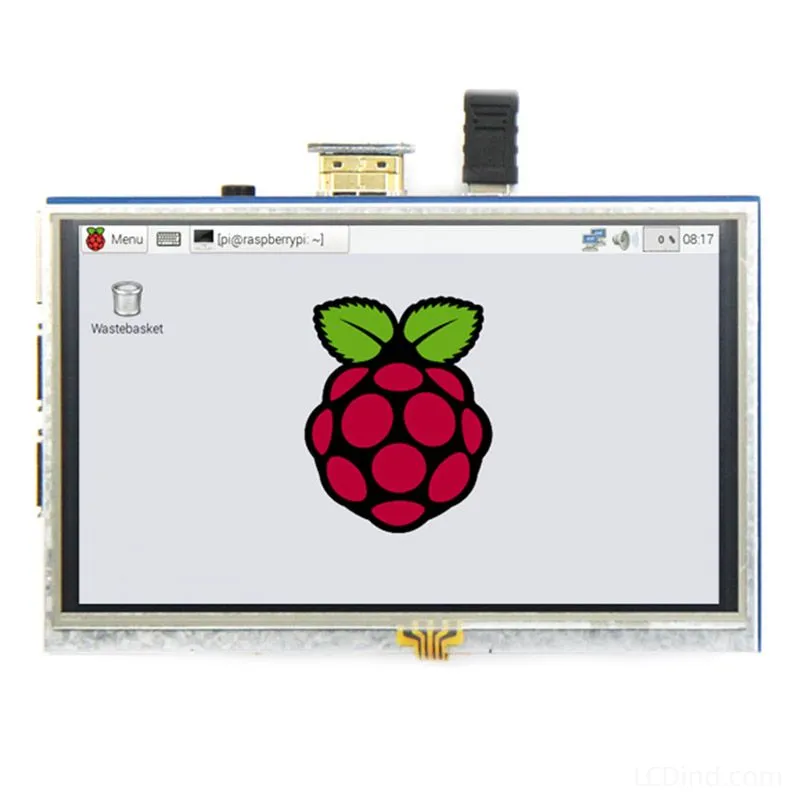
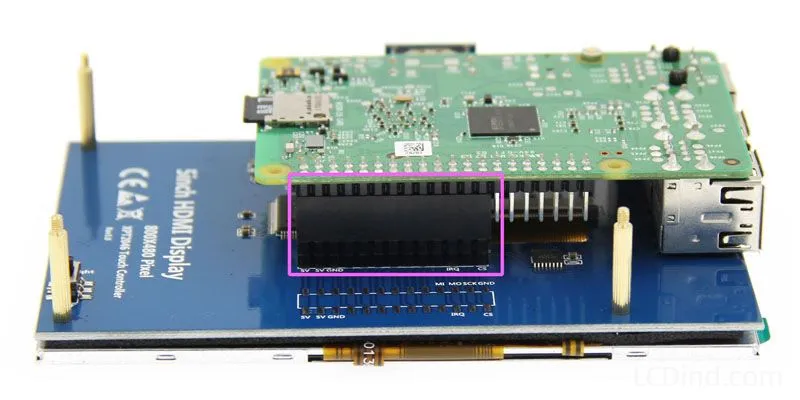
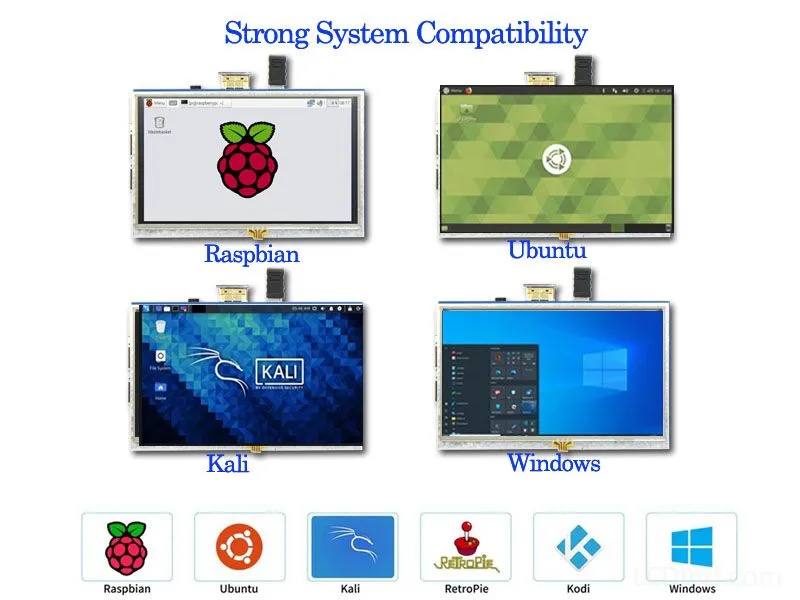
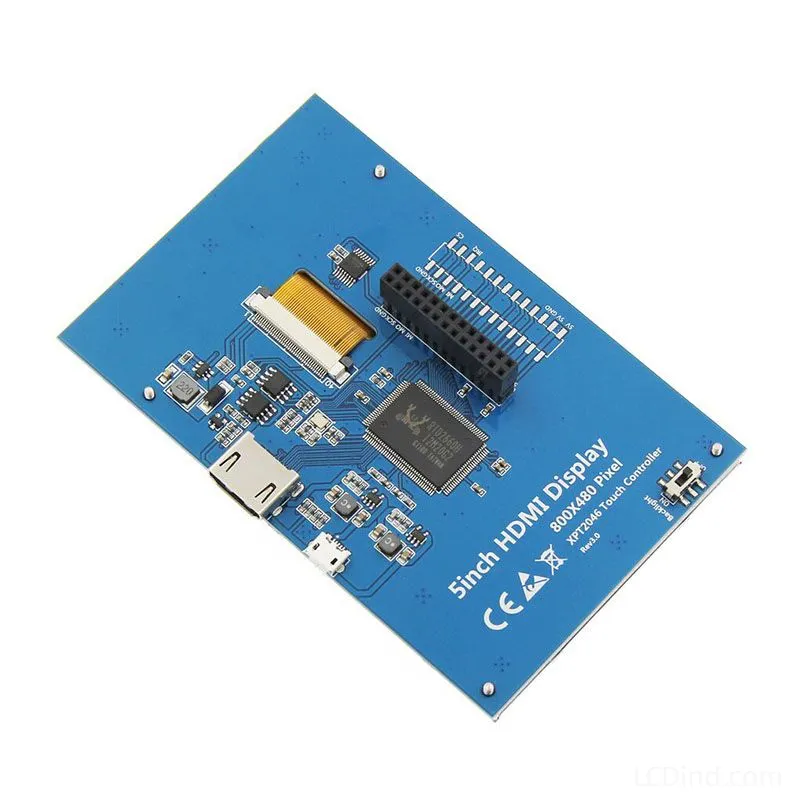
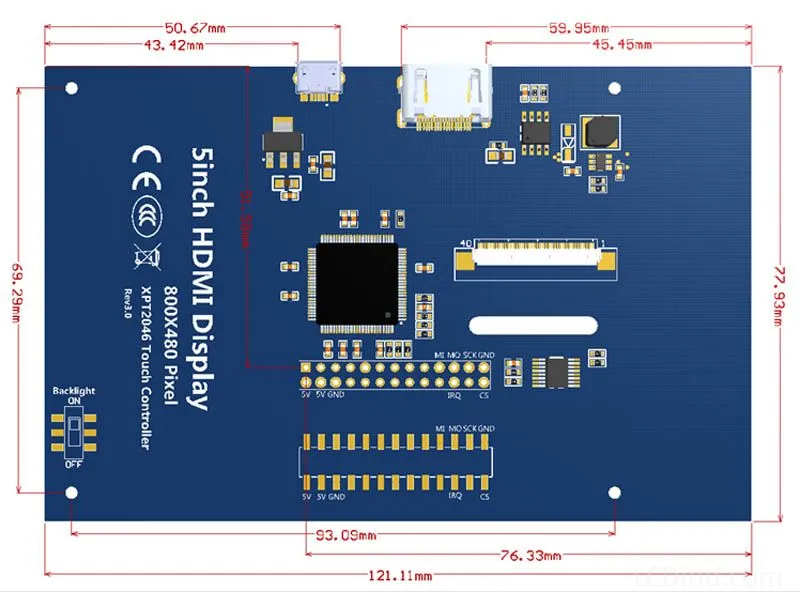
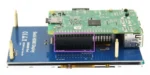
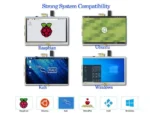
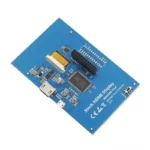
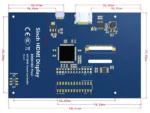
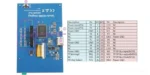
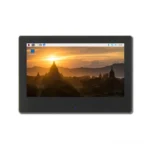
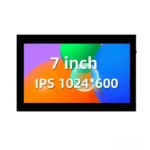
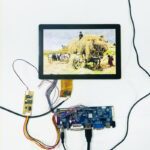
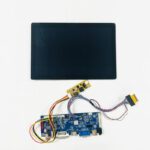
5 inch 800×480 HDMI touch display with GPIO resistive touch, 121.11 x 77.93 mm outline, 0.34A x 5V power data and LCDind-DS20236 support.
Description
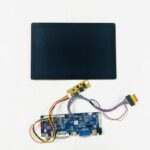
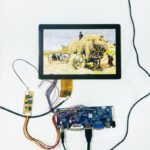
5 Inch 800×480 HDMI Display with GPIO Resistive Touch for Control Panels
This 5 inch HDMI touch display is positioned for GPIO touch control panels that need an HDMI video path and resistive touch input. The confirmed data lists 5 inch size, 800×480 resolution, HDMI + GPIO touch interface, resistive touch panel, 121.11 x 77.93 mm outline dimension, 0.34A x 5V power data, and LCDind model LCDind-DS20236. Brightness, operating temperature, active area, and LED lifetime are not confirmed in the public table and should be verified by datasheet or sample review.
Confirmed Product Specifications
| Size | 5 inch |
|---|---|
| Resolution | 800×480 |
| Interface | HDMI + GPIO touch |
| Brightness | |
| Touchscreen | Resistive touch panel |
| Operating Temp | |
| Outline Dimension | 121.11 x 77.93 mm |
| Active Area | |
| Power Supply | 0.34A*5V |
| LED Lifetime | |
| LCDind Model | LCDind-DS20236 |
Control Panel Fit
This product fits compact control panels, Raspberry Pi style devices, equipment setup screens, maintenance terminals, and embedded dashboards where HDMI video is convenient but touch input should remain simple and pressure-based. The 800×480 resolution is common for small Linux or controller-board HMIs.
HDMI + GPIO Touch Review
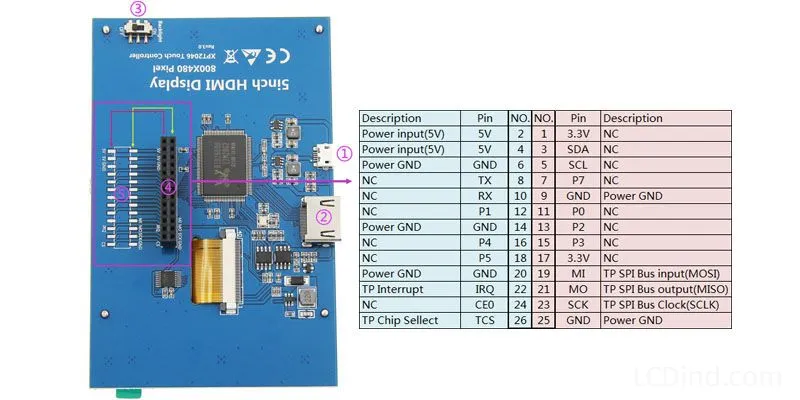
HDMI handles display input while GPIO resistive touch is a separate input path. Engineers should confirm HDMI resolution support, scaling behavior, touch wiring, calibration, driver support, cable routing, and whether the host board has the required GPIO resources. A display that shows image correctly may still need touch calibration work.
Resistive Touch Use
Resistive touch is practical for gloved use, stylus input, and simple industrial controls. It requires pressure and may need calibration over time. The front stack should protect the touch surface without creating excessive force or poor edge accuracy. If the product needs smartphone-style gestures, a capacitive USB-touch model may be more suitable.
Power and Driver Integration
The table lists 0.34A x 5V. Confirm whether this covers the display, backlight, touch controller, and HDMI electronics. Small HDMI displays are often used as subsystems, so power stability, boot timing, cable strain, and enclosure heat should be validated together.
Mechanical Integration
The 121.11 x 77.93 mm outline should be compared with the control-panel cutout, mounting holes or adhesive, touch surface, connector clearance, and service access. Active area is not published in the table, so request the drawing before finalizing bezel or lens dimensions.
Selection Boundary
Choose this page when the host already supports HDMI and GPIO touch. Choose the USB capacitive HDMI page when plug-and-play touch input is preferred. Choose raw RGB or MIPI modules when the display is integrated directly into a custom embedded board.
Production Acceptance
Approval should include HDMI image stability, touch calibration, edge input, power measurement, brightness confirmation, enclosure fit, cable strain, and repeated reboot. Missing optical and temperature data should be confirmed before production order.
GPIO Touch Project Fit
This display is strongest when the host has HDMI for video and can handle resistive touch through GPIO. That combination is common in compact control panels and single-board-computer projects, but it requires deliberate wiring and software setup. The buyer should verify that the host has enough GPIO resources, that the touch driver is supported, and that calibration can be stored reliably after reboot or software update.
Control Panel Operation
Resistive touch can be useful in control panels where operators wear gloves, use a stylus, or press deliberate buttons rather than perform gestures. The UI should use clear touch targets, simple menus, and confirmation states. If the panel is mounted vertically, edge accuracy and bezel pressure should be tested because resistive touch performance can change after mechanical assembly.
HDMI Display Validation
Although HDMI is familiar, the engineering team still needs to confirm supported resolution, scaling, boot display behavior, cable length, connector retention, and power-up sequence. Some embedded hosts output a different default mode during boot and switch to 800×480 only after the OS loads. That behavior matters for service terminals where the operator may need to see diagnostics before the application starts.
Scope for Quote Review
The public page does not confirm brightness, operating temperature, active area, or LED lifetime. The RFQ should therefore include the installation environment and ask LCDind to confirm optical and thermal data. If the buyer needs sealed front glass, outdoor readability, or long backlight life, the standard GPIO resistive touch module may need modification or comparison with another display option.
Pilot Build Checks
During pilot build, verify the display after the controller panel is fully assembled, not only as a loose sample. Check touch calibration after the bezel is tightened, review HDMI image stability during vibration or cable movement, and confirm that service technicians can replace or reconnect the module without damaging the FPC, connector, or touch wiring.
RFQ Checklist
- Host HDMI output, GPIO touch resources, operating system, touch calibration method, and cable length.
- Mechanical drawing, active-area request, control-panel cutout, connector route, and mounting method.
- Brightness, operating temperature, LED lifetime, power scope, and duty cycle confirmation.
- LCDind-DS20236 matching need, sample quantity, annual forecast, and inspection standard.
Engineering Review Note
The specifications above are taken from the current public product page and should be used as selection inputs, not as final system approval. Before sample purchase or production order, LCDind should review the host interface, drawing, optical stack, operating environment, touch behavior, accessory requirement, and quantity plan. This avoids selecting a display that matches the headline but fails the enclosure, firmware, brightness, thermal, or supply requirements of the finished equipment.
Engineering FAQ
Is touch USB?
No. The confirmed touch path is GPIO resistive touch.
Is brightness confirmed?
No. Brightness is blank in the public table and should be requested.
What host systems fit this product?
Hosts with HDMI output and GPIO touch support are the best fit.
Additional information
About brand
Source OEM / ODM LCD panels for OEM, replacement and industrial integration projects. Submit size, resolution, interface, brightness, lifecycle and annual quantity for review.
Engineering FAQ
Q: What is this 5 inch HDMI touch display best used for?
A: This 5 inch HDMI touch display is intended for GPIO touch control panels, embedded controllers, instrument panels, compact terminals, and OEM equipment programs that need stable display sourcing with 800x480 resolution.
Q: Which interface details should engineers confirm before sampling?
A: Use the HDMI + GPIO touch interface as the starting point. Before sample approval, confirm pinout, signal timing, voltage, cable length, connector direction, firmware support, and EMC layout with the host board.
Q: Can LCDind customize touch, cover glass, or bonding for this display?
A: Yes. LCDind can review resistive touch, capacitive touch, cover lens thickness, logo printing, AG/AR/AF coating, optical bonding, and controller matching. Current touch note: Resistive touch panel.
Q: How should brightness be selected for the final device?
A: The current brightness guidance is brightness should be confirmed against the lighting environment. Share indoor, vehicle, kiosk, outdoor shade, or sunlight-readable requirements so LCDind can review backlight, heat, bonding, and cover-glass options.
Q: What mechanical details matter before enclosure tooling?
A: Check outline 121.11 x 77.93 mm, power input 0.34A*5V before releasing tooling. Buyers should confirm bezel opening, mounting stack, FPC bend radius, connector clearance, gasket pressure, and viewing area tolerance.
Q: What should be included in an RFQ for this 5 inch HDMI touch display?
A: Send annual forecast, trial quantity, target schedule, host platform, interface requirement, mechanical drawing, brightness target, touch plan, operating environment, and any replacement display dimensions.
Q: Can this display be used for outdoor or high-ambient-light equipment?
A: It can be reviewed for outdoor equipment, but final approval depends on brightness, thermal design, sealing, UV exposure, cover glass, and viewing angle. For direct sunlight, request high-brightness or optical-bonding review.
Q: How does LCDind identify this product during engineering review?
A: Use LCDind internal model LCDind-DS20236 together with size, resolution, interface, and mechanical drawing. Supplier-only panel codes are not needed for public sourcing discussions.
Shipping and Delivery
Q: What is the MOQ?
A: The MOQ for our products is 1 piece. We are able to provide support throughout the testing process.
Q: What about the delivery time?
A: We have products in stock and can ship them within 3 working days.
Q: Does your product have any warranty?
A: Yes, we offer a warranty that ensures the LCD will function properly upon receipt. However, please note that we do not provide guarantees for any damage caused during use.
Q: What’s your payment method?
A: We accept several payment methods, including T/T (bank transfer), and PayPal.
Q: What’s your shipping method?
A: Thank you for your inquiry. We offer various shipping methods to suit different needs.
For small quantity orders, we use UPS Air-Express, DHL, FedEx, TNT, or EMS Express service. These options are safe and fast.
For large quantity orders, we typically work with the buyer’s cargo agent in China. Alternatively, we can arrange for air or sea transportation.
Please let us know your preferred shipping method and we will do our best to accommodate your request.
Q: Do you offer custom solution?
A: Yes, we offer custom solutions if our standard products do not meet the buyer’s requirements. Please let us know your specific needs, and we will work with you to create a tailored solution that meets your business needs.
Q: How to Contact us?
A: Send your Inquiry Details in the Below, Click “Send” Now!